
8 Best Social Media Automation Tools for Founders (I've Tested These)
The best social media automation tools in 2026 are the ones that survive contact with a real posting schedule, and most of the ones you will read about today have never been tested by the person recommending them.
I run this stack as a one-person operation, which is the lens for everything below. If you are a founder or a solo marketer doing your own posting between the actual job, you are the person I picked these for. I post to six platforms every week off one long-form YouTube video, using the AI social media system I built for my own accounts. Everything below is running in that stack right now or ran in it long enough for me to form an opinion worth reading.
Why Most Social Media Automation Tool Lists Are Worthless
Look at who publishes the top results for this term. Buffer ranks for it. Blaze ranks for it. Gumloop ranks for it, and its own list opens with Gumloop at number one. Every one of those pages is a vendor explaining why the vendor wins.
I have a conflict of my own and I would rather say it upfront than have you find it. Blotato is a client of mine, and my account is comped rather than paid. So take my Blotato pick with that in mind, read the two paragraphs where I explain what its interface gets wrong, and judge whether I am being straight with you.
The more useful thing I can offer is the stuff I decided against. I left the biggest names in this category off the list because I have not run them, and I still pay a human editor for a job the category leader claims to automate.
Those calls tell you more about what these tools do than a features table ever will. I took the same approach with the best AI automation tools, where the two top-ranking lists both happened to be published by tools in the ranking.
Social Media Automation Tools at a Glance
Eight tools, split into the two jobs they actually do. The first four publish your posts. The second four are the layer that feeds them, and they are the reason my stack runs without me. Affiliate links are marked in the disclosure at the end.
Publishing and scheduling
| Tool | Best for | Starts at | Billing unit | Free plan |
|---|---|---|---|---|
| Blotato | Posting to many accounts from an AI agent | $29/mo | Flat, 20 accounts included | No, 7-day trial |
| Buffer | A clean calendar and a free plan that works | Free, then $6/mo per channel | Per channel | Yes, 3 channels |
| Metricool | Analytics and competitor tracking on a budget | Free, then 16 euros/mo billed monthly | Per brand | Yes, no LinkedIn or X |
| Hootsuite | Teams that need approvals and one shared inbox | $99/user/mo billed annually | Per seat | No, 14-day trial |
The automation layer underneath
| Tool | Best for | Starts at | Billing unit | Free plan |
|---|---|---|---|---|
| Claude Code | Writing captions in your own voice from your own files | $17/mo billed annually | Per user | No |
| Make | Visual workflows that fire on a trigger | $12/mo | Credits per module action | Yes, 1,000 credits |
| n8n | High volume, or client data that cannot leave the server | Free self-hosted, or 20 euros/mo cloud | Per workflow execution | Free self-hosted |
| Opus Clip | Turning one long video into short clips | Free, then $15/mo | 150 processing minutes/mo | Yes, 60 minutes |
The 4 Tools I Publish Through
These four are the first half of the eight, and they are the ones that actually put a post on a platform. Every one is running in my stack now or ran in it long enough for me to have an opinion. I did not pad the list to ten with software I have never opened.
1. Blotato (Best for posting to many accounts from an AI agent)

Blotato is the tool the rest of my stack posts through. I do not open it to write anything. Claude Code writes the captions, then hands them to Blotato over MCP, and Blotato pushes them to nine platforms on a schedule.
Now the part a vendor list will not tell you. Judged purely as a web app, it is the weakest thing on this page. The calendar is cluttered. Scanning a full week across four platforms takes more clicking than it should. If all you want is a dashboard to schedule posts in, Buffer is the nicer product, and I have said exactly that to my own community. I put the two side by side in Blotato vs Buffer if you are deciding between them.
What earns it the top spot is the layer underneath. Twenty connected accounts for a flat $29 with no seat fees, and a hosted MCP endpoint that Claude Code, Cursor, and ChatGPT can drive directly.
Pros:
- Flat $29 for 20 accounts, so the bill does not move when you add profiles
- Hosted MCP server plus verified n8n and Make nodes
- Lets you pick the underlying model instead of hiding it
- Ran a four-platform automation for me on the first try with no errors
Cons:
- The calendar and scheduling UI genuinely lag Buffer and Hootsuite
- Heavy image and video generation eats the 1,250 monthly credits fast
- Analytics are thin next to Metricool or Sprout
- The 7-day trial excludes API access, which is the reason most people want it
Best for: Solo creators and small agencies running posting through an agent or an automation platform.
Pricing: Starter $29/mo, Creator $97/mo, Agency $499/mo. Annual saves about 17 percent.
Free trial: 7 days, card required.
Bottom line: Buy it for the API and MCP layer, not for the dashboard.
Here is the whole thing running end to end, before you spend anything.
I broke the setup down step by step in my guide to building an AI social media manager with Claude Code.
2. Buffer (Best free plan and the cleanest calendar)
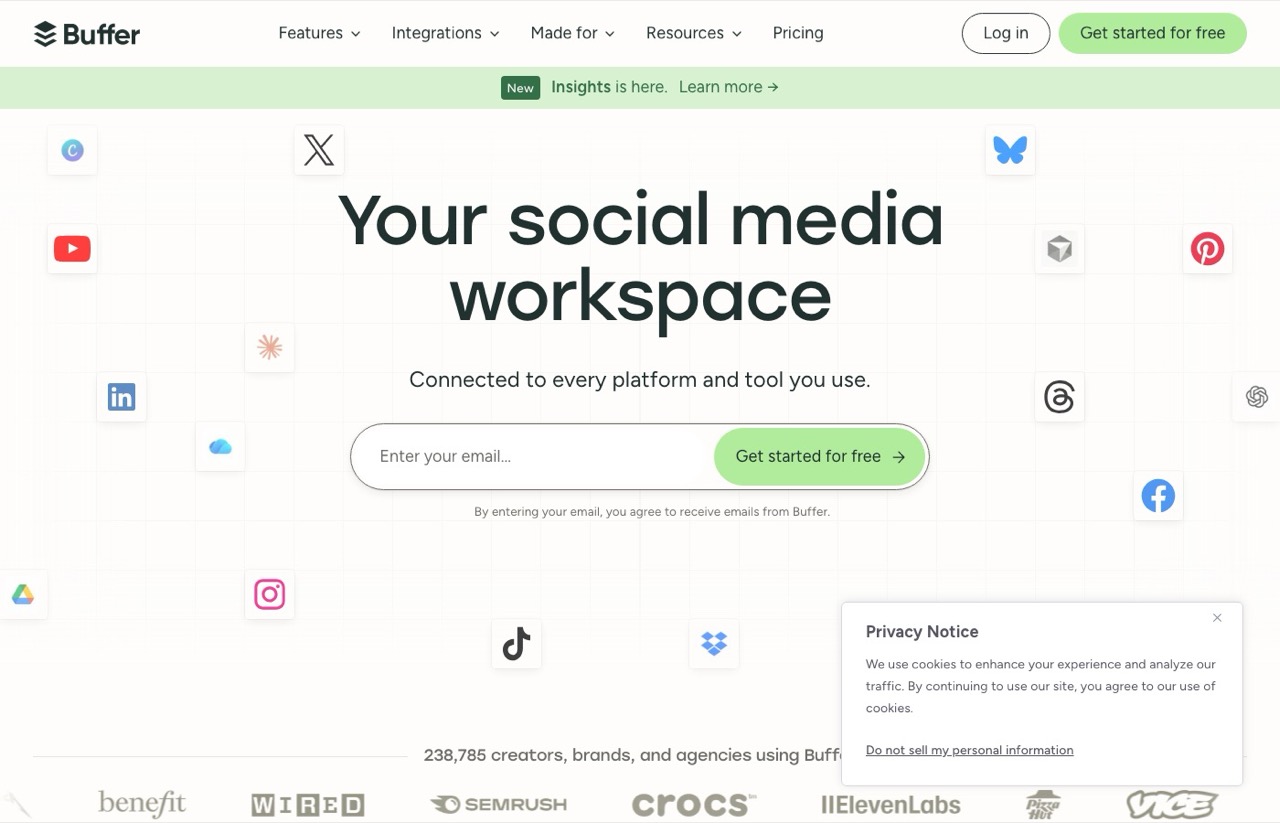
Buffer is the tool I point people to when they tell me they just want to schedule posts and stop thinking about it. The calendar is legitimately better than what I use daily, and the free plan covers three channels without asking for a card.
Buffer has an official MCP server too, so an agent can drive it directly.
Worth saying plainly, because a lot of posts imply otherwise: MCP is not a differentiator anymore. Buffer has one, Metricool has one, Hootsuite has one. What still separates them is how the bill scales, not whether an agent can connect, which is the same lens I used when I broke down what each server costs once you connect it. If you have never set one up, I walked through connecting MCPs to Claude Code step by step.
The pricing model is where it breaks down for me. Buffer charges per channel, so the bill grows every time you add a profile. At my six accounts that is around $30 a month on Essentials billed annually, or $36 month to month, which is fine. Run an agency with twenty client profiles and you are into three figures for the same scheduling I get on a flat $29.
Pros:
- Genuinely free tier, three channels, no card required
- Best calendar and scheduling interface in this roundup
- Official MCP server documented for developers
- Channels past the tenth are discounted
Cons:
- Per-channel pricing punishes anyone running many accounts
- Free plan caps you at 10 scheduled posts per channel
Best for: Creators on a handful of channels who want a calendar they enjoy using.
Pricing: Free for 3 channels. Essentials $5/mo per channel, or $60 per channel billed yearly. Team $10/mo per channel.
Free trial: Yes, 14 days on paid plans, and the free tier never expires.
Bottom line: The best pure scheduler here. Do the per-channel math before you scale past ten profiles.
3. Metricool (Best analytics for the money)
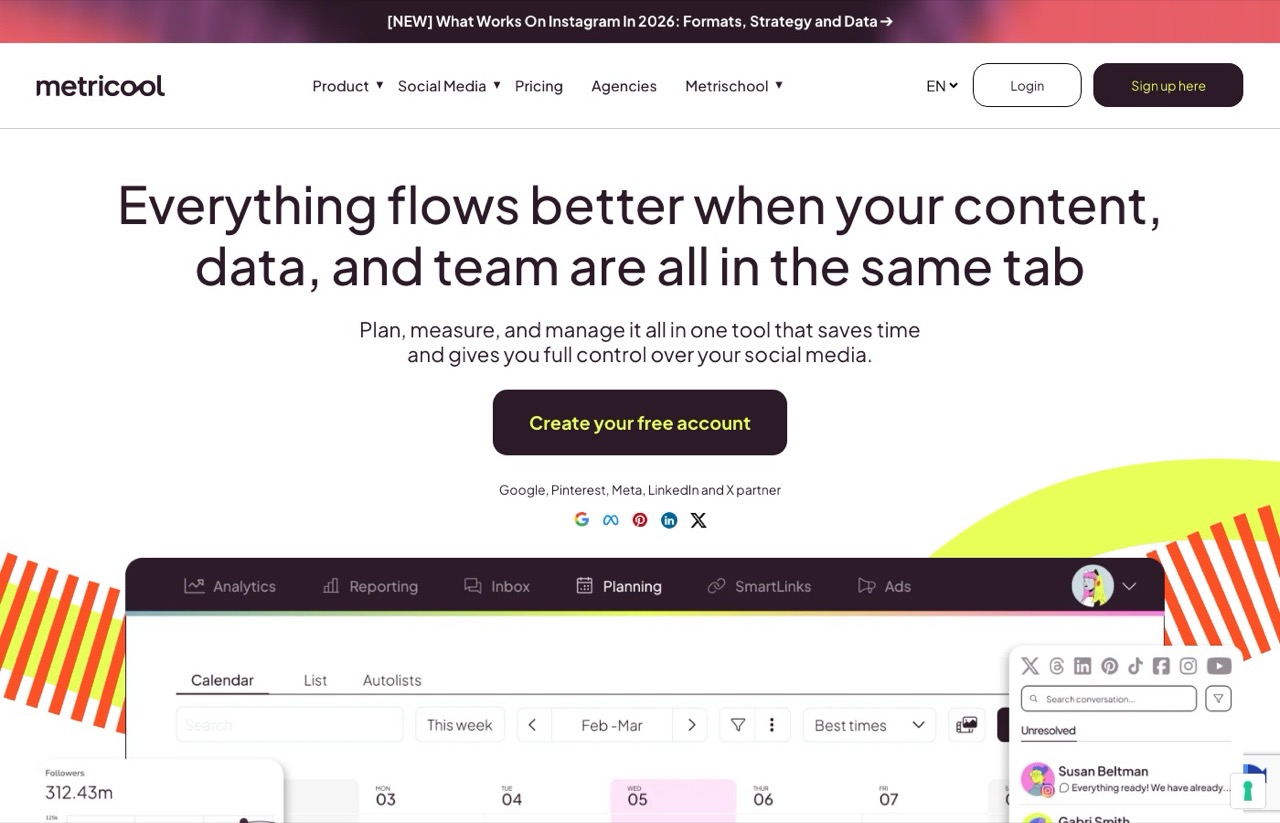
Metricool is on this list for the half of the job the other tools do badly. Publishing is easy. Knowing which posts worked is the part that changes what you post next.
I learned that the hard way on my own Shorts. Looking back across roughly 500 of them, the top third pulled a median of about 1,100 views and the bottom third around 458. The pattern only showed up because I went and looked, and no scheduler was ever going to tell me.
The competitor tracking is the part I would pay for. Five competitor profiles on the free plan beats what most paid tools include.
One catch worth knowing before you sign up expecting a free ride. LinkedIn and X are not connectable on the free plan. If you are a B2B creator, the free tier is close to useless and you are looking at the paid plan from day one.
Pros:
- Free plan includes analytics and 5 competitor profiles
- Official MCP server that works on any plan, including the free one
- Best analytics per dollar in this roundup
- Scheduling and reporting live in the same view
Cons:
- LinkedIn and X are excluded from the free plan
- The REST API is locked to the Advanced tier, though the MCP works on any plan
- Priced in EUR, and the tier you need depends on your brand count
Best for: Creators and small agencies who want to know what is working, not just what shipped.
Pricing: Free plan available. Starter from 16 euros/mo and Advanced from 43 euros/mo on monthly billing. Metricool tiers scale by how many brands you manage, so check the toggle for your brand count before comparing it to anything else here.
Free trial: The free plan is the entry point.
Bottom line: Pair it with whatever you post through. If that pairing is the decision you are actually weighing, I put the two head to head in Blotato vs Metricool.
4. Hootsuite (Best for teams with approval chains)
Hootsuite is the default answer for people who have never shopped this category, and for a solo creator it is the wrong one. At $99 per user per month billed annually, a single seat costs more per year than my entire posting stack.
It stays on the list because seats are exactly the point when more than one person touches the account. Approval workflows, a shared inbox, and role permissions are things creator-priced tools mostly do not have, and an agency running client accounts genuinely needs them.
Its calendar is also better laid out than most, which I will give it even though I am not the buyer.
Pros:
- Approvals, permissions, and a shared inbox built for teams
- Clean, scannable calendar
- 14-day trial with no card required
- Mature analytics and listening
Cons:
- $99/user/mo billed annually, with no month-to-month price published
- Entry plan caps you at 10 social accounts
- Trial imposes daily posting limits and blocks bulk scheduling
Best for: Teams and agencies where more than one person publishes.
Pricing: Standard $99/user/mo billed annually. Professional $199, Advanced $399.
Free trial: Yes, 14 days, no card required.
Bottom line: Right for teams. Solo creators should skip it.
The Other 4: The Automation Layer Nobody Puts on These Lists
Every roundup for this term lists schedulers and stops. That is the part I think they get wrong, because a scheduler only solves the last step. It publishes whatever you hand it, and if what you hand it is generic, you have automated the production of content nobody reads.
These four are not scheduling tools and I am not ranking them as such. They are what sits upstream in my stack: one writes the captions, two fire the workflow, one cuts the video. If you only take one idea from this post, take this one, because it is the difference between posting more and posting better.
Claude Code (Writes the captions)
Nobody else puts a coding tool on a social media list. It belongs here because caption quality is the whole game, and every scheduler on this page writes captions from nothing. I went further on that in a ranking of which AI agents can publish without you.
It is the one tool I would not swap out, and it shows up in almost everything I build, including my roundup of the best AI tools for content creators.
Claude Code reads my actual files. My brand voice document, my past posts, the transcript of the video I am repurposing. That context is the difference between a post that sounds like me and the generic output you get from a caption button inside a scheduler.
The real limit is that it is non-deterministic. It reasons its way to an answer, so the same prompt can produce different results. I would not point it at anything where a wrong output is expensive.
Pros:
- Reads your own files, so the voice is yours instead of a model's average
- Connects to Blotato and other tools over MCP with no glue code
- Replaces several single-purpose subscriptions at once
- Handles the messy middle steps like transcribing and pulling frames
Cons:
- Non-deterministic, so it is a poor fit for correctness-critical jobs
- Steep learning curve if you have never touched a terminal
- Burns usage limits quickly on long batch jobs
Best for: Anyone whose posts underperform because the copy sounds like AI wrote it.
Pricing: Included with Claude Pro at $17/mo billed annually, or $20/mo billed monthly. Max plans start at $100/mo.
Free trial: No. The free Claude tier does not include Claude Code.
Bottom line: The captions are the bottleneck, not the scheduling. This is the tool that fixes the captions.
On long batch runs, switch to Sonnet and set effort to low with /effort. Thinking can't be turned off on Sonnet 5.5, so effort is the dial, and on caption work it burns far less usage.
Make (Fires the workflow)

Make is what I reach for when posting needs to fire off an event rather than a prompt. New video hits a Drive folder, workflow wakes up, content gets generated and scheduled. No one types anything.
The trap is the credit model. Every module action burns a credit, including triggers and filters, so a workflow that looks cheap on paper gets expensive at volume.
Build error branches from the first version. One of my infographic workflows fetched an image before Blotato had finished rendering it, the fetch step failed, and because I had no error path the whole scenario sat dead until I noticed. The fix was a 90-second wait module. The lesson was that a stalled automation looks exactly like a working one until you go looking.
Pros:
- Visual canvas that non-developers can actually reason about
- Deep integration library including a Blotato app maintained by the vendor
- Free plan with 1,000 credits a month and no time limit
- Cheaper than Zapier at comparable volume
Cons:
- Every module action costs a credit, including triggers and filters
- Free plan enforces a 15-minute minimum between runs
- Errors halt future runs unless you build error handling yourself
Best for: Event-driven posting workflows built by someone who does not want to write code.
Pricing: Free at 1,000 credits/mo. Core starts around $12/mo, with Pro and Teams above it. Check the monthly and annual toggle, the two rates differ.
Free trial: The free plan runs indefinitely.
Bottom line: The right pick for scheduled and triggered posting. Watch the credit math as volume grows.
n8n (Same job, cheaper at volume)
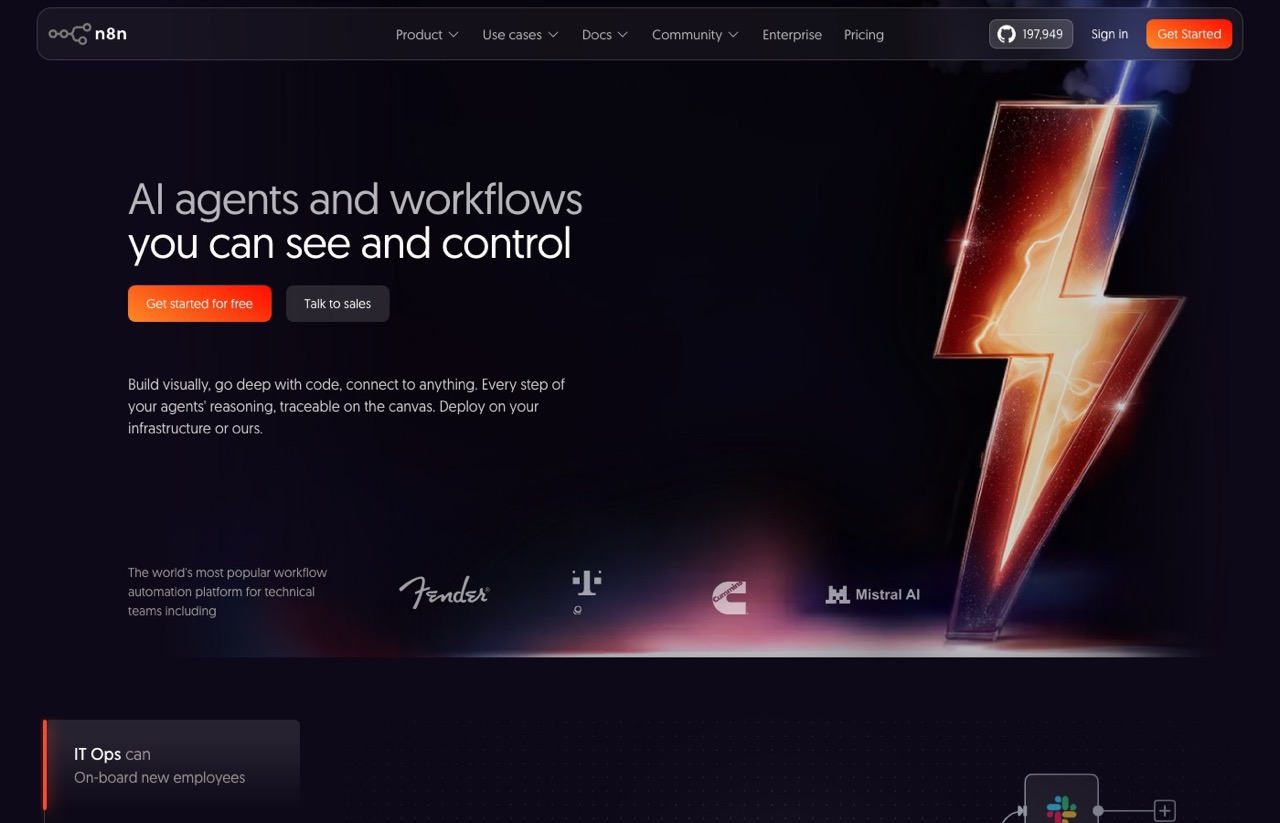
n8n earns its place on one pricing detail. It charges per workflow execution, not per step. A fifty-step social workflow costs one execution, where the same thing on a per-task tool costs fifty.
The other reason I keep it around is client work. When a client's data cannot leave their own servers, self-hosting is the only answer, and n8n is the one tool here that offers it.
It is also the steepest to learn. For most people posting to their own accounts, Make is the better starting point.
Pros:
- Per-execution billing, so multi-step workflows stay cheap
- Self-hosting available at no license cost
- Unlimited active workflows on every paid tier
- Verified Blotato node maintained by a partner
Cons:
- Steepest learning curve of anything on this list
- Starter keeps only 7 days of execution history
- Self-hosting means you own the maintenance
- Priced in EUR, which moves the real cost for US buyers
Best for: High-volume posting and any client whose data has to stay put.
Pricing: Free self-hosted. Cloud Starter 20 euros/mo billed annually, Pro 50 euros/mo, Business 667 euros/mo.
Free trial: Yes, and Starter and Pro trials need no card.
Bottom line: Start on Make and move here when the credit bill stops making sense.
Opus Clip (Cuts the video, if you have no editor)
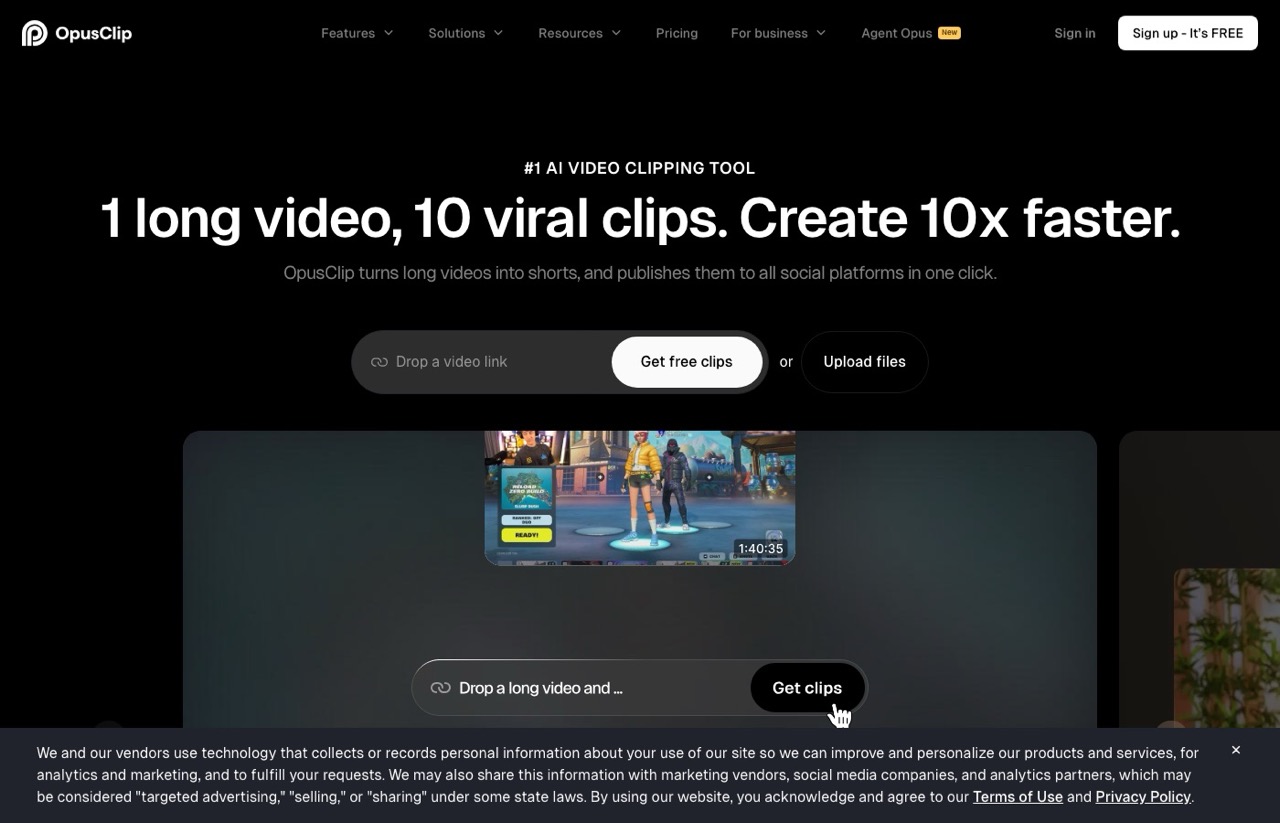
Opus Clip sits at number four because of a decision I made against it, which is a more useful data point than another glowing paragraph.
I tested it, and I still ship my long-form video to a human editor instead. The b-roll choices, the transitions, the sense of where a clip should actually start and stop, those are the things it has not matched yet in my testing. My shorts do better with a person cutting them.
Since October 2026, Claude Code cuts my long-form podcast episodes, and the shorts are the part my editor still owns. The four places AI editing still broke explain why.
If you do not have an editor and are not going to hire one, this is the fastest path from one long video to ten posts. It is the same job I now do with Claude Code to repurpose YouTube videos, just with less control over the cut. The free tier is enough to judge it. Feed it a 60-minute podcast and you will get usable clips out. Expect to reject most of them and keep the few that land.
Pros:
- Free tier with 60 processing minutes a month
- Turns one long video into a week of short-form in minutes
- Auto-captions and reframing are solid out of the box
- Publishes directly to social platforms
Cons:
- A human editor still beats it on b-roll, transitions, and clip selection
- Most generated clips get discarded, so plan on a review pass
- Free exports carry a watermark and expire after 3 days
- Starter caps AI b-roll at 3 clips a month
Best for: Creators producing long-form video with no editor and no budget for one.
Pricing: Free at 60 processing minutes/mo. Starter $15/mo for 150 minutes. Pro $29/mo for 300 minutes, or 3,600 minutes on an annual Pro plan.
Free trial: No trial as such. The free tier is the trial.
Bottom line: The right call when the alternative is no clips at all. If the output never quite lands, I ran through the competing clippers in the competing clipping tools.
How to Choose Social Media Automation Tools
These are the questions I run on every client build before anything gets bought.
How does the bill scale? Per channel, per seat, per task, or flat. This decides your cost in a year more than the sticker price does.
Where do the captions come from? If the tool writes them from nothing, they will sound like nothing. Something in your stack has to hold your voice.
What happens when a run fails? Silent failures are worse than loud ones. Know how you find out.
Can it reach the platforms you actually post to? Check the specific ones. Free tiers routinely exclude LinkedIn and X.
Are you replacing a person or a tab? Replacing a tab is realistic. Replacing judgment is not.
What is the exit cost? Scheduled posts, templates, and analytics history rarely export cleanly.
The Thing Nobody Tells You About Posting Through an API
TikTok appears to penalize API-posted content. I have noticed a reach hit on posts pushed through an API versus the same clip uploaded by hand in the app. It does not seem to matter which tool does the pushing. Blotato, Hootsuite, anything.
Worth saying that the wider version of this claim does not hold up well. I went looking for the evidence behind it in my Repurpose.io review and found the sourcing much thinner than its popularity suggests.
If you are shopping that category specifically, I compared what the cheaper cross-posting tools actually cost at different brand counts.
I cannot tell you why, and I am not going to pretend I ran a controlled test. This is a pattern I noticed on my own accounts, not something TikTok has confirmed or that I have measured properly. Treat it as a thing to check on your account before you automate that channel away.
On every other platform I post to, I have not seen the same gap.
Which One Should You Actually Pick?
Just want to schedule posts? Buffer, free tier.
Posting the same thing to six platforms? Read the reach cost of identical cross-posting before you automate it.
Running 10 or more accounts? Blotato, for the flat rate.
Your posts sound like AI wrote them? Claude Code, from the layer section above.
Have long videos and no editor? Opus Clip, though read why I still pay an editor. It now runs from an agent too, which I cover in my OpusClip MCP tutorial.
More than one person publishing? Hootsuite.
Need to know what is working? Metricool alongside any of the above.
Buffer Alternatives, Ranked by Why You Are Leaving
Buffer is the tool most people on this page are already paying for, so it is worth answering the question directly. Nearly every Buffer alternatives list you will find ranks the same eleven tools in a slightly different order without asking the only question that matters, which is why you are leaving in the first place.
There are really only three reasons, and they point at different tools.
You are leaving because of the per-channel bill. This is the common one. Buffer's Essentials plan is $5 per channel per month billed annually, or $60 per channel per year. Six channels is around $30 a month, which is genuinely fine. Twenty channels is not, and that is the wall agencies hit. A flat-rate tool is the fix, which is where Blotato at $29 for 20 accounts comes in, or Metricool if you would rather pay per brand than per channel.
You are leaving because you want an agent to do the posting. Buffer actually handles this fine now. It ships an official MCP server, so if this is your only complaint, you may not need to leave at all. Switch only if the channel math is also against you.
You are leaving because you want to own the software. Then you want Postiz, which is open source and self-hostable. I compared it against my own stack in Postiz vs Blotato. Be honest with yourself about the trade, though. You are swapping a subscription for server maintenance, and that bill gets paid in evenings.
Two tools show up on every competing list that I deliberately have not ranked here. Publer and SocialBee both get recommended constantly, and Google's own AI Overview for this term names Publer first. I have not run either on a real posting schedule, so I am not going to tell you how they feel to use. Publer is the one I would trial first if the flat-rate options above do not fit, and SocialBee is the pick if category-based evergreen recycling is the specific thing you want.
One last thing worth saying, since almost nobody selling you a Buffer alternative will. Buffer's free plan is real. Three channels, ten scheduled posts per channel, no card. If you are under three channels, the correct Buffer alternative is Buffer.
What About Sprout Social, Agorapulse, Later, and SocialBee?
They are missing on purpose, and they are missing from a list where almost every competing article includes them. Sprout Social shows up on nearly every roundup for this term. Agorapulse, SocialBee, Later, and Sendible are close behind.
I have not run any of them on a real posting schedule, so ranking them would make this the same kind of list I complained about at the top.
What I can tell you is where I would look first. Sprout Social is the one to shortlist if you outgrow this list and have the budget. Its entry tier is Essentials at $79 per seat per month billed annually, which is well below the $199 figure a lot of roundups still quote, though listening and premium analytics are paid add-ons that push the real number up. Sendible and Agorapulse are the two that come up most for agencies managing client accounts, and SocialBee gets recommended constantly for evergreen category-based queues.
Take those as pointers for your own shortlist, not as recommendations from me.
Ryan's Final Thoughts
Picking off this list is the easy part. I have watched people wire up flawless automations that publish content nobody reads, and volume without a point of view is just expensive AI slop.
The habit matters more than the stack, which is why I record takes on a walk and let the system handle the rest. That workflow is how I post consistently without a content calendar.
So buy the cheapest thing that reaches your platforms and get the plumbing out of the way. The tools here will carry your opinion to nine platforms on a schedule. Not one of them will supply the opinion.
Developers comparing publishing APIs rather than dashboards should start with my breakdown of Ayrshare alternatives and what they really cost.
Going Deeper on Any One Piece
This list is the shortlist. If you have already picked a tool, the rest of my writing on this covers the three things that decide whether it works: what it bills you, what you feed it, and what you hear back.
Cost comes first, because the API-first version of this decision is a different list entirely and the billing units do not compare to dashboard pricing. Ten social media APIs priced on five different billing units works the cost out at 5 and 50 accounts, and why per-task billing punishes social posting specifically is why I moved my own posting off Zapier.
Zernio is the tool readers ask me about most that did not make the list above, so it gets its own treatment. The review fact-checks its headline 40x rate limit claim, which does not survive the math. The roundup of Zernio alternatives for dashboard users is the one to read if you need client approvals or AI writing that Zernio does not offer. Postiz vs Zernio is the head to head from someone who sells neither.
Blaze AI is the other one people ask about, and the number to know before you shortlist it is that it now starts at $79 a month rather than the $34 still quoted around the web. The review covers the autopilot rebuild, the 2026 tiers and where the credit limits actually bite.
Scheduling is the solved half. Supply is the part that actually breaks. Turning one idea into a week of content in your own voice is the repurposing system I run, built on a voice file instead of a prompt, which is what stops the output reading like every other AI post in the feed.
Then there is the half nobody automates, which is hearing what gets said back. Alertmouse is the brand mention tracker I landed on after Google Alerts stopped catching things, and the review covers its real pricing and the annual-billing catch. This matters more than it used to, because the pages other people write about you are the ones AI answers tend to quote.
Social Media Automation Tools FAQs
What is the best social media automation tool for one person?
For a solo creator posting to a handful of accounts, start on Buffer's free tier and stop there until it hurts. Three channels, no card. The moment you pass roughly ten connected accounts, per-channel billing stops making sense and a flat rate wins, which is where Blotato takes over at $29 a month for 20 accounts. I broke the pricing down against its closest competitors in my full Blotato review. Buy the cheap thing first. You can always move.
Can I automate social media posting for free?
Partly. Buffer's free plan covers three channels, Metricool has a free tier, and n8n is open source and free if you self-host it. Postiz is the open-source scheduler in this category, though self-hosting trades the subscription for maintenance time. What you cannot get for free is the whole chain at volume. Free plans cap channels, and the self-hosted route trades the subscription for your own time maintaining it. Free is real for one or two platforms and gets expensive in hours past that.
Do these tools need an API or coding knowledge?
The scheduling tools do not. Buffer, Hootsuite, Metricool, and Blotato all work from a normal dashboard with nothing technical involved. If Metricool is the one you are leaving, I priced eight replacements at two different account counts separately. Make, n8n, and the Claude Code workflow are a different category, and that is where the real leverage is. Make is the gentlest entry point of the three because it is visual. Also worth knowing before you plan around it: Blotato's 7-day trial excludes API access, so generating an API key starts the paid subscription.
Is AI-generated social content penalized by the platforms?
Not for being AI-generated as such. The penalty is for being boring, and generic AI output is reliably boring. My own Shorts data across 498 videos backs this up: the top third averaged around 1,100 median views against 458 for the bottom third, and the gap tracked how specific the idea was rather than how it was produced. Automate the distribution. Do not automate the point of view.
What is the best Buffer alternative in 2026?
It depends on why you are leaving Buffer, and most lists skip that question. If the per-channel bill is the problem, a flat-rate tool fixes it, and Blotato at $29 for 20 accounts is where I landed. If you want to self-host and own the software, Postiz is the open-source option, and I priced what it actually costs to run against the hosted options separately. If you want an agent to drive the posting, Buffer already ships an official MCP server, so you may not need to switch at all. And if you are running three channels or fewer, Buffer's free plan is genuinely hard to beat.
What is MCP, and does it matter when picking a tool?
MCP lets an AI assistant like Claude talk directly to a tool, so you can draft and schedule without touching a dashboard. It mattered as a differentiator for about a year. It does not now. Buffer, Metricool, and Hootsuite all ship official MCP servers alongside Blotato, so treat MCP as table stakes and pick on price, platform coverage, and whether the interface annoys you.
Disclosure: some links in this post are affiliate links, specifically Blotato and Opus Clip. If you buy through them I may earn a commission at no extra cost to you. Blotato is also a client of mine and my account there is comped rather than paid. I only recommend tools I actually use. Full disclosure.