
8 Best Instagram DM Automation Tools in 2026 (Ranked)
Before you pick from the best Instagram DM automation tools, there is one thing worth knowing about the lists you have already read.
I fetched the seven pages currently ranking for this search. Every single one was published by a company that sells a DM automation tool. All seven put their own product at number one. That is not a scandal. Vendors are allowed to write about their own software. But it does mean the ranking you are looking at is a sales page wearing a listicle costume.
The Two Meta Rules That Decide What You Can Send
This is the part almost nobody covers, and it matters more than any feature comparison.
You cannot message whoever you want on Instagram, and the two rules that decide what you can send are not the same rule. Most articles in this category blur them together.
The first governs comment-to-DM, which is the funnel almost everyone buys these tools for. It runs on an API Meta calls Private Replies, and its documented limits are strict: your app "can send this private reply within 7 days of the creation time of the comment," and under the heading Limitations, "Only one message can be sent to the commenter." One message. Not a sequence. If that person does not follow the account, your reply lands in their Request folder rather than their inbox, which is worth knowing before you judge your open rates.
The second governs actual conversations. Once someone sends you a DM, Meta opens what it calls the Standard Messaging Window, defined in its documentation as "the 24 hour time period in which you are allowed to send a message to a person." After that the door shuts, and the only escalation is the Human Agent tag, which "allows a business representative to manually respond to a person's messages within a 7-day period." Manually is doing real work in that sentence.
Two more limits before you buy anything. Message tags "may not be used to send promotional content, including but not limited to: deals, offers, coupons, and discounts." And Sponsored Messages and One-Time Notifications, the two escape hatches Facebook Messenger gets, are both unavailable on the Instagram Messaging API.
Here is why that matters for your shortlist. Every compliant tool on this page is fenced in by those same rules, and none of them can sell you around it. Six of the seven ranking pages I read assert that using the official API keeps you safe, and not one links to the Meta documentation that says so. When a tool markets "unlimited DMs," it is selling unlimited replies to people who contacted you first. Cold outreach at scale is not something anyone here can legally offer, and a vendor implying otherwise is telling you how it treats the rules.
What to Put in the One Message You Get
The rules above have a practical consequence almost nobody writes about. If your only guaranteed send is a single reply to a comment, that one message has to do the whole job, and the reply that works looks different from the one most people set up.
Three things I would change about a default setup. First, put the link in the first message rather than asking them to reply for it, because a reply is the thing you cannot count on. Second, if the person does not follow you the message lands in their Requests folder, so write the opening line to survive being seen in a preview with no context. Naming what they asked for beats "Hey there, thanks so much for commenting."
Third, treat the follow gate honestly. It asks people to follow before the link unlocks, which does lift follower counts, and it also adds a step between a warm commenter and the thing they asked for. On a small account where every lead matters, sending the link immediately usually beats gating it.
The one genuine way to earn more messages is to get a reply. A reply from them opens the 24-hour window, which is why asking one specific, easy question at the end of that first message does more for your funnel than any feature on any pricing page here.
How I Checked the Pricing
Every price below came off the vendor's live pricing page on September 6, 2026, with monthly billing selected. That last part is not a formality, and it is the same check I run when I price social media automation tools for the publishing side.
ManyChat's pricing page loads on the annual toggle by default and prints annual rates with a "/mo" suffix beside them. Read it quickly and you will write down $14 a month for Essential. The real monthly price is $17. I clicked the toggle on every page here and captured both states, which is also how I caught that the widely repeated "ManyChat starts at $14" figure floating around this category is the annual number.
One boundary, stated plainly. Blotato is the only tool on this list I run every day, including the DM automations, and I have an affiliate and client relationship with them that you should weigh. The other seven I have not used. I priced them from their live rate cards and read their documentation, and I have flagged in each entry where a claim comes from a vendor's own marketing rather than from something I verified myself.
The Best Instagram DM Automation Tools at a Glance
| Tool | Best for | Starts at (monthly) | What it meters | Free plan |
|---|---|---|---|---|
| Blotato | Running DMs and publishing from one AI agent | $29/mo | 1,000 active contacts/mo | No, 7-day trial |
| ManyChat | Deep visual flow building across four channels | $17/mo | 250 active contacts, then per contact | Yes, 25 contacts |
| ReplyRush | The most DM volume per dollar once you pay | $10/mo | 7,500 DMs sent/mo | Yes, 1,500 DMs |
| InstantDM | Flat unlimited pricing with an MCP server | $9.99/mo | Nothing, no contact or DM meter | Yes, 500 credits |
| CreatorFlow | Creators who want one clean price and no math | $15/mo | 5,000 DMs per workspace/mo | Yes, 500 DMs |
| LinkDM | Managing several Instagram accounts at once | $19/mo | DMs sent, 3 accounts on Pro | Yes, 1,000 DMs |
| Inro | Treating DM contacts as a CRM list | From EUR 12.99/mo | Activated contacts, on a sliding scale | Yes, 100 contacts |
| Meta Business Suite | Finding out whether you need to pay at all | Free | Nothing | Yes, entirely free |
The 8 Best Instagram DM Automation Tools
Ranked for a creator or small business owner who wants comment-to-DM working this week without getting their account restricted.
1. Blotato (Best for running DMs and publishing from one AI agent)
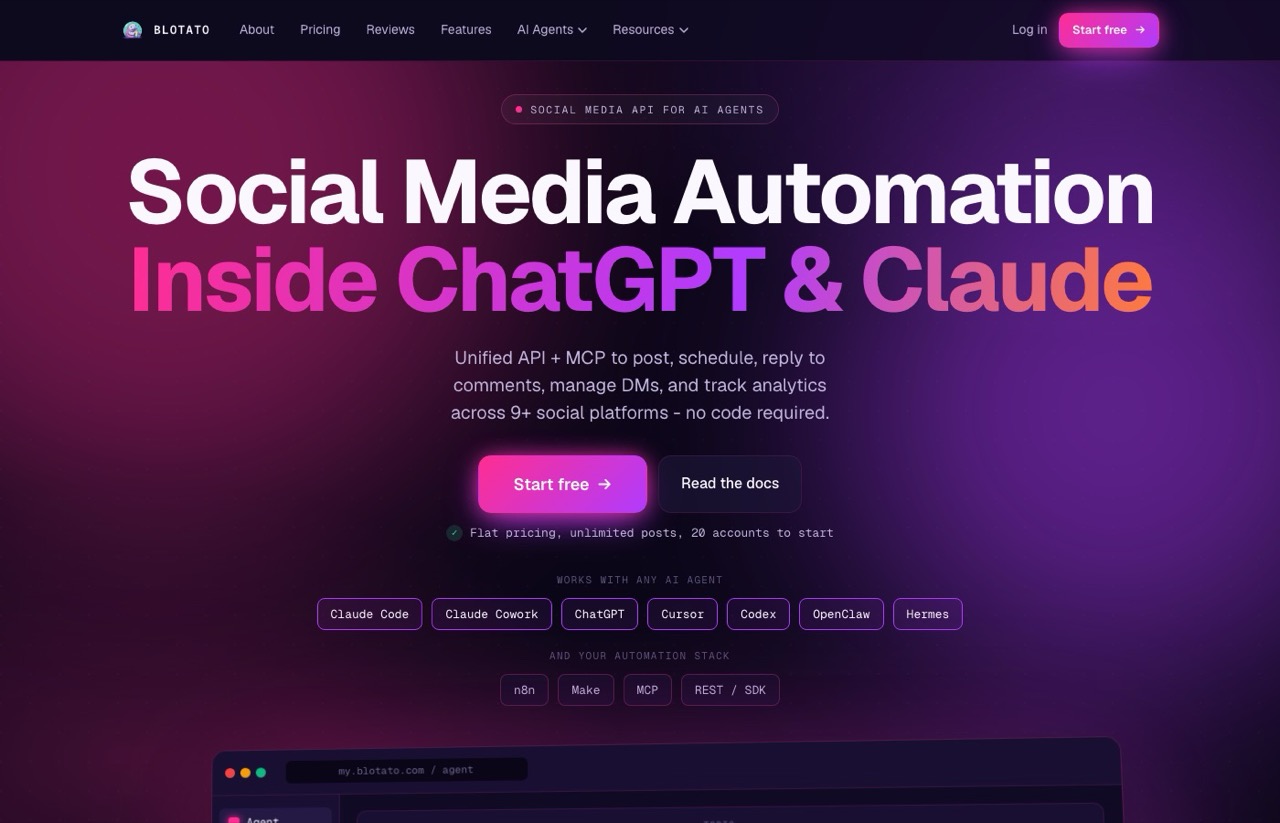
I put Blotato first for a reason that has nothing to do with it being the best DM flow builder, because it is not. ManyChat wins that. I rank it first because it is the only tool here that ends the separate-vendor problem: my comment-to-DM automations and the posts that generate those comments run through the same key, and the DM triggers fire from a rule my AI agent wrote.
The automation model is comment-received or message-received as a trigger, keyword filtering on top, then a reply with up to three link buttons, an optional follow gate and an optional email capture. That is the comment-to-DM funnel every tool here sells, and it is the one I actually use. I went deeper on the rest of the product in my full Blotato review.
Pros:
- DM automation, comment replies, publishing to nine platforms and analytics behind one key and one bill
- Native MCP server, so Claude or another agent can build and fire automations without a dashboard
- Flat monthly price that does not climb per contact the way ManyChat's does
- Follow gate and email capture built into the automation rather than sold as an add-on
Cons:
- DMs and comments work on Instagram and Facebook only, so no WhatsApp or TikTok inbox
- Active contacts are capped at 1,000 a month on Starter, and a person reached through two connected Pages counts twice
- The flow builder is a rules engine, not ManyChat's visual canvas
- No free plan, and generating an API key ends the 7-day trial and starts billing immediately, which is a trap for exactly the developer audience the product courts
- Publishes no annual dollar figures, only a vague "save about 17%", which is the same pricing vagueness I just criticized elsewhere on this page
Best for: Someone already publishing through an AI agent who wants the DM layer on the same key.
Pricing: Starter $29/mo (20 social accounts, 1,000 active contacts), Creator $97/mo (40 accounts, 6,000 contacts), Agency $499/mo (100 accounts, 15,000 contacts). Monthly billing. Blotato says annual saves about 17% but publishes no annual dollar figures.
Free trial: 7 days, card required, and it covers everything except the API.
Bottom line: The pick if Instagram and Facebook are where your DMs happen and you want them on the same key as your publishing. Outside that, it is the wrong tool, and the WhatsApp gap is not something I can talk you around.
2. ManyChat (Best for deep visual flow building across four channels)
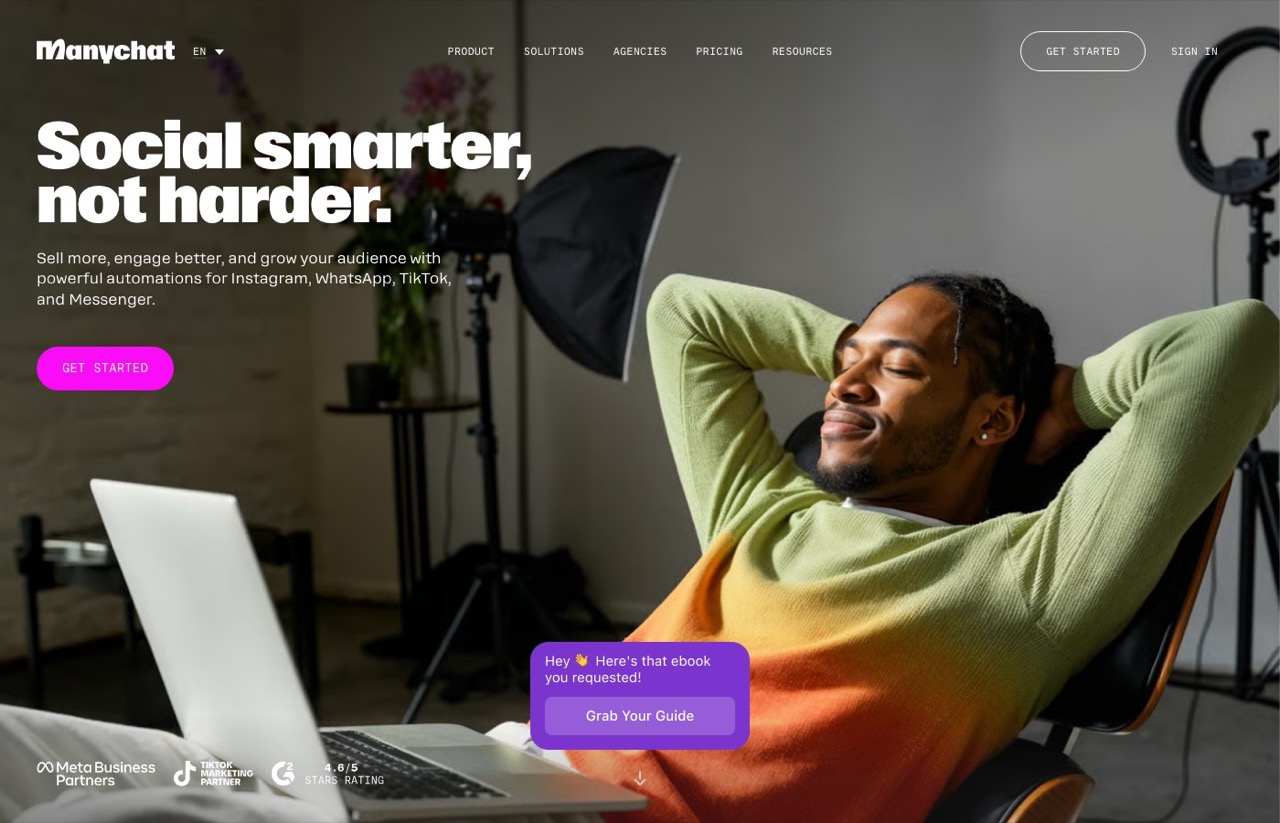
ManyChat is the default for a reason. It showed up on all seven competing lists I pulled, and it is the only tool in this category with that kind of gravity. The flow builder is genuinely the most capable one here. It covers Instagram, WhatsApp, TikTok and Messenger, and ManyChat lists itself as a Meta Business Partner.
What earns it second rather than first is the pricing shape. ManyChat bills on active contacts, which its page defines as "a real person you interact with during a monthly billing period... One person = one Active Contact for the month." Cross your included count and you do not get shut off, you get charged: $0.10 per extra contact on Essential, dropping to $0.004 on Advanced. A viral reel is a billing event.
Pros:
- The deepest visual flow builder in the category, and the least likely to hit a wall you cannot design around
- Four channels including WhatsApp and TikTok, which no other tool on this list matches
- A real free plan for 25 contacts, plus a 14-day trial on paid tiers
- Overage is metered rather than a hard stop, so automations keep running when you spike
Cons:
- Essential and Pro cap you at 2 and 3 connected channels
- Contact-based billing charges you most in the month a post actually performs
- The pricing page opens on annual billing, so the number you write down is rarely the one you pay
- No first-party MCP server as of September 2026, so agent access means the REST API
Best for: Creators running multi-step DM funnels who need WhatsApp or TikTok alongside Instagram.
Pricing (monthly billing): Free $0 for 25 contacts, Essential $17/mo for 250, Pro $39/mo for 2,500, Business $99/mo for 7,500, Advanced $199/mo for 25,000. On annual those become $14, $29, $69 and $139 a month.
Free trial: Yes, 14 days on paid plans, plus a permanently free tier.
Bottom line: If your funnel is complicated or your audience lives on WhatsApp, ManyChat is worth the premium and the metering. Run the contact math at your actual monthly reach before you commit, not at today's.
3. ReplyRush (Best for the most DM volume per dollar)
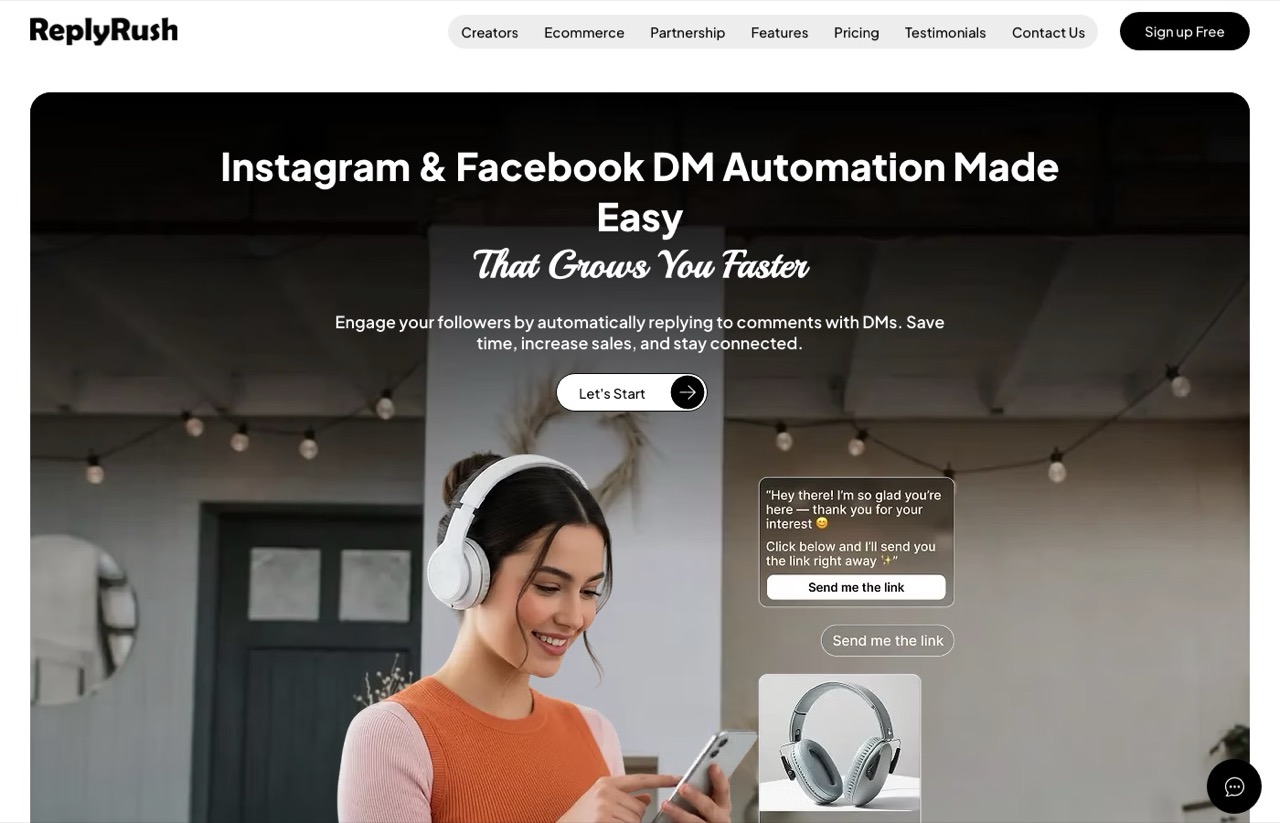
ReplyRush sells more DM volume per dollar than anything else here. Ten dollars buys 7,500 DMs a month, and $25 buys 40,000 across three accounts.
It meters DMs sent instead of people reached. At high volume with a small audience that is cheaper than contact-based billing, and at low volume with a large audience it is worse. Worth noting the free tier withholds Comment Auto Reply and the follow gate, so the thing most people came for sits behind the $10 plan.
Pros:
- 1,500 free DMs a month, though the free tier is a volume sample rather than a way to test comment-to-DM
- Covers Instagram and Facebook, with multiple accounts from the Boost tier up
- Priced in USD and INR, which is rare and useful outside the US
Cons:
- Comment auto reply and the follow gate are not in the free tier
- No annual option at all, so no discount for committing
- Smaller company than ManyChat, and I have not run it myself
- Its Meta Business Partner status is the company's own claim, which I did not verify against Meta's directory
Best for: High reply volume on a small budget, once you know the tactic works for you.
Pricing: Free (1,500 DMs, 1 IG and 1 FB account), Lite $10/mo (7,500 DMs), Boost $25/mo (40,000 DMs, 3 accounts each), MAX $100/mo (400,000 DMs, 5 accounts each). Monthly only.
Free trial: Not needed, there is a permanent free plan.
Bottom line: The $10 tier is the cheapest serious volume on this page. Do not mistake the free plan for a trial of the real thing, because comment-to-DM and the follow gate both sit behind the paywall.
4. InstantDM (Best for flat unlimited pricing)
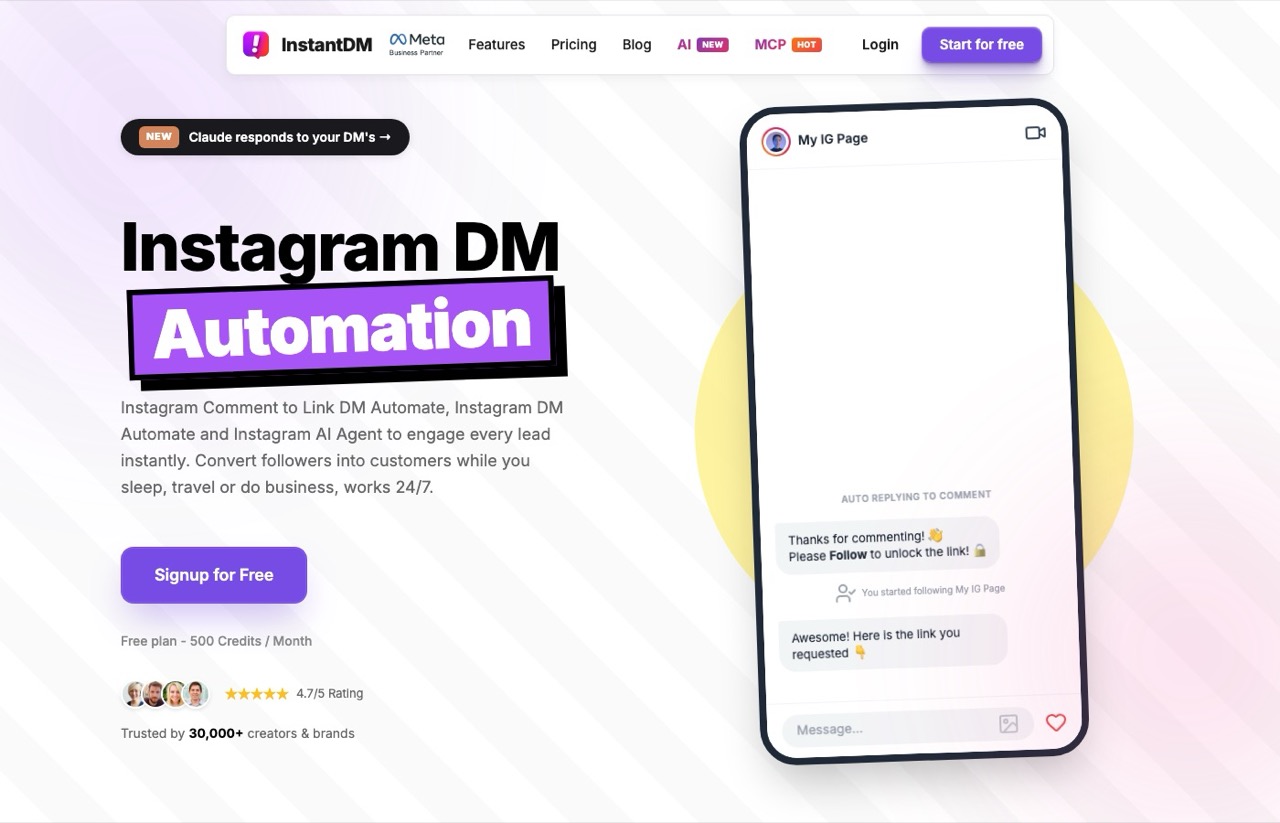
InstantDM takes the opposite position to ManyChat on the only axis that matters at scale. There is no contact meter and no DM meter. Legend Pro is $9.99 a month with unlimited automations at a 750-per-hour ceiling, though the plan table marks contact access on that tier as limited and reserves unlimited contacts for Trendsetter at $24.99.
It also ships an MCP server exposing 22 tools on Instagram's official API, which makes it the only tool besides Blotato here that an AI agent can drive natively. InstantDM says the free trial includes API and MCP access, while its plan table puts ongoing API access on the $24.99 tier. Worth confirming which applies to you before you subscribe.
Pros:
- MCP server plus API access and webhooks on the $24.99 tier
- Free forever plan with 500 credits a month and no card required
- States plainly that it uses no browser bots, no scraping and never asks for your password
Cons:
- The annual toggle on its pricing page does not change the displayed prices, so annual pricing is unverifiable
- Its llms.txt headlines "$9.99/month flat" and omits the higher tier, which is marketing rather than a rate card
- Two tiers only, so there is little room to grow into
- Instagram-focused, with none of ManyChat's channel spread
Best for: High-volume creators who do not want a bill that tracks their reach.
Pricing: Free forever (500 credits/mo), Legend Pro $9.99/mo (unlimited automations at 750/hr, limited contact access), Trendsetter $24.99/mo (unlimited contacts plus API access, webhooks and safety modes).
Free trial: Yes, 7 days with no card, and a permanent free tier underneath it.
Bottom line: If your posts spike unpredictably, flat pricing removes the one variable you cannot forecast. Below a few hundred contacts a month a metered plan is usually cheaper, so this is a bet on your ceiling rather than your average. Get the annual price in writing from support before committing.
5. CreatorFlow (Best for one clean price and no math)
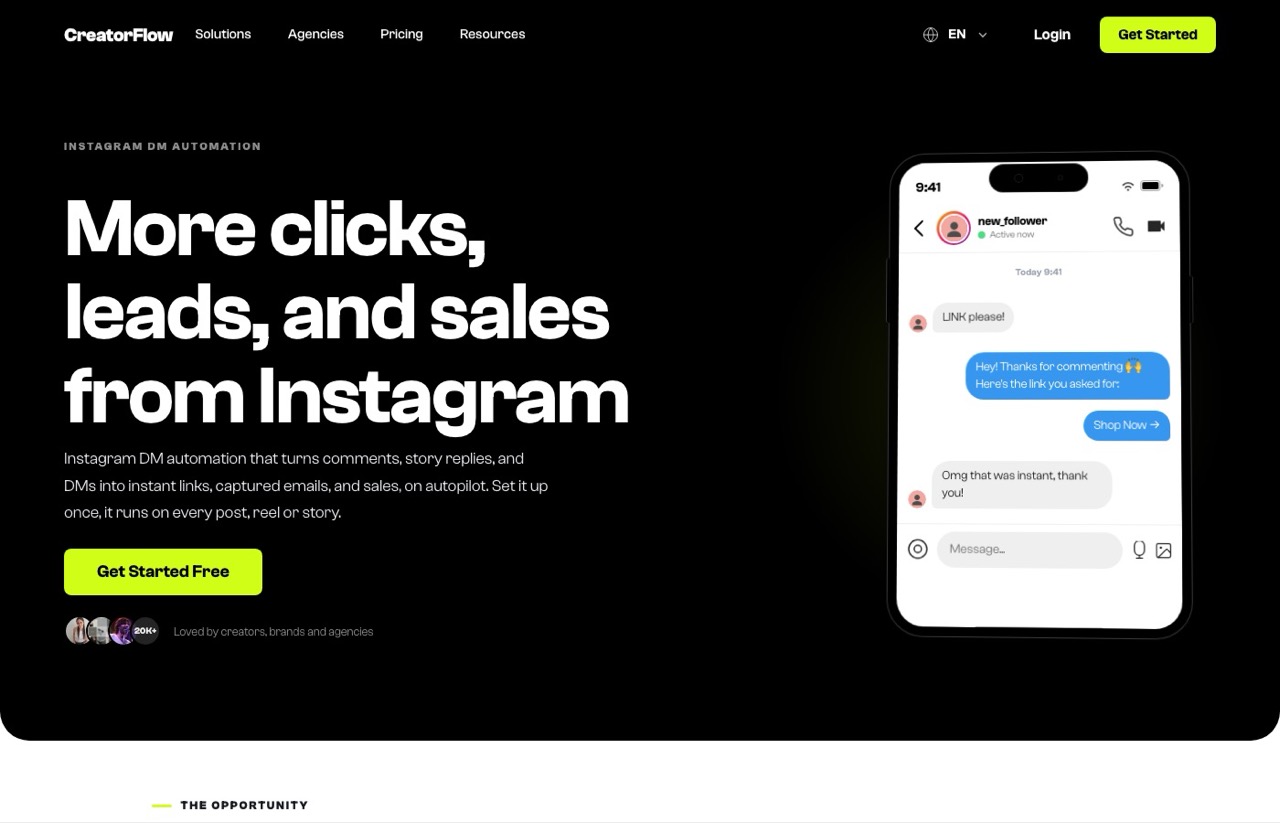
CreatorFlow is the tidiest pricing story in this roundup. Three tiers, DMs per workspace, and an llms.txt rate card that matches the live page figure for figure. After a day of vendor pages contradicting themselves, that consistency counts for something.
It is also the tool that says the honest thing out loud. Its own compliance page notes that the official API "carries a lower risk of account restrictions than unofficial methods, but no tool can eliminate that risk." Every other vendor here implies safety is a solved problem.
Pros:
- Free plan includes comment-to-DM and story replies rather than withholding them
- DM top-up packs are one-time purchases that never expire
- Lists itself as a Meta Tech Provider, and is honest in writing about residual risk
Cons:
- Two Instagram accounts on Pro, five on Growth, so agencies outgrow it fast
- Instagram only, with no Facebook inbox
- 14-day trial requires a payment method up front
- Trustpilot score of 3.8 rests on only 13 reviews, which is thin either way
Best for: A solo creator who wants one number on the invoice and no metering to track.
Pricing: Free (500 DMs, 1 account), Pro $15/mo (5,000 DMs, 2 accounts), Growth $30/mo (10,000 DMs, 5 accounts). Annual works out to $12 and $24 a month.
Free trial: 14 days on paid plans, card required, plus a free tier.
Bottom line: The clearest pricing here and a free tier that includes the feature you want. The five-account ceiling is the thing that will eventually move you.
6. LinkDM (Best for several Instagram accounts at once)
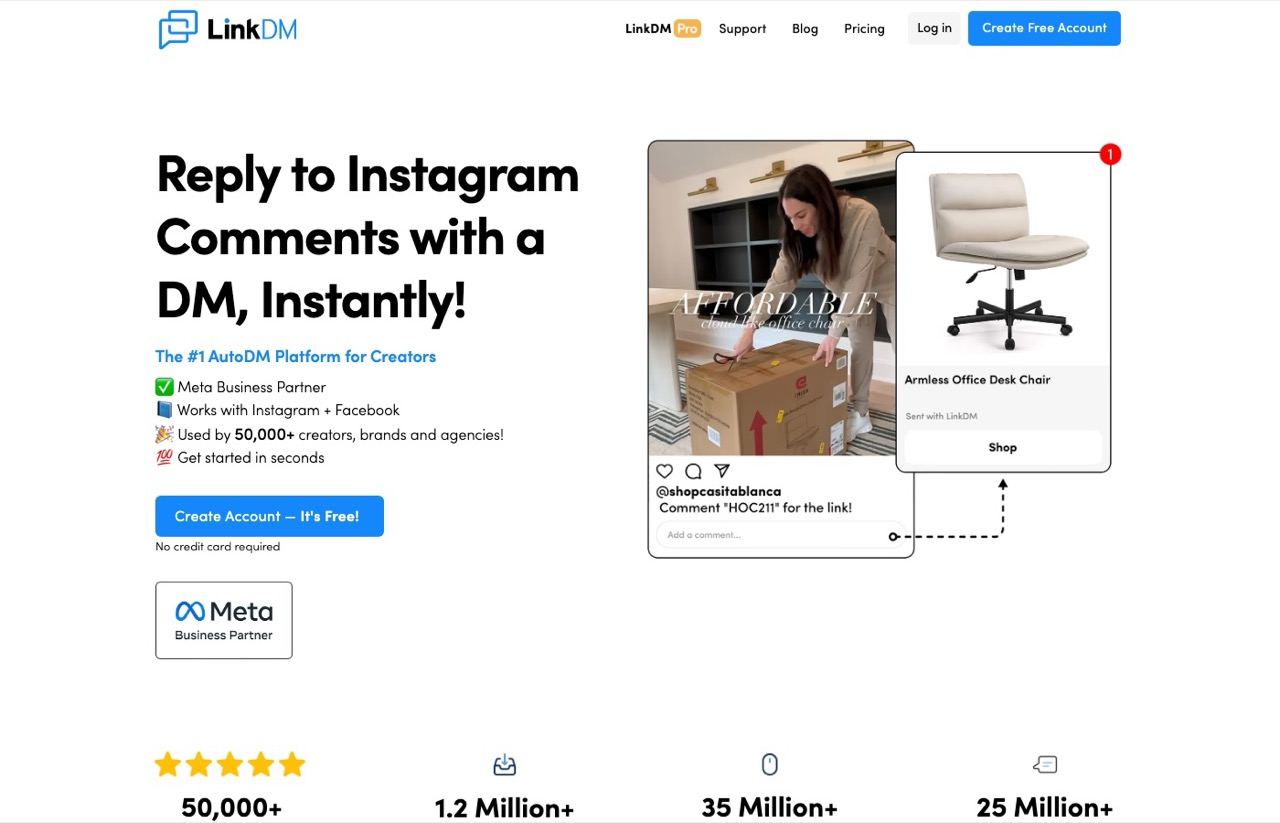
LinkDM gives you three Instagram accounts on a $19 plan, where CreatorFlow gives two and ReplyRush's comparable tier is $25. If you run a couple of brands, that ratio is the argument.
It says it has been a certified Meta Business Partner since 2021, which is the longest tenure claimed by anyone here. One caution from reading its pricing page carefully: the monthly view says 25,000 DMs a month, while the yearly view relabels the same figure as per account. Those are different products. Ask before you buy.
Pros:
- Meta Business Partner since 2021, per the company
- Free plan with 1,000 DMs a month
- Platinum+ scales to 10 accounts and 300,000 DMs for $99
Cons:
- Its monthly and yearly views describe the DM cap differently, which needs clarifying before purchase
- Instagram only
- The jump from $19 to $99 leaves no middle tier
- I have not run it, and the partner status is the company's own claim
Best for: Someone running two or three Instagram accounts who does not want to pay per seat.
Pricing: Free (1,000 DMs, 1 account), Pro $19/mo (3 accounts), Platinum+ $99/mo (10 accounts). Annual runs $182 and $832 a year.
Free trial: Free plan rather than a trial.
Bottom line: The multi-account value pick. Confirm what the DM cap actually means on your plan before you hand over a card.
7. Inro (Best for treating DM contacts as a CRM)
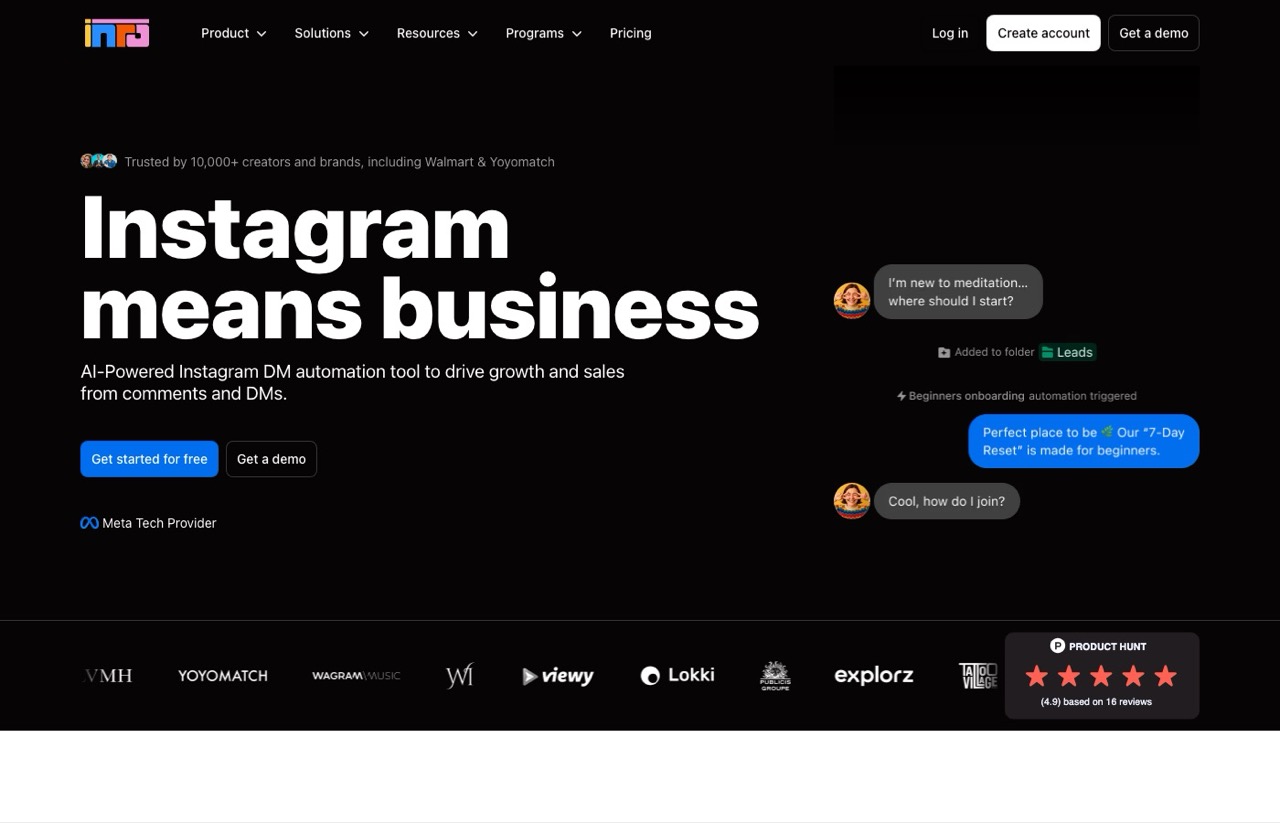
Inro is the one tool here that treats your DM list as a database rather than a message queue. Segmentation, enrichment and CRM actions are the product, and the pricing follows that: you pay for activated contacts on a curve that scales with usage.
The detail I like is that manual DMs you send yourself do not count toward the quota. Only contacts touched by automation or CRM actions do. It also prices in euros, so a US buyer is exposed to the exchange rate.
Pros:
- Contact segmentation and enrichment that no other tool here offers
- Manual DMs do not consume quota, only automated and CRM actions do
- Free tier of 100 activated contacts
- Lists itself as a Meta Tech Provider, and states compliance with GDPR and the EU AI Act
Cons:
- Publishes no price list between the EUR 12.99 entry and the EUR 1,249 annual plan, so you have to run its calculator to learn your own cost
- Its annual plan is discounted against a list price, not against the monthly entry point
- The heaviest tool here for someone who just wants comment-to-DM
Best for: Businesses whose Instagram inbox is a sales pipeline that needs segmenting.
Pricing: Free (100 activated contacts), Pro from EUR 12.99/mo for 500-plus activated contacts, Annual Pro EUR 1,249/yr for 10,000-plus contacts (listed against EUR 1,800). Managed service from EUR 200/mo. Inro does not publish the tier prices between those points, it gives you a calculator instead.
Free trial: Free tier rather than a trial.
Bottom line: Overkill for a link-in-DM funnel, and the right call if you are qualifying leads in the inbox and need to know who they are.
8. Meta Business Suite (Best for finding out if you need to pay at all)
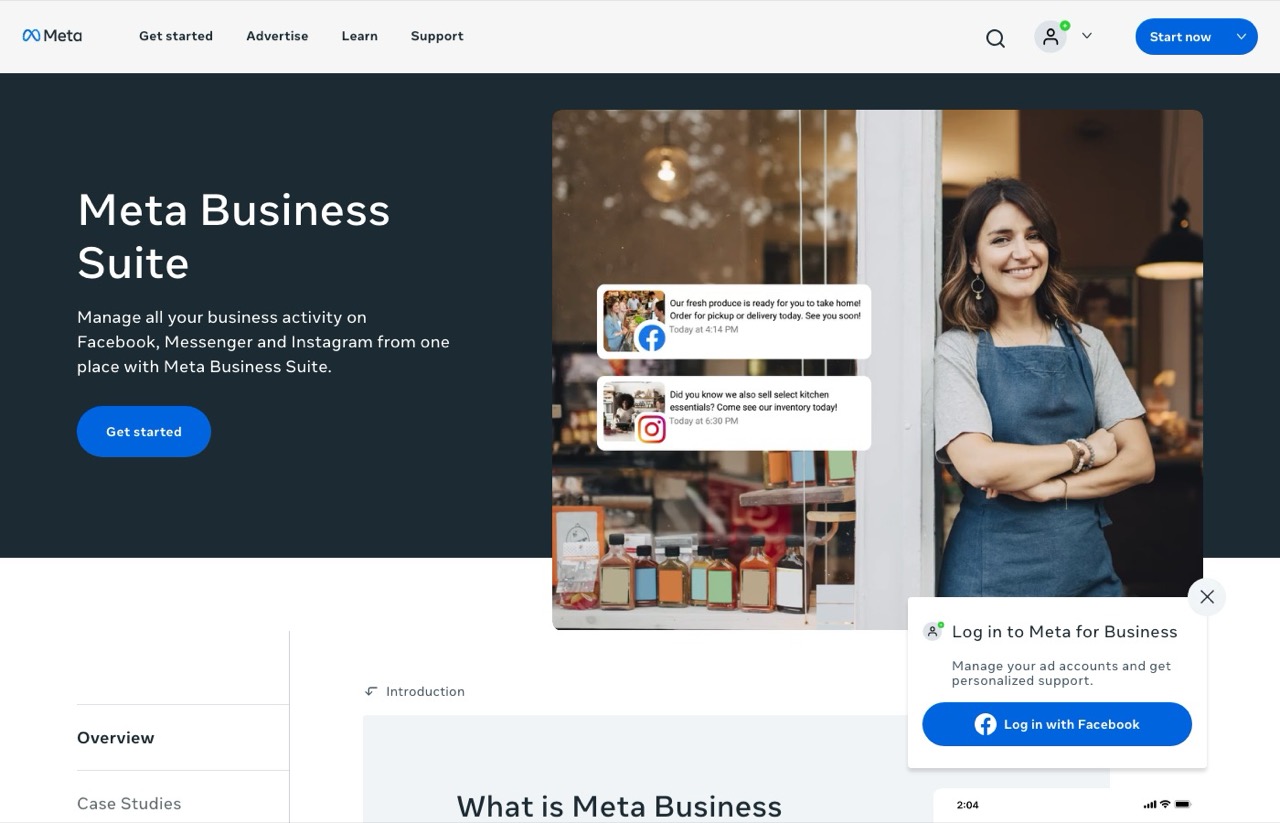
Four of the seven ranking pages I read include Meta Business Suite, and they are right to. It is free, it is first-party, and it does saved replies, greeting messages and simple automated responses without a third-party app touching your account.
It will not build a keyword-triggered comment-to-DM funnel with a follow gate. That is the actual line between this and everything above it. But plenty of people paying $17 a month are using about this much functionality.
Pros:
- Free, with no tier to outgrow
- Handles Instagram and Facebook inboxes together
- No third-party tool sits between you and Meta's own policy enforcement
Cons:
- No keyword-triggered comment-to-DM automation
- No follow gate or email capture
- The interface is built for support, not funnels
- No API or agent access for building your own logic
Best for: Establishing your baseline before paying anyone.
Pricing: Free.
Free trial: Not applicable.
Bottom line: Spend a week here first. If the only thing you miss is auto-DMing people who comment a keyword, you now know exactly what you are buying and why.
How to Choose an Instagram DM Automation Tool
These are the questions I work through on every client build, and they sort this category faster than any feature grid.
- What does the bill track? Contacts reached, DMs sent, or nothing at all. This single choice decides your cost at scale more than the headline price does.
- What happens on your best day? Model the bill on a post that outperforms by 10x. Contact-based plans charge you most exactly when something works.
- How many accounts, honestly? Account caps, not features, are what move people between tiers here.
- Do you need a channel beyond Instagram? WhatsApp and TikTok narrow this list to one tool immediately.
- Is this a fifth vendor or part of something you already run? If you already pay for publishing, adding a separate DM subscription deserves a reason. Blotato keeps a feature matrix of which Instagram DM tools also publish, which answers that question in one column.
- Does the vendor tell you the truth about risk? Anyone promising cold DM outreach at scale is describing something the API does not permit.
What About Chatfuel and the Enterprise Inbox Tools?
Two names you will see elsewhere are deliberately not ranked above.
Chatfuel appeared on six of the seven lists I checked, so leaving it out is a real choice. It has moved toward WhatsApp-first lead qualification and sales attribution, pitched largely at agencies, which is a different job than the creator comment-to-DM funnel this post is about. If your sales happen on WhatsApp, look at it properly.
Respond.io, Trengo, SleekFlow and Wati sit in the same bucket. They are customer support platforms that happen to include Instagram, built for a team working a ticket queue rather than a creator running a funnel.
Start With the Rules, Not the Tool
The comparison that actually matters here is not which flow builder looks nicest. It is what your bill does when a post takes off, and whether the vendor was straight with you about the rules everyone is operating inside.
Run Meta Business Suite for a week. If the gap you feel is keyword-triggered DMs, pick from the eight above based on what your bill tracks, and you will not overpay for a canvas you never open. If you want the publishing side running the same way, I wrote up how I run social media through Claude Code.
Instagram DM Automation FAQs
Can you automate DMs on Instagram?
Yes, and Meta supports it officially through the Instagram Messaging API. What you cannot do is send cold DMs at scale. Automation is limited to replying to people who contacted you first. A comment on your post lets you send one private reply within 7 days, and once someone DMs you, you get a 24-hour window to respond.
Is there a free automation tool for Instagram DMs?
Several. ReplyRush gives you 1,500 DMs a month free, LinkDM gives 1,000, CreatorFlow gives 500 including comment-to-DM, and Inro covers 100 activated contacts. ManyChat's free tier is 25 contacts. Meta Business Suite is free but does not do keyword-triggered comment-to-DM, so it is a baseline rather than a replacement.
What are the best Meta-verified automation tools for Instagram DMs?
Meta runs two separate programs and vendors are not always precise about which they hold. ManyChat, ReplyRush, LinkDM and InstantDM describe themselves as Meta Business Partners. CreatorFlow and Inro list themselves as Meta Tech Providers. Every tool in this roundup runs on Meta's official API rather than browser bots, which is the distinction that actually protects your account.
How much does Instagram DM automation cost?
Entry pricing runs from $9.99 to $29 a month, but the meter matters more than the headline. ManyChat bills per active contact starting at $17 monthly for 250 contacts, then charges overage. ReplyRush, LinkDM and CreatorFlow bill by DMs sent. InstantDM charges a flat $9.99 with no meter. Model your bill on a post that outperforms by 10x before you pick.
Will Instagram ban me for using DM automation?
Using a tool built on Meta's official API carries far less risk than a browser bot that asks for your password, and every tool here uses the official API. CreatorFlow puts it accurately on its own site: the official API "carries a lower risk of account restrictions than unofficial methods, but no tool can eliminate that risk." What gets accounts restricted is unsolicited bulk messaging, which the API does not permit anyway.
Disclosure: the Blotato links here are affiliate links and Blotato is also a client of mine, so I may earn a commission at no extra cost to you. Blotato is the only tool on this list I use. The other seven were priced from their live rate cards on September 6, 2026, and I have no relationship with any of them. Full disclosure.