
10 Best Social Media APIs in 2026 (Post With AI Agents)
Every social media API roundup lists sticker prices in a table, and every one of them falls apart the moment you have more than a couple of accounts to post to.
The reason is that these vendors do not price on the same unit. Ten of them, five different billing units, and the cheapest one flips identity depending on a number you have not written down yet.
So this list fixes a volume first, then does the arithmetic. Two volumes, because the ordering inverts between them.
What a Social Media API Actually Sells You
A social media API is the interface that lets your code publish to a platform without a human touching a dashboard. That definition is accurate and it hides what you are really buying.
What you are buying is escape from platform review queues. Posting directly to Instagram, TikTok, LinkedIn and YouTube means four separate developer applications, four review processes, and four sets of credentials to rotate and keep compliant.
Every vendor below has done most of that work and resells it behind one endpoint. You are paying them to have survived Meta's app review so you do not have to, though a few networks still make you bring your own credentials.
That explains why the billing units are so inconsistent. Some vendors believe they are selling API calls, others believe they are selling connected accounts, and the bill lands very differently depending on which belief you buy.
Where My Experience Ends, and Why That Shapes This List
I run Blotato daily and publish most of my own content through it from inside Claude Code. It is a client of mine, my account there is comped, and links to it are affiliate links.
I also have hands-on time with Zernio and Upload-Post from earlier builds.
The other seven I have never run in production, and I have never self-hosted anything. Those entries are documentation and pricing analysis, not firsthand accounts, and I have labelled each one so you know which is which.
That gap is deliberate rather than lazy. Padding a list with software I have not run is how these roundups become interchangeable, and it is the one thing a vendor page can never honestly offer you.
So the ordering rule here is depth of evidence, not price. The tool I have actually run in production every day sits first, and it is a client of mine, so discount that placement accordingly.
The arithmetic further down is where you should argue with me. Every price was checked against the vendor's own live pricing page, and every scenario cost is calculated rather than asserted.
If money is the only variable you care about, skip to the two cost tables. They crown a different tool at each volume, and neither of them is the one I use.
The 10 Best Social Media APIs at a Glance
Read the allowance column, not the price column. That is the whole trick, and the table below is built so any single row still makes sense pulled out on its own.
| API | Best for | Starts at | What that buys | Billing unit |
|---|---|---|---|---|
| Blotato | Creators who need content generated, not just scheduled | $29/mo | 20 social accounts, 1,250 AI credits | Flat, plus credits |
| Outstand | Agencies and products with many accounts and moderate volume | $19/mo | 3,000 posts, unlimited accounts, 12 platforms | Per post, then overage |
| Post For Me | Solo builders and prototypes on a tight budget | $10/mo | 1,000 posts, unlimited accounts | Per post |
| Zernio | Developers who need the widest platform roster | Free, then $6/account | 2 free accounts, then $6 each for 3-10 | Per account, degrading |
| Upload-Post | Testing an integration before spending anything | Free, then $24/mo | Free: 10 uploads, 2 profiles. Basic: 5 profiles | Per profile |
| Postiz | Teams who want API access without tier games | $29/mo | 5 channels, unlimited posts, API on every tier | Per channel |
| bundle.social | SaaS products embedding publishing for their own users | Free, then $100/mo | Free: 20 posts, 3 accounts. Pro: 10,000 posts | Per post |
| Post Bridge | Creators who want unlimited posting on a fixed account tier | $39/mo | 15 accounts, unlimited posts, API included | Per account tier |
| Ayrshare | Platforms reselling social publishing to their own customers | $149/mo | 1 social profile, one account per network across 14+ networks | Per profile |
| Mixpost | Teams who want to own the software and run their own server | $299 one time | Unlimited accounts, API and MCP included | One-time licence |
Post For Me at $10 caps you at 1,000 posts but connects unlimited accounts. Ayrshare at $149 gives unlimited posting on exactly one profile.
Those are close to inverse products, and a sticker-price table would tell you one is fifteen times cheaper than the other. At the wrong volume it is more expensive.
Worked Cost Math at Two Real Volumes
Assertions are cheap, so here is the arithmetic on two scenarios that cover most people searching this term.
Scenario A: a solo builder. Five connected accounts, roughly 150 posts a month, one person automating their own publishing.
| API | Cost at 5 accounts / 150 posts | How it gets there |
|---|---|---|
| Post For Me | $10 | 150 posts sits well inside the 1,000 cap |
| Zernio | $18 | 2 free, then 3 paid accounts at $6 |
| Outstand | $19 | Flat, nowhere near the 3,000 allowance |
| Upload-Post | $24 | Basic covers 5 profiles, uploads unlimited |
| Blotato | $29 | Flat, 20 accounts included so 15 go unused |
| Postiz | $29 | Standard covers exactly 5 channels |
| Post Bridge | $39 | Marketer covers 15 accounts, API included, so 10 go unused |
| bundle.social | $100 | Free tier caps at 3 accounts, so Pro |
| Ayrshare | $149 | Premium, one profile |
| Mixpost | $299 once | Pro licence, plus your own hosting |
Post For Me wins Scenario A at $10. Ayrshare costs fifteen times more for the same job, which is the correct read of that vendor at this size rather than a criticism of it.
Scenario B: an agency or a product. Fifty connected accounts, roughly 2,000 posts a month, which is where the ordering inverts.
| API | Cost at 50 accounts / 2,000 posts | How it gets there |
|---|---|---|
| Outstand | $19 | Accounts unlimited, 2,000 posts inside the 3,000 allowance |
| Post For Me | Not priced at this volume | 2,000 posts exceeds the 1,000 cap, so Starter no longer applies |
| Blotato | $97 and up | Creator covers 40 accounts, so 50 needs the next step |
| Postiz | $99 | Ultimate, 100 channels, posts unlimited |
| Post Bridge | $99 | Operator covers 99 accounts, API included |
| bundle.social | $100 | Pro, 10,000 posts, unlimited accounts |
| Upload-Post | $147 | Advanced tier, 75 profiles |
| Zernio | $168 | 2 free, 8 at $6 ($48), then 40 at $3 ($120) |
| Mixpost | $299 once | Unchanged, because a licence does not scale with you |
| Ayrshare | $599 and up | Launch's 10 profiles falls short, so Business at 30 profiles scaling to 300 |
Outstand goes from mid-pack to cheapest by roughly five times, purely because it stopped charging for accounts. Zernio goes from second-cheapest to $168.
Mixpost is the interesting one at this volume. A $299 one-time licence costs more than Outstand in month one and less than a single month of Ayrshare Business, assuming you can run a server.
Post For Me is the honest asterisk. Their page says they will not auto-charge overage and will contact you about upgrading instead, so the Scenario B answer is a quote you have to request rather than a number I can publish.
The 10 Best Social Media APIs in 2026
Cheapest almost never means best here, because four of these ten are priced for a customer who is not you.
Each entry below carries what it costs, what I have and have not run myself, and the genuine reason to skip it.
1. Blotato (Best for creators who need content made, not just scheduled)

This is the one I actually use, and I publish most of my own content through it from inside Claude Code rather than from its dashboard. Treat this entry as interested rather than neutral, then check the arithmetic against the others yourself.
Pros:
- Generates the content, not just the schedule: copy, images, AI video and voiceover from one source
- REST API and MCP server both on the $29 entry plan, with no separate developer tier
- Flat bill that does not move when your posting volume does
- 20 connected accounts on the entry plan, generous for a flat-rate tool though two cheaper options here do not cap accounts at all
Cons:
- The 7-day trial excludes the API entirely, so you cannot trial the thing most readers of this post came for
- At 5 accounts you pay for headroom you will not touch, and Post For Me does that job for $10
- Analytics cover eight of the nine platforms, with LinkedIn the only one still returning nothing
Best for: Creators and solo marketers where the bottleneck is producing content, not scheduling it.
Pricing: Starter $29/mo (20 accounts, 1,250 AI credits), Creator $97/mo (40 accounts, 5,000 credits), Agency $499/mo (28,000 credits). Monthly billing.
Free trial: 7 days, card required, and it excludes API access. Generating an API key ends the trial and starts billing.
Bottom line: It is first because it is the only one here I have run in production daily rather than read the docs for, and the failure modes I describe further down are all from this tool. If something else already produces your content, you are paying for a generator you will not use, and two cheaper options below beat it on pure arithmetic.
2. Outstand (Best value once you pass roughly ten accounts)
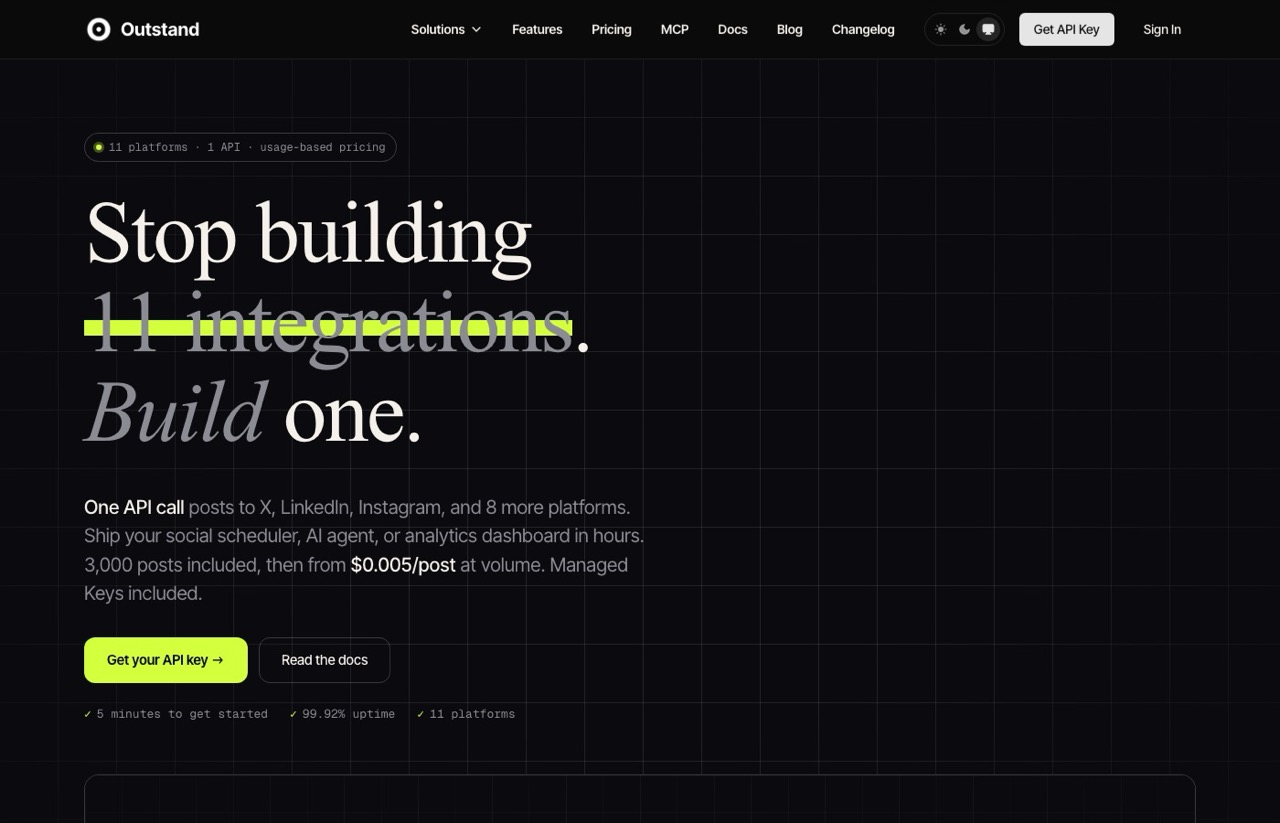
On the Scenario B arithmetic Outstand is the strongest value here and it is not close. I have not run it in production, so this entry is a read of their documentation and pricing rather than a field report.
Pros:
- Unlimited connected accounts, which is why it wins at 50 accounts by roughly five times
- Overage rates published openly at $0.007 per post to 10,000, then $0.005 beyond
- MCP server exposing 28 tools for agent-driven posting
- Managed Keys included free, so 8 of the 12 networks need no developer application from you
Cons:
- 12 platforms is at the small end of this list
- Four of those (X, Google Business Profile, Vimeo and Reddit) require your own API credentials
- Their homepage states the MCP tool count three different ways (28, 26 and 25) on a single page, which does not inspire confidence in the rest of the copy
Best for: Agencies and SaaS products with many connected accounts and moderate posting volume.
Pricing: $19/mo including 3,000 posts, then $0.007/post to 10,000 and $0.005/post above. Monthly, no annual contract.
Free trial: No free tier. You get an API key and start on the $19 plan.
Bottom line: If your account count grows while your posting volume stays moderate, nothing here comes close on price. Check your networks are among the 12 before you commit.
3. Post For Me (Best cheap entry point for a prototype)
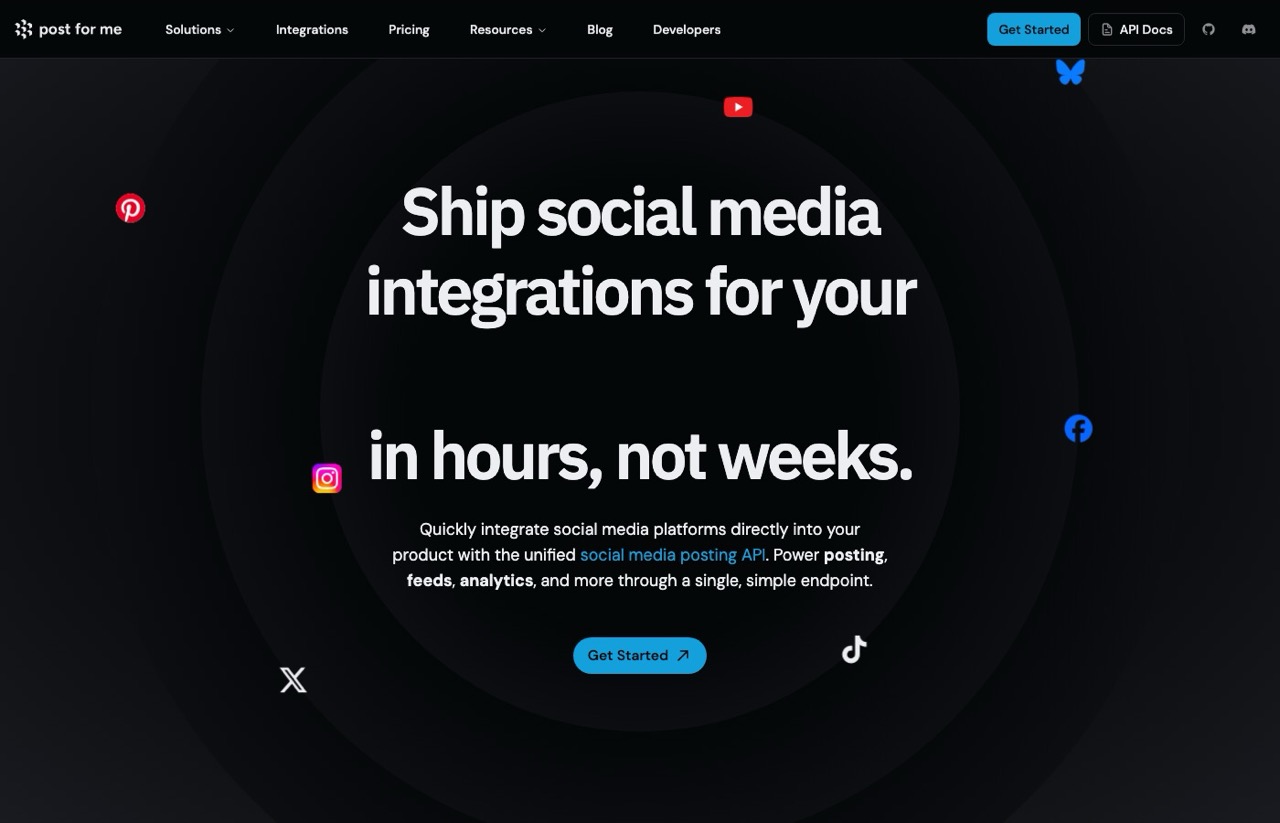
The cheapest credible way onto this list, and the one I would reach for to test an idea. Another documentation read rather than a production account.
Pros:
- $10 a month for 1,000 posts with unlimited connected accounts and unlimited API keys
- Lets you bring your own platform developer credentials instead of sharing theirs
- No automatic overage charging, so a spike does not produce a surprise invoice
Cons:
- One public tier only, so anything above 1,000 posts is a sales conversation rather than a published price
- That makes it impossible to budget at agency volume without contacting them
Best for: Solo builders, prototypes, and anyone testing whether an integration is worth building at all.
Pricing: Starter $10/mo for up to 1,000 successful posts. Enterprise is custom.
Free trial: No free tier listed.
Bottom line: The rational default under 1,000 posts a month. The bring-your-own-credentials option is worth more than its price suggests if you are worried about sharing a rate limit pool.
4. Zernio (Best platform coverage, with a real free tier)
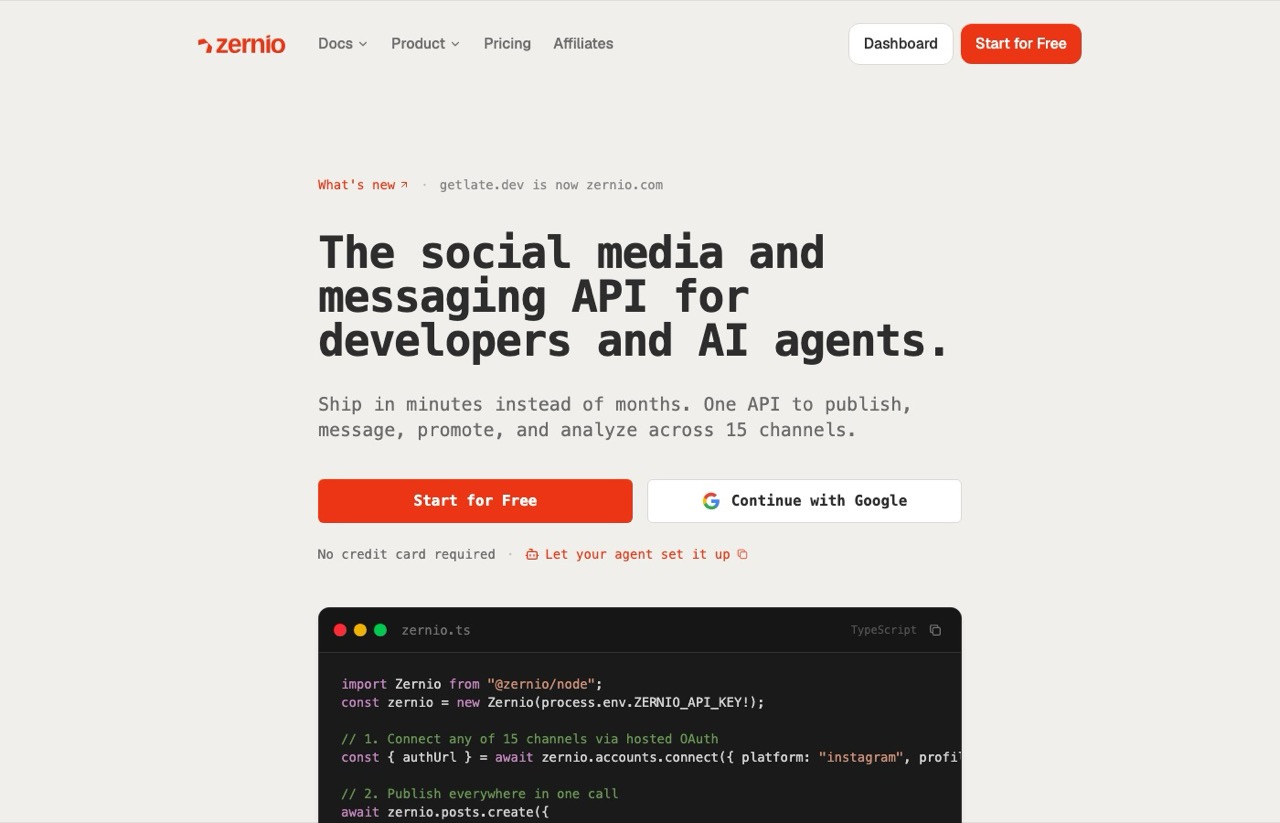
I have hands-on time with Zernio from an earlier build, and the free tier is genuinely usable rather than a demo. The widest platform roster here by some margin. If you only use its dashboard, I compared the dashboard alternatives to Zernio separately.
Pros:
- The widest channel roster here, including Reddit, Telegram and Google Business Profile, plus ad networks
- Two connected accounts free with full API access, so you can build before paying
- Per-account rate falls as you grow, from $6 to $3 to $1
Cons:
- Degrading is not the same as flat: 50 accounts still costs $168 against Outstand's $19
- X API costs are passed through separately at $0.005 to $0.200 per request
- Their marketed "40x faster rate limits" claim did not hold up when I checked it against the published numbers
Best for: Developers who need channels the others do not carry, especially Reddit or Telegram.
Pricing: Free for 2 accounts, then $6/account for accounts 3-10, $3 for 11-100, $1 for 101 and up.
Free trial: Yes, a permanent free tier with 2 accounts and API access included.
Bottom line: The best free tier here for actually building against, though watch the per-account curve past a dozen accounts. I went deeper in my full Zernio review.
5. Upload-Post (Best free tier for testing an integration)
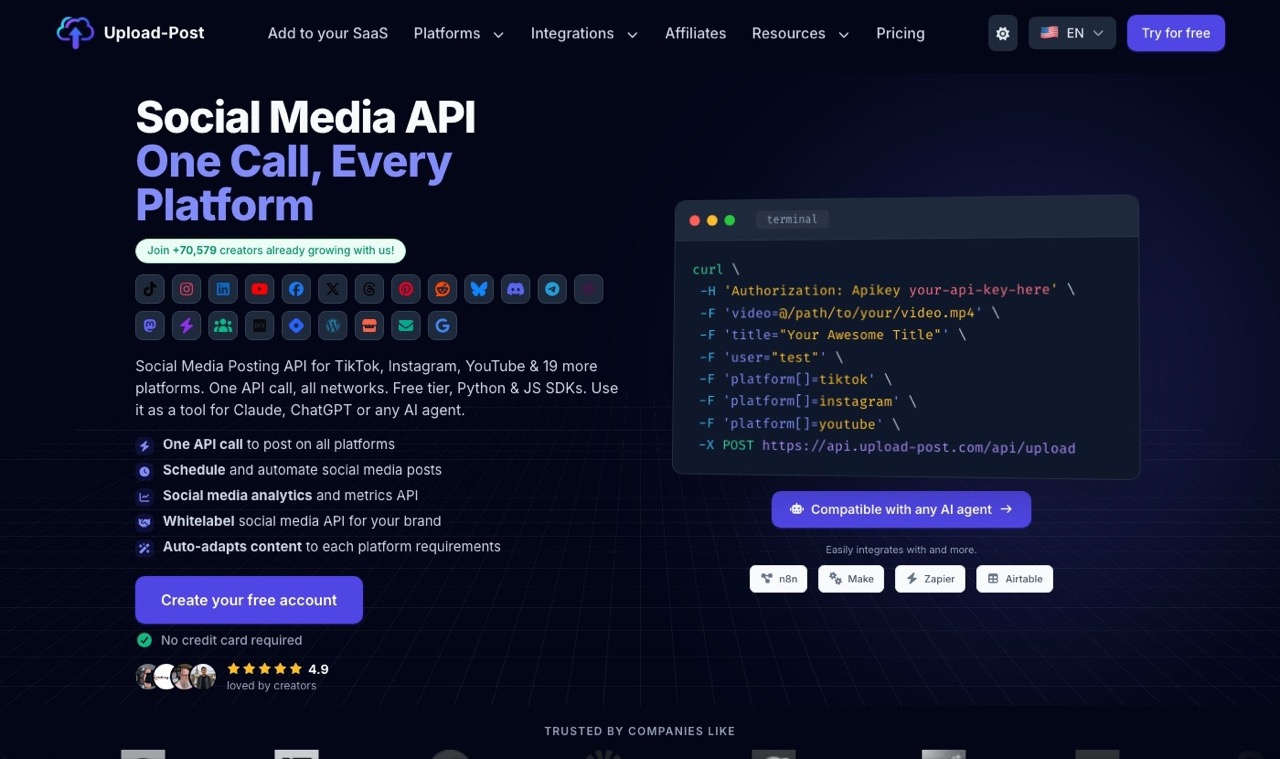
I have used Upload-Post before and its free plan is the least friction of any entry here. Paid plans then switch to unlimited uploads, which makes the bill predictable.
Pros:
- Free plan with no credit card at 10 uploads a month across 2 profiles
- Unlimited uploads on every paid plan, so volume never moves the price
- Whitelabel included from Professional upward, useful if you are reselling
- Annual billing cuts 40 percent
Cons:
- TikTok is excluded from the free plan, which is often the whole reason people want this
- Per-profile pricing gets expensive at scale: 50 profiles needs the $147 Advanced tier
Best for: Anyone who wants to prove an integration works before spending a dollar.
Pricing: Free (10 uploads, 2 profiles), Basic $24/mo for 5 profiles, Professional $50 for 25, Advanced $147 for 75. Annual billing saves 40 percent.
Free trial: Yes, a permanent free plan with no card required.
Bottom line: The easiest yes for testing. Just confirm TikTok is on your paid tier before you build around it.
6. Postiz (Best for API access without tier games)

Postiz is the answer when you are tired of finding the API behind a $50 upgrade. I have not run it, self-hosted or otherwise, so this is a documentation read.
Pros:
- API access included on every paid tier, starting at the $29 entry plan
- Unlimited posts on all tiers, so only channel count moves the price
- Open source, so self-hosting is a genuine option rather than a marketing line
- Unlimited team members from the $39 tier up
Cons:
- Per-channel pricing loses badly to the flat-rate vendors at high account counts
- Self-hosting trades the subscription for your own server maintenance, which is not free in hours
Best for: Teams who want programmatic access on the cheapest paid plan rather than a developer tier.
Pricing: Standard $29/mo (5 channels), Team $39 (10), Pro $49 (30), Ultimate $99 (100). API on all four.
Free trial: Yes, a 7-day trial. Self-hosting the open-source version is free indefinitely.
Bottom line: Honest tiering and no API upsell. I worked through the real maintenance math in my post on skipping the self-hosted route.
7. bundle.social (Best for embedding publishing in your own product)
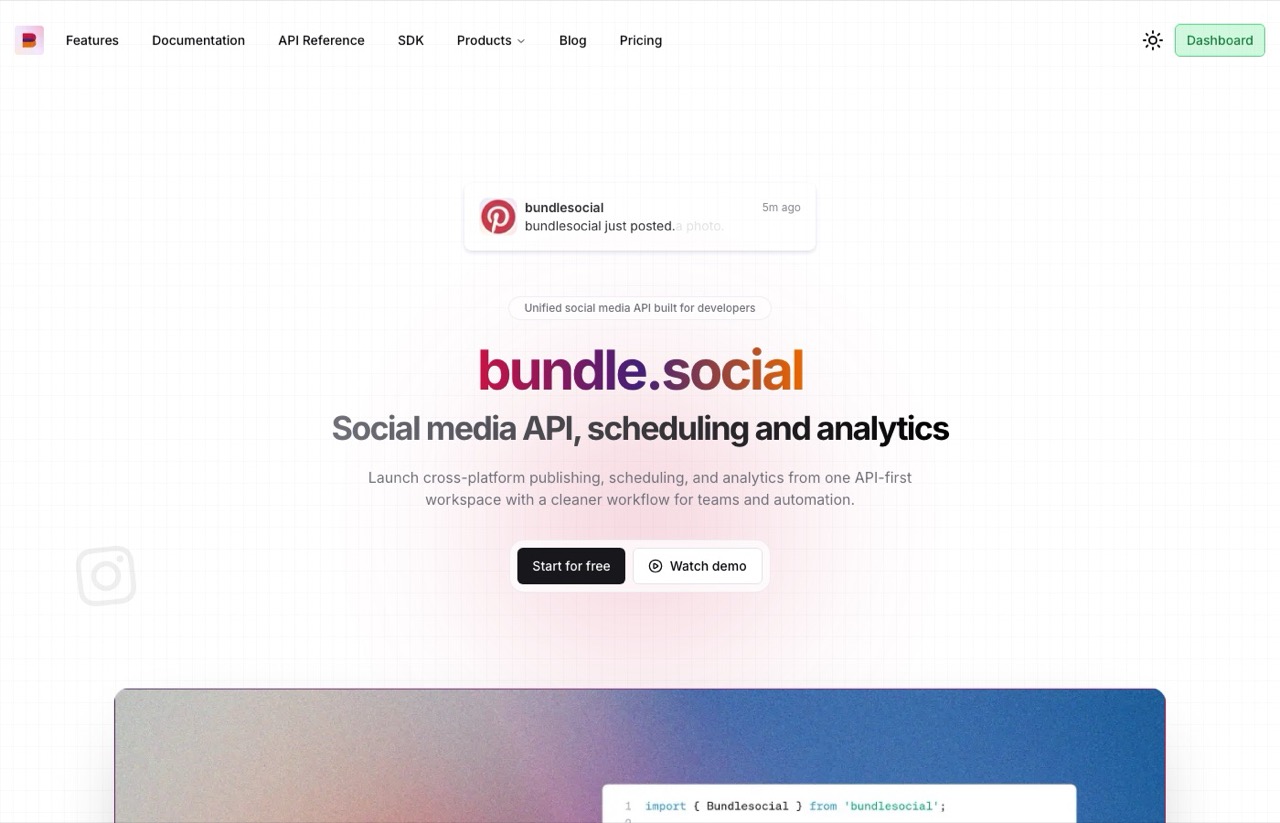
Built for developers embedding publishing into a SaaS product rather than for end users. Documentation read, not a production account.
Pros:
- Free tier includes real API access at 20 posts and 3 accounts a month
- Pro gives 10,000 posts and unlimited connected accounts for a flat $100
- Comment allowances published alongside post allowances, which most vendors omit
Cons:
- The gap between free and $100 is the widest here, with no middle step
- X posts are billed separately at $0.015 each and $0.20 with a link
Best for: SaaS teams giving their own customers social publishing inside their product.
Pricing: Free (20 posts, 3 accounts), Pro $100/mo (10,000 posts, unlimited accounts), Business $400/mo (100,000 posts). Custom above that.
Free trial: Yes, a permanent free tier with API access.
Bottom line: Evaluate on the free tier, then decide whether $100 is worth it. Budget the X pass-through separately if X matters to you.
8. Post Bridge (Best for unlimited posting on a fixed account tier)
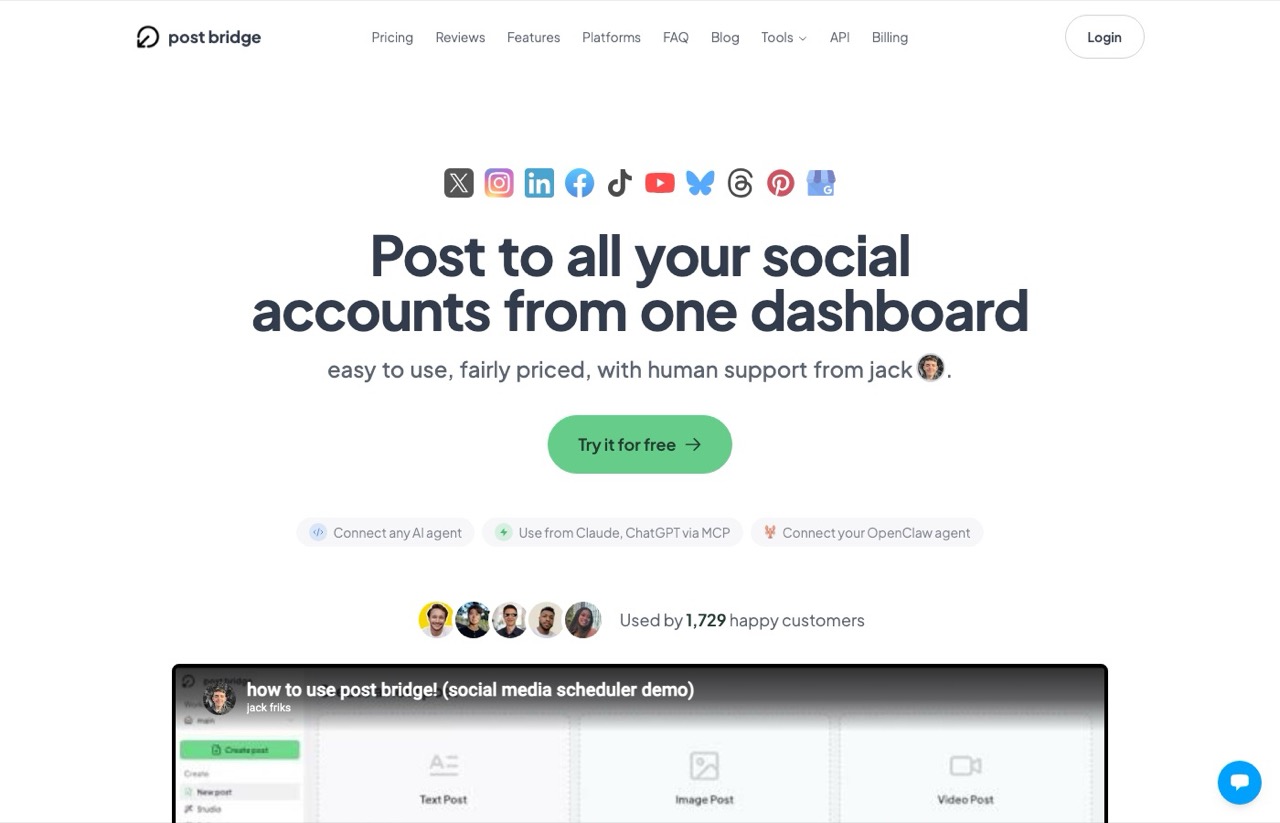
On raw account economics Post Bridge is competitive with anything here, and the API now comes with every plan instead of as a paid add-on. I have not run it myself.
Pros:
- Marketer at $39 covers 15 connected accounts with unlimited posts and no per-post metering
- Unlimited posts on every tier
- REST API, CLI and MCP server included on every plan
Cons:
- Only two plans, so there is no middle step between 15 accounts at $39 and the $99 Operator plan
- Operator's $99 covers up to 99 accounts whether you use that room or not
Best for: Creators running a lot of accounts who post heavily and do not want a per-post allowance to think about.
Pricing: Marketer $39/mo (15 accounts), Operator $99/mo (99 accounts, then $1 per extra account). The REST API, CLI and MCP are included on both plans, and yearly billing gives two months free.
Free trial: Yes, 7 days.
Bottom line: Real value if you fit inside 15 accounts. Between 16 and 99 accounts you pay the full $99 either way.
9. Ayrshare (Best for platforms reselling publishing to their own users)
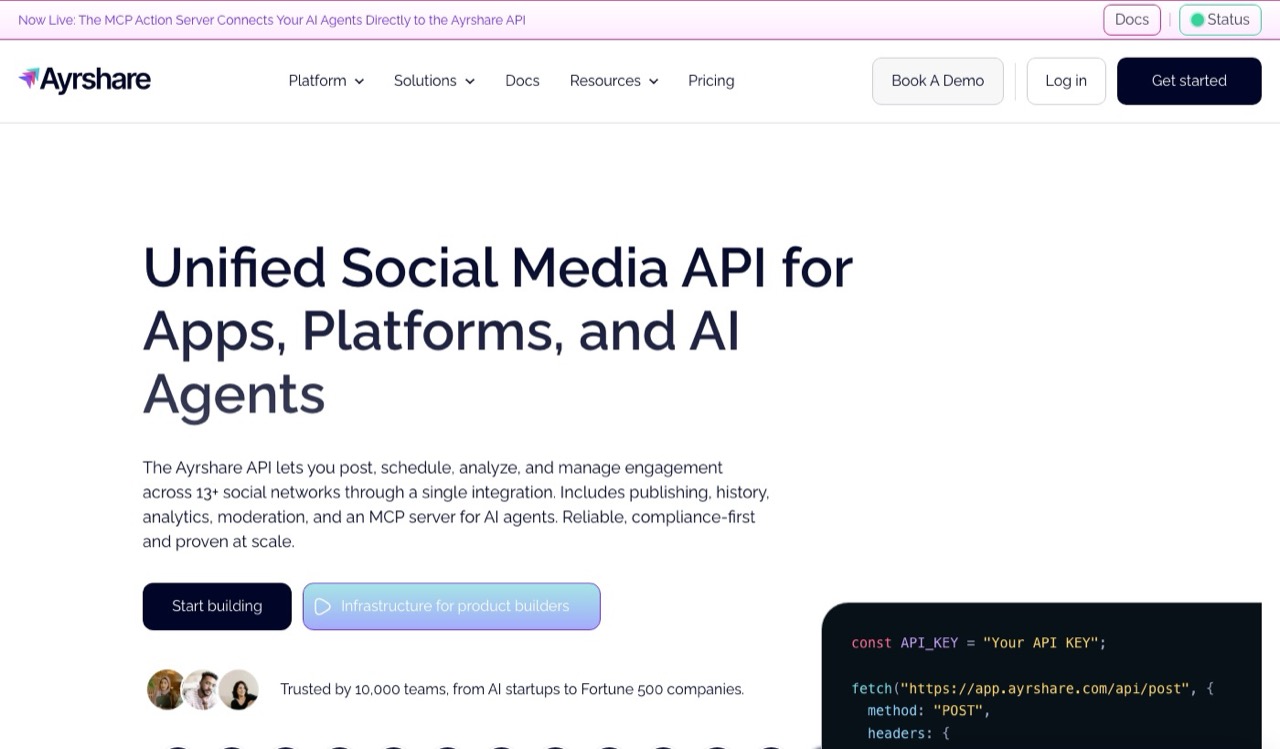
The $149 entry price looks indefensible next to a $10 competitor, and for a solo builder it is. It stops looking silly once you read what the upper tiers assume about you.
Documentation read, not a production account.
Pros:
- Separately documented publishing, history, analytics and engagement APIs, which is a real depth signal
- 14 networks, the widest coverage here after Zernio
- Per-profile provisioning built for reselling to your own customers
- Unlimited team members with no per-seat charge on every tier
Cons:
- Premium at $149 covers exactly one social profile, so it is poor value for individuals
- Scaling to 50 accounts means Business at $599 and up
Best for: Products and platforms giving social publishing to many end customers under one integration.
Pricing: Premium $149/mo (1 profile), Launch $299 (10 profiles), Business from $599 (30 profiles, scaling to 300), Enterprise custom.
Free trial: A 28-day free trial is offered on the Launch tier.
Bottom line: If you need someone to answer the phone when a platform breaks, the price is the product. One person should look almost anywhere else here, and I covered those routes in my breakdown of what to use instead of Ayrshare.
10. Mixpost (Best if you want to own the software outright)
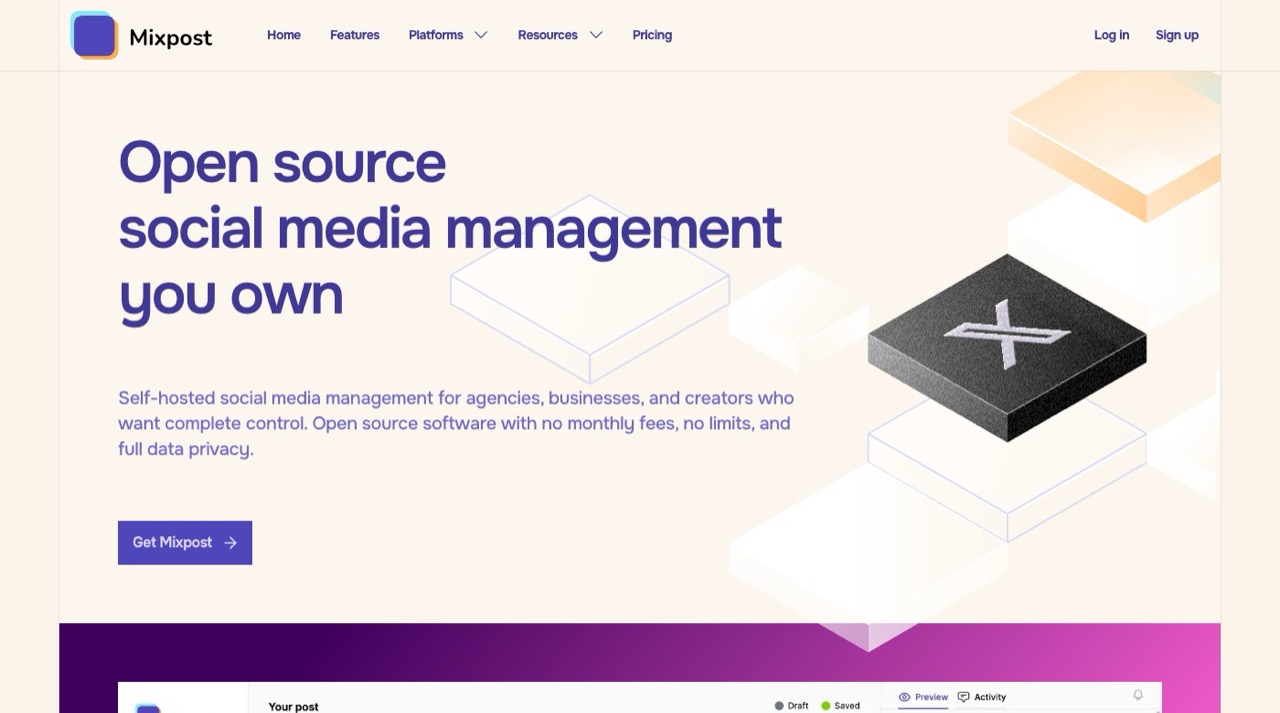
The only entry here that is not a subscription. I have never self-hosted anything, so I am reporting the licence terms rather than the experience of running it.
Pros:
- A $299 one-time licence covering unlimited social accounts and unlimited team members
- API and MCP both included in that licence
- Perpetual fallback licence, so it keeps working after updates lapse
- Full data ownership, which matters for some compliance situations
Cons:
- You own uptime, upgrades, OAuth token refreshes and every platform API change, forever
- The free Lite licence excludes API and MCP, so there is no free way to evaluate it as an API
- Add your own server cost on top of the licence
Best for: Teams with infrastructure people who would rather own software than rent it.
Pricing: Lite free (no API), Pro $299 one time, Enterprise $1,199 one time. Includes one year of updates.
Free trial: The Lite licence is free but carries no API or MCP.
Bottom line: It pays for itself against Ayrshare quickly and against Outstand slowly. The $299 is the sticker price, not the real one, because the maintenance is now your job.
How to Choose a Social Media API
These are the questions I work through on every build before looking at a single pricing page.
- Are you paying for accounts or for posts? Write down both numbers first. That single answer eliminates most of this list before price enters the conversation.
- Is your account count fixed or growing? A growing count kills per-account and per-profile vendors quickly, even ones with degrading rates.
- Which networks are non-negotiable? Rosters here run from 11 at the low end to the mid-teens, and some vendors make you supply your own credentials for X or Google Business Profile.
- Do you need the content generated, or only published? If something already writes your posts, you are shopping for plumbing and should not pay for a generator.
- Can you test before you pay? Three of these have a free tier with working API access. One has a trial that excludes the API entirely.
- Who owns the platform relationship when it breaks? This is the question nobody prices, and it is covered below.
What a Year of Agent-Driven Posting Actually Taught Me
This is the part no vendor on this SERP can write, because none of them will publish the failure modes of the thing they sell.
The single biggest surprise is that the API almost never breaks. The agent driving it does.
My worst failure was an agent reporting a finished run against an empty folder, because the rendering job was still processing when the conversation ended.
The API call was fine. The orchestration around it was not, and nothing in the API response would have told me.
A workflow builder would have caught that with a wait node drawn explicitly on a canvas. That is the honest cost of the agent path, and it is the thing an API pricing page cannot warn you about.
The second lesson is that credits are the variable that actually surprises you, not posts. Post allowances are easy to estimate because you know your own calendar.
Generation credits drain at a rate that depends on whether you asked for text, an image, or a video that day.
Third, deleted posts are where the state drifts. Removing something on the platform side does not always reconcile cleanly back through the API, so the tool's record and the live account can disagree.
None of that shows up in a comparison table, and all of it decides whether you keep using a tool after month three. It is also why I would not switch to a cheaper option on price alone without running it for a month first.
The Thing Nobody Prices: Who Owns the Platform Relationship
Every table above treats these as interchangeable pipes. They are not, and the difference shows up on your worst day rather than your first.
When a vendor posts under its own developer credentials, its customers can share a rate limit pool and a compliance surface. If another customer gets that app flagged, your posting can stop for reasons that have nothing to do with your code.
In fairness to the vendors, this has not happened to me. Running one of these daily for months, the shared-credential failure I am describing is the risk I have been carrying, not an incident I have lived through.
That is worth saying plainly, because most posts raising this point present it as though it were routine. It is a tail risk you are accepting, and the vendors mostly hold up their end.
It still explains why Post For Me's bring-your-own-credentials option, and the pass-through X billing at Zernio and bundle.social, are worth more than their line items suggest. Each is a vendor declining to hide a dependency from you.
It is also the strongest argument for the expensive end of this list. Part of Ayrshare's $149 is someone whose full-time job is maintaining those platform relationships, and part of Mixpost's $299 is that job becoming yours.
Which Social Media API Should You Pick?
Answer one question and most of this resolves. Are you paying for accounts, or for posts?
Small fixed account count on a budget, pick Post For Me at $10. Many accounts with moderate volume, pick Outstand at $19.
Widest platform roster with a real free tier, Zernio. API access without tier games, Postiz.
Needing 14-plus networks with documented analytics and engagement APIs plus a real support relationship is the case where Ayrshare's pricing stops being absurd.
Nothing currently writing your content? That is where I land with Blotato, and you should discount that opinion by the disclosure at the bottom of this post.
What About Buffer, Hootsuite and Sprout Social?
Those three come up constantly on this query and none of them made the list, which is a deliberate exclusion rather than an oversight.
They are social media management platforms that happen to expose an API, not API-first products. Buffer prices per channel for a dashboard user, and Hootsuite and Sprout Social are built around seats and reporting.
If you are searching for a social media API, you want the API to be the product rather than a feature bolted onto a seat licence. That is the line I drew, and I compared the dashboard-first tools separately in my roundup of social media automation tools.
Ryan's Final Thoughts
The reason this keyword is full of weak comparison posts is that the honest answer depends on your volume, and a listicle cannot know your volume.
So run the two-line version of what I did above. Write down your account count and your monthly post count, then read those two numbers against the allowance column instead of the price column.
Every price here was checked live on each vendor's own pricing page, and every scenario total is calculated rather than quoted from a marketing claim.
Social Media API FAQs
What is a social media API?
A social media API is the official interface a platform provides so software can publish, schedule and read content programmatically instead of through a dashboard. The unified APIs in this post sit one layer above that, giving you a single endpoint that fans out to Instagram, TikTok, LinkedIn, X, YouTube and others, so you do not have to apply for and maintain developer access on each platform separately.
What is the best social media API?
It depends on whether you are billed for accounts or posts, and the answer inverts between the two. For a solo builder with a handful of accounts, Post For Me at $10/mo for 1,000 posts is the cheapest credible option. For an agency or product with many accounts, Outstand at $19/mo flat with unlimited accounts wins by a wide margin. For creators who need posts written as well as published, Blotato at $29/mo is the only one here that generates the content itself.
Is there a free social media API?
Three of the ten give you a free tier with working API access. Upload-Post allows 10 uploads a month across 2 profiles with no credit card, though TikTok is excluded. Zernio's free tier covers 2 connected accounts with full API access. bundle.social allows 20 posts and 3 accounts. Mixpost also has a free Lite licence, but it excludes the API and MCP entirely, so it cannot be used to test an integration.
How much does a social media API cost?
Entry prices here run from $0 to $299, but the useful answer depends on volume. At 5 accounts and 150 posts a month, these ten range from $10 to $149. At 50 accounts and 2,000 posts a month, the same ten range from $19 to $599, and both the cheapest and the most expensive change identity. Price the allowance, not the sticker.
Can an AI agent post to social media through an API?
Yes, and most of these vendors now ship MCP servers specifically for it. Outstand exposes its whole API as MCP tools, Mixpost includes MCP in its Pro licence, and Blotato, Zernio and Ayrshare all run hosted MCP endpoints, so an agent running in Claude or a similar client can call publishing tools directly instead of going through your backend. MCP support is close to table stakes across this category now, so it is a poor reason to pick one vendor over another.
Do I still need developer accounts on each platform?
Usually not, and that is most of what you are paying for. These vendors have already passed Meta, TikTok and LinkedIn app review and let you publish under their approved applications. Post For Me is the notable exception in a good way, since it lets you bring your own platform credentials if you would rather not share a rate limit pool with the vendor's other customers.
Disclosure: some links in this post are affiliate links, specifically Blotato. If you buy through them I may earn a commission at no extra cost to you. Blotato is also a client of mine and my account there is comped rather than paid. I have no relationship with Outstand, Post For Me, Upload-Post, Zernio, Postiz, Post Bridge, bundle.social, Ayrshare or Mixpost. All pricing was verified against each vendor's live pricing page. Full disclosure.