
9 AI Agents for Content Creation That Actually Publish (Tested)
Every list of the best AI agent for content creation grades on what the agent can write. This one grades on something harder to fake: whether it can put a finished post on a real account while you are somewhere else.
The honest answer is stranger than a ranking. Not one of these nine can reach your accounts through a platform API on its own, so each needs a second piece bolted on to hold the tokens. Exactly one, Manus, sidesteps that by driving a browser you are already logged into, which is its own kind of fragile. That second piece decides whether an agent is useful to you, and it is the thing nobody else is grading. Mine is Blotato, which is a client of mine, gives me a comped account, and pays commission on the link.
I run two of these daily, Claude Code and Blotato, with Codex open beside them. Every week one long-form YouTube video becomes posts across six platforms that I never manually publish. The other six agents I assessed against what each vendor ships and documents, not months in the seat, and I say which is which.
Why Can't an AI Agent Post on Its Own?
An agent that writes is a writer. An agent that publishes is a system.
To put a post on your LinkedIn, something has to hold an OAuth token for that account, survive the token expiring, and handle the platform rejecting the post. That is account plumbing, and none of these agents ships with it. They call out to something that has it.
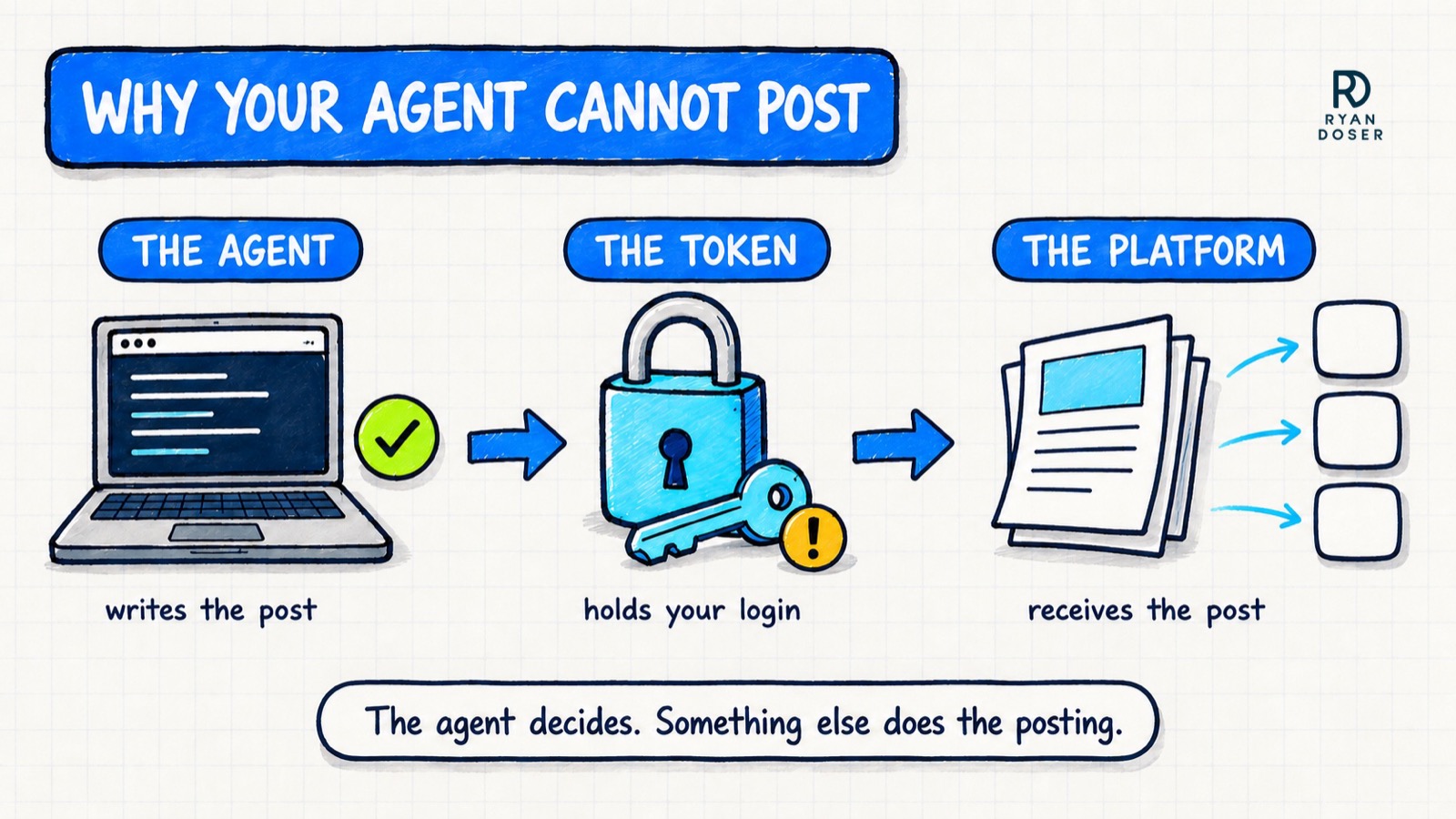
So each agent below is judged on three things: can it publish through a real platform API, can it run on a schedule with nobody watching, and does it read a durable file that holds your voice.
Best AI Agents for Content Creation in 2026
| Agent | Best For | Publishes Unattended | Brand Voice Memory | Starting Price |
|---|---|---|---|---|
| Claude Code | Terminal users wanting scheduled posting | Yes, over MCP | Skill file on disk | $20 Pro, $100 Max |
| Claude Cowork | Agent work without a command line | Yes, over MCP | Persistent instructions | Needs a paid Claude plan |
| ChatGPT | Marketers who already draft there | Yes, Developer mode, web only | Chat memory, weaker | $20/mo |
| Codex | A second agent beside your first | Yes, over MCP | AGENTS.md file | Included with ChatGPT |
| Cursor | Developers who live in the editor | Yes, over MCP | Project rules file | Free, $20/mo Pro |
| OpenCode | Choosing your own model per task | Yes, over MCP | Config file | Free, open source |
| Gemini CLI | Learning agent work at zero cost | Possible, more wiring | Context file | Free |
| Manus | Browser tasks a coding agent skips | Partly, browser-driven | Task memory | Limited free tier, $20/mo Pro |
| OpenClaw | Self-hosters accepting the security load | Possible, you maintain it | Local config | Free, plus your model spend |
1. Claude Code
This is what I run most days. Claude Code reads and writes files on your machine, which is the whole reason it wins here. My brand voice is not a prompt I retype, it is a markdown skill file on disk that gets read before every run, so post four hundred sounds like post one.
Publishing happens over MCP and a scheduled job runs it while I am on a walk. The catch is comfort and cost: it is a terminal, and to live in it you want the $100 Max plan.
2. Claude Cowork
Same engine, no terminal. Cowork runs scheduled tasks and connects to publishing tools over OAuth, which makes it the pick for anyone who wants agent work without typing commands.
What you give up is the local machine and the ability to script your own multi-step job. For most solo marketers that trade is worth making, and I compared the three Claude surfaces in Claude AI vs Cowork vs Code.
3. ChatGPT
The pragmatic pick, because it is where most marketers already write. ChatGPT reaches external tools through MCP in Developer mode, so the drafting you already do there can end in a published post.
Setup is buried in a security setting most people have never opened, it is web only, and OpenAI documents Developer mode across Pro, Plus, Business, Enterprise and Education, so confirm your plan allows a connector to write rather than only read.
4. Codex
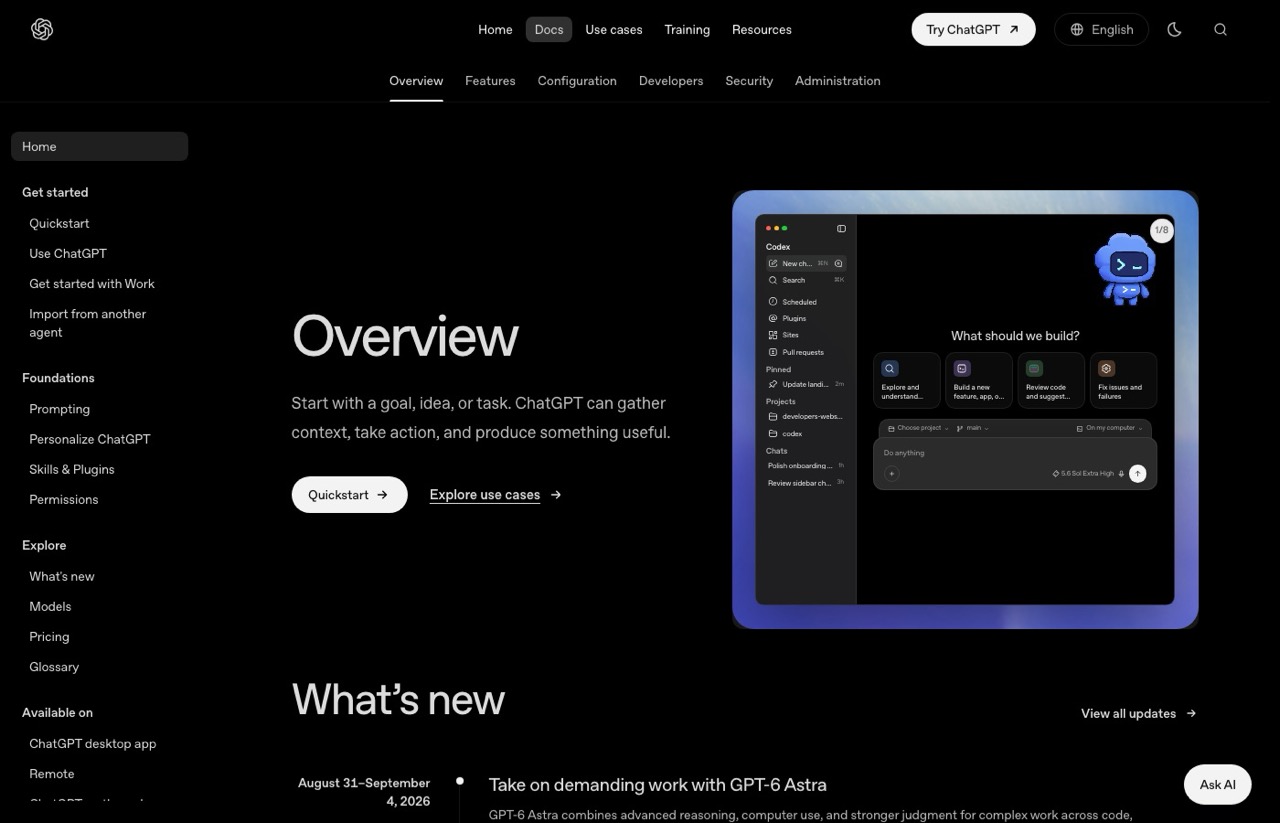
Codex is my second seat. I keep it running beside Claude Code in VS Code and use it as a second opinion on whatever the first one produced, which catches more than you would expect.
It ships its own skills workflow and reads an AGENTS.md file, so the voice-memory story is real. I still reach for Claude Code first, but that is preference rather than a capability gap.
5. Cursor
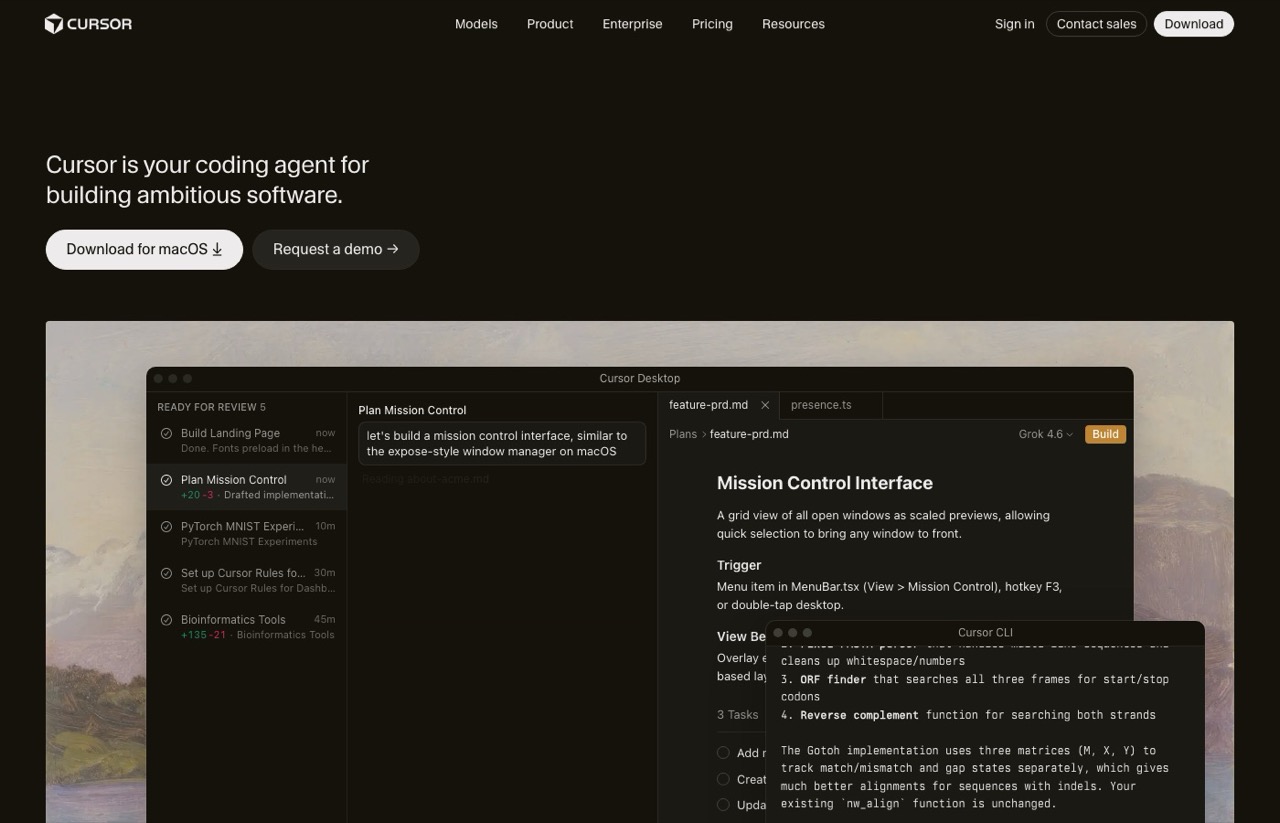
Cursor earns its place because developers already live in it, not because it is good at content. If your day is spent in that editor, having the agent that writes your release notes also publish them removes a context switch.
For a marketer with no reason to open a code editor, this is the wrong tool. It is a coding environment that happens to publish.
6. OpenCode
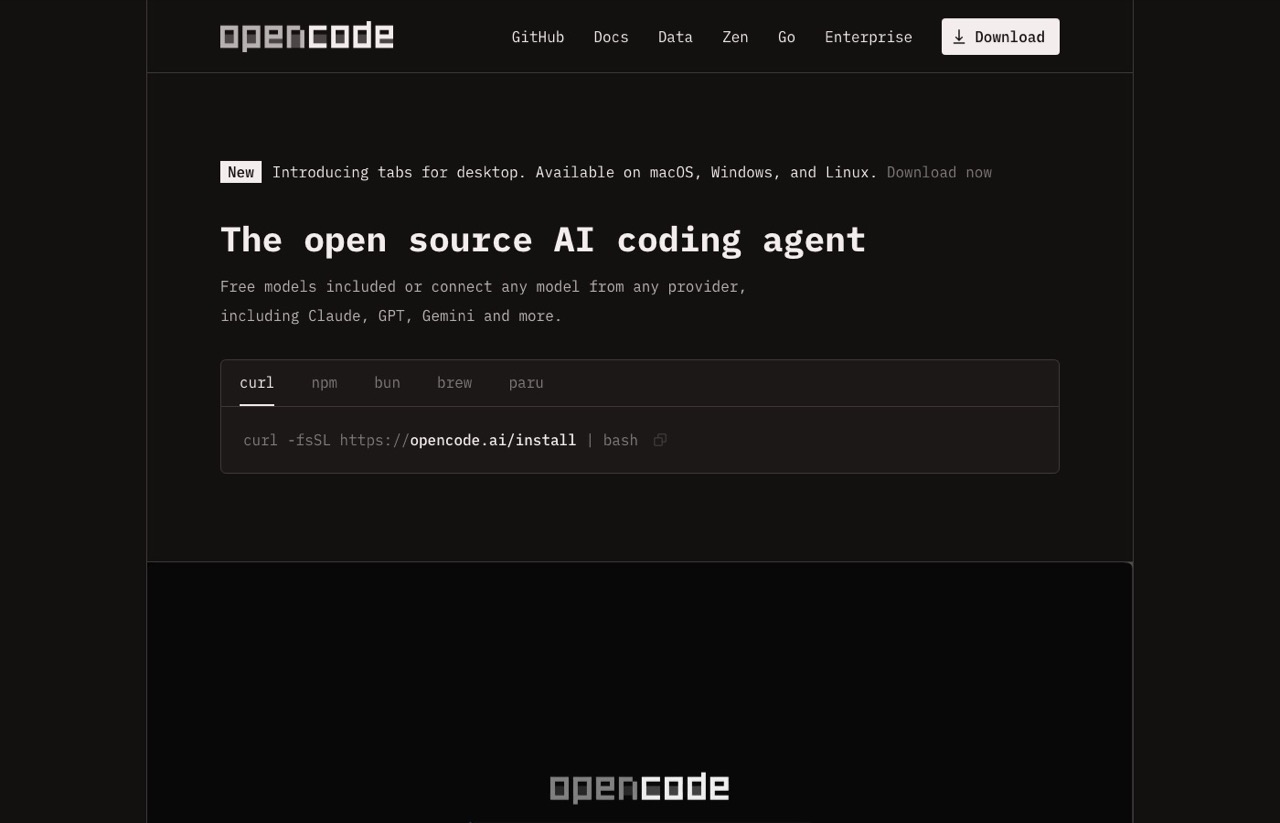
OpenCode is the open-source entry, and its pitch is model freedom: connect Claude, GPT, Gemini or anything else, and switch per task. It documents MCP servers properly, so the publishing path is there.
The trade is that you are assembling the setup rather than being handed one. Worth it if you resent being locked to a single provider, and unnecessary if you do not.
7. Gemini CLI
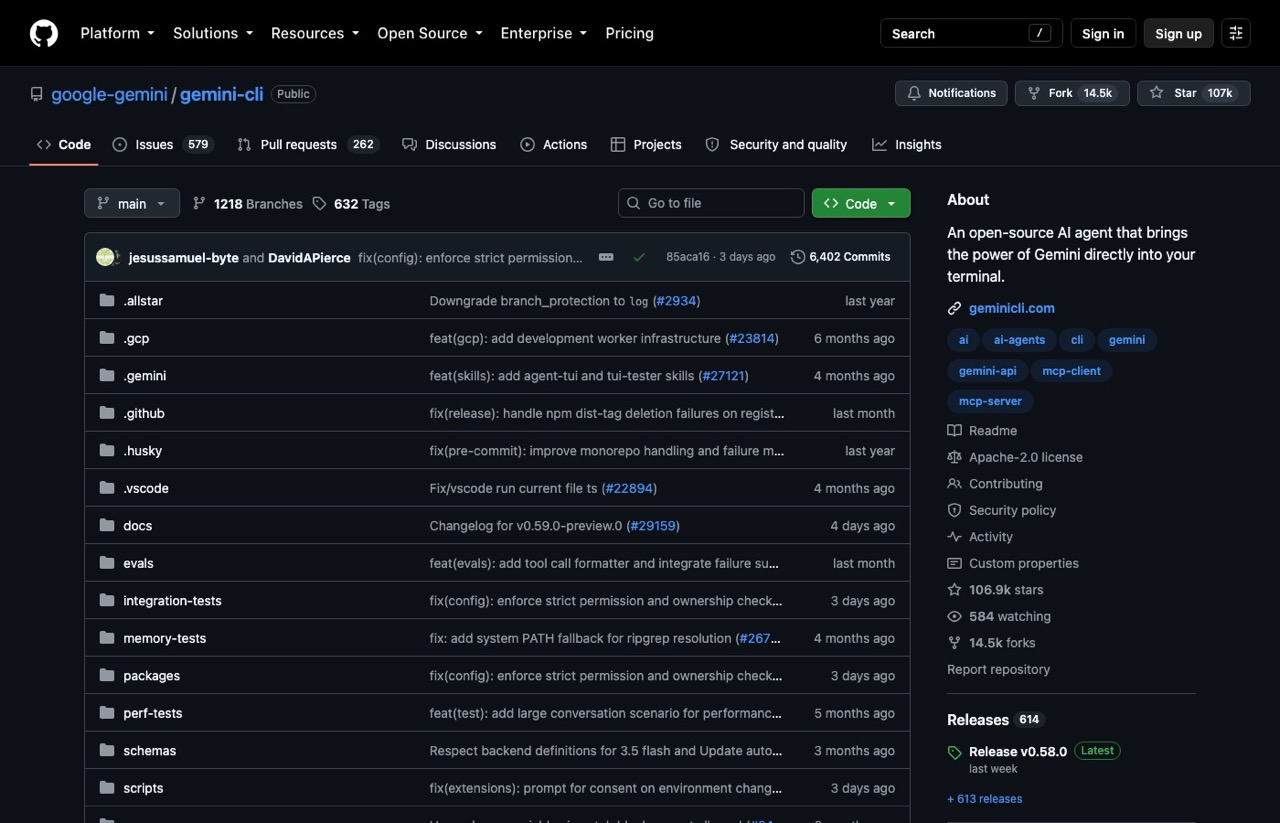
Gemini CLI is what I would hand someone who wants to find out whether any of this is for them before spending money. A personal Google account gets 60 requests a minute and 1,000 a day.
The publishing story is thinner and the ecosystem younger, so expect to wire more yourself. OpenCode is free too, but this is the gentler start if you have never run an agent before.
8. Manus
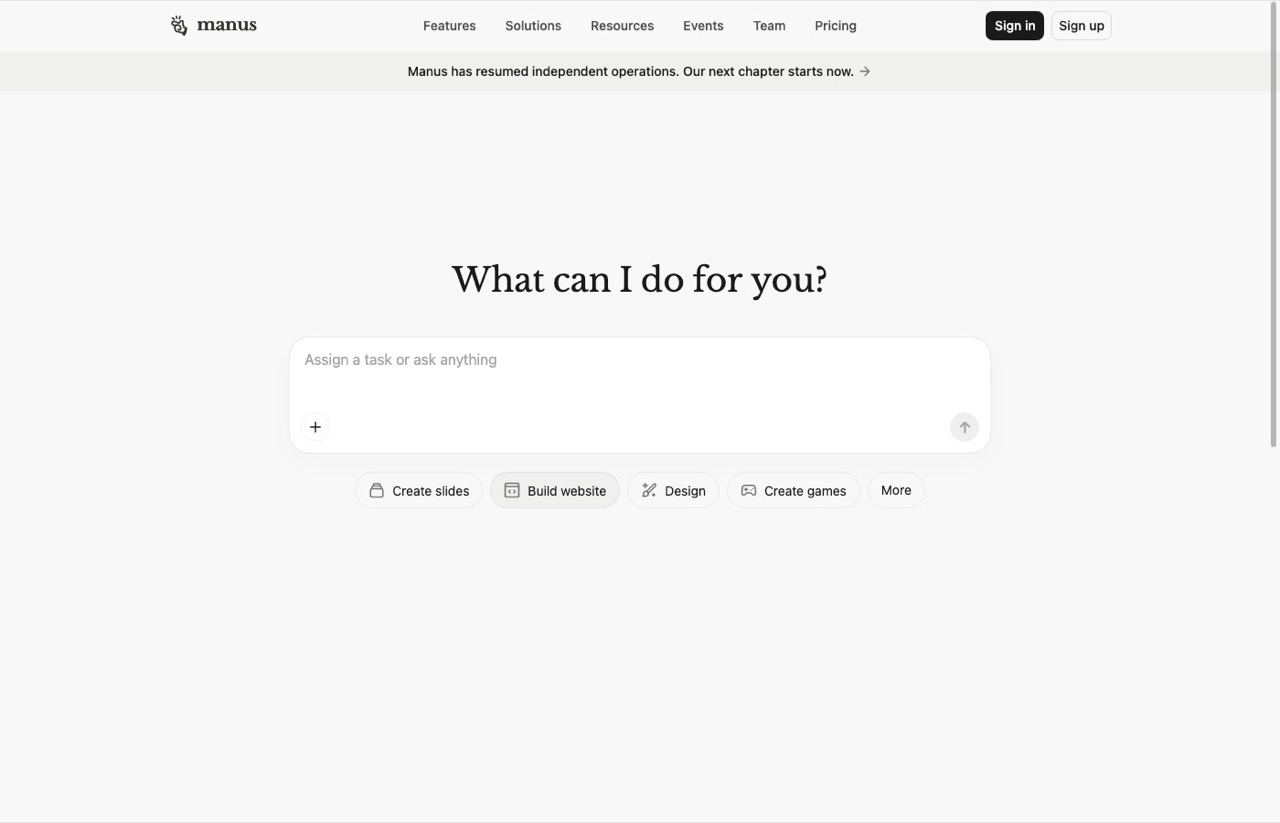
Manus is the odd one out here, and that is why it is worth knowing. It runs tasks in a browser rather than a terminal, so it reaches things with no API at all.
Browser Operator uses your existing logins, so it can post to a site that has no API at all. That is real reach a terminal agent does not have. It is also the least predictable option here, because a browser session breaks in ways an API call does not, and Manus asks you to authorize each one. Good for research and web work feeding your content, shakier as the thing you leave running unattended.
9. OpenClaw
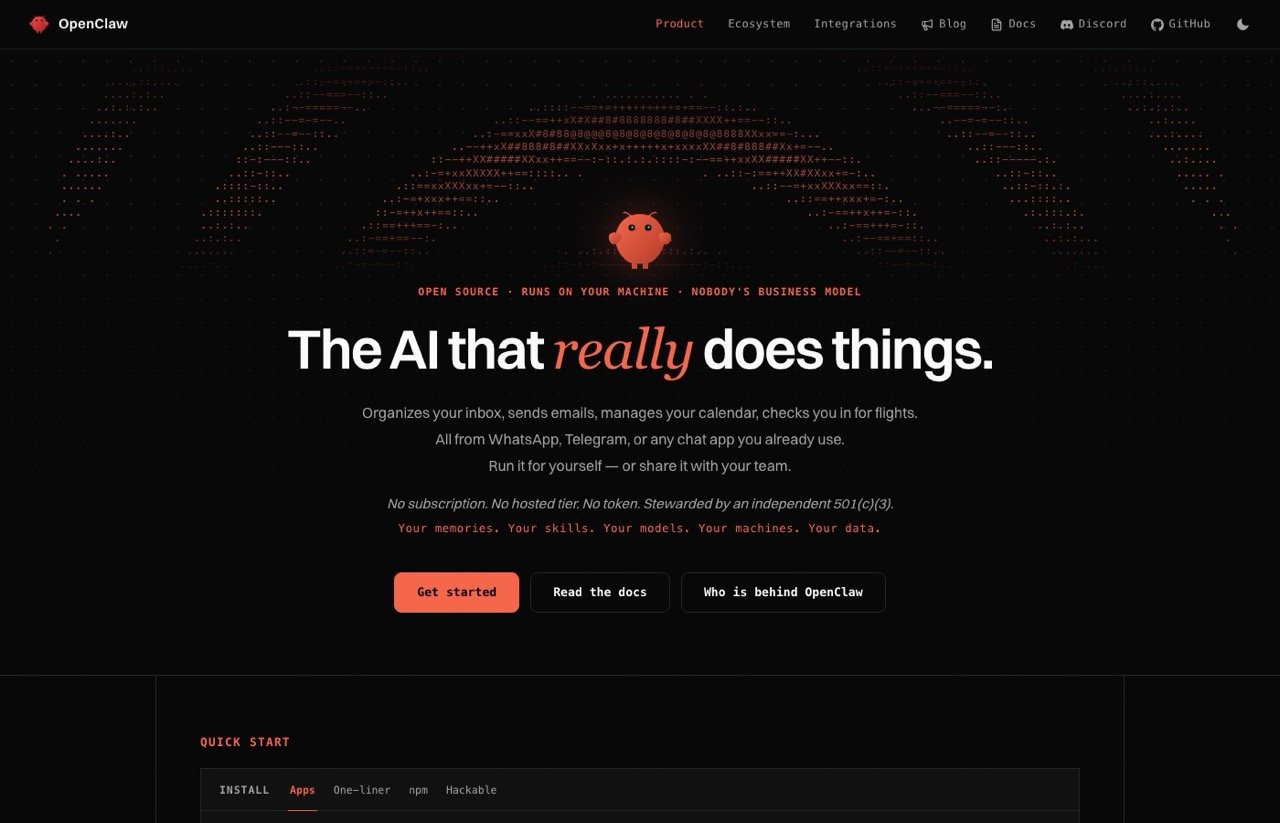
On paper the most autonomous option: self-hosted, cron-driven, agent runtime under your control. I have never self-hosted anything, so treat this as a read of the research rather than a field report, and I wrote a fuller case in why you should avoid OpenClaw.
Scanning by Censys found 21,639 publicly reachable instances in January 2026, with later counts past 40,000. Most still required a token, so exposure is not the same as an open door, but a one-click remote-code-execution flaw, CVE-2026-25253, was patched in early 2026. All of that is manageable. The managing is now your job.
What Every Agent Here Still Needs
You have four ways to close the publishing gap. Write the API integrations yourself, which is free until a platform rotates its auth. Route through an automation platform like Zapier or Make. Use a developer-first social API such as Ayrshare, or self-host Postiz.
Or point the agent at a hosted layer. Mine is Blotato: nine platforms, 36 MCP tools, $29 a month flat rather than climbing per connected account. Flat pricing is the actual argument, and I ran that math in Blotato vs Buffer.
Where it is not the answer matters more. Analytics covers eight of the nine platforms because LinkedIn returns no metrics. Comments and DMs are Instagram and Facebook only, so if replying everywhere is the job, look elsewhere. The 7-day trial also excludes the API, so an agent workflow means starting the subscription rather than trialing it.
How I Connect Claude Code to Blotato
Three pieces, and the order matters. A skill file holds the voice, an MCP connection gives the agent a way to publish, and Claude Code sits between them. The full walkthrough is in my guide to building a Claude Code social media manager.
What surprised me is how little the agent matters once those are in place. The voice lives in the file and the publishing lives in the MCP server, so the agent in the middle is the most replaceable part of the whole setup.
Pick the Agent You Will Actually Open
Comfortable in a terminal, want the strongest version: Claude Code with a skill file. Terminal is a dealbreaker: Cowork. Already drafting in ChatGPT daily: stay there and stop shopping.
I spent far too long picking the agent and not nearly long enough writing the skill file. The agent was never the bottleneck. The instructions were.
I send one email a week on what is working in AI marketing. You can join here.
AI Agent for Content Creation FAQs
Which AI agent is best for content creation?
Claude Code, if you are comfortable in a terminal, because it reads a brand-voice skill file from disk on every run and publishes over MCP. Claude Cowork is the better pick without a command line, and ChatGPT is the pragmatic choice if that is already where you draft. The agent matters less than the skill file you give it.
Can an AI agent post to social media by itself?
No. An agent decides what to post but cannot hold the OAuth tokens for your accounts. It needs a publishing layer, either your own API code, an automation platform, or a hosted social API such as Blotato or Ayrshare. Once connected, the agent can publish unattended on a schedule.
What happens when an AI agent posts something wrong?
Plan for it, because it will. Keep a human approval step for anything reputationally risky and keep posting permissions narrow enough that a bad run is embarrassing rather than expensive. Check whether your publishing layer caps daily posts, because a cap is what limits the blast radius of a runaway loop.
What does a full AI content agent stack cost?
Budget two line items. The agent runs from free on Gemini CLI, through a $20 ChatGPT or Claude Pro plan, up to $100 for Claude Max. The publishing layer is separate and starts around $29. Running my own stack as the example, that is $49 a month on a Pro plan and $129 if you move up to Max.
How do I keep an AI agent writing in my brand voice?
Put the voice in a file the agent reads every run rather than a prompt you retype. A markdown skill file covering tone, platform formatting and a few real examples works across Claude Code, Cowork and Codex. That file is what keeps post four hundred sounding like post one.
Disclosure: some links in this post are affiliate links. If you buy through them I may earn a commission at no extra cost to you. I only recommend tools I actually use. Full disclosure.