
Why I Use Claude Code & Codex Together as a Marketer
I run Claude Code and Codex together in the same window, and the split between them is not the one developers write about.
Watch Me Run Claude Code and Codex Together
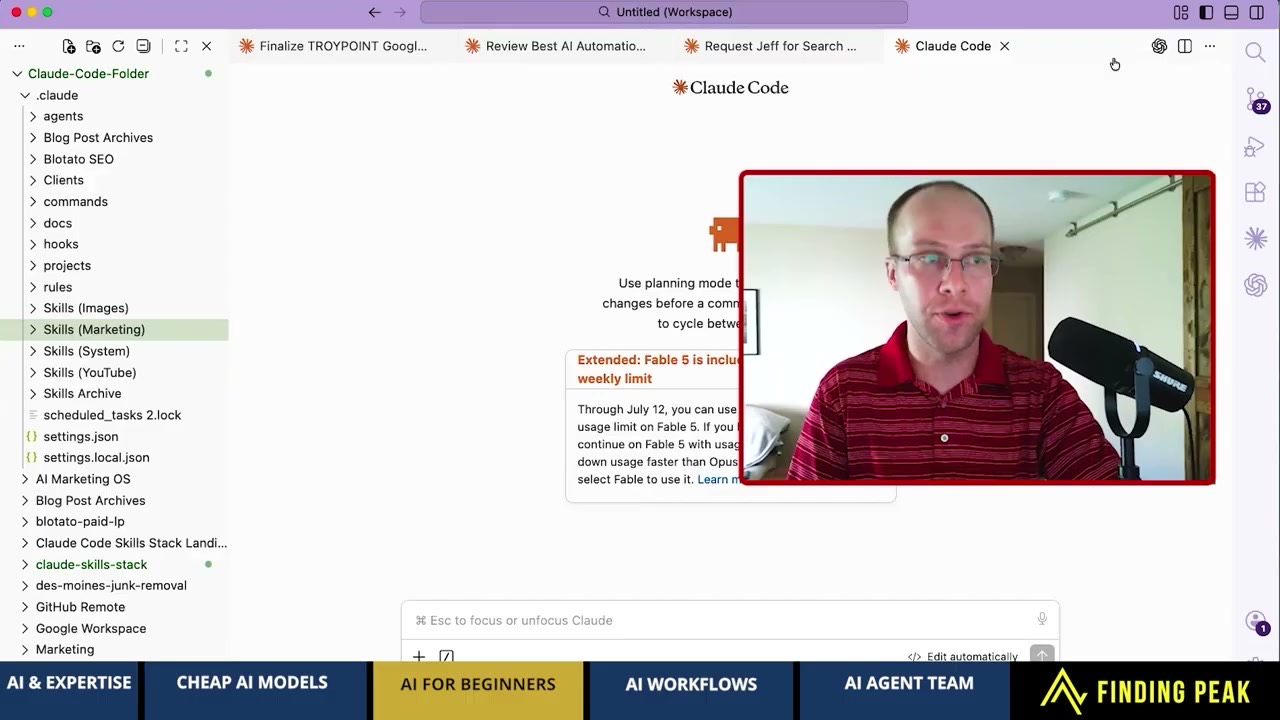
I walked through this on Ryan Hanley's Finding Peak podcast, including a live screen share of how my workspace is organized.
Search this topic and every result is written for engineers. They cover handoff files, git worktrees, and warnings about two agents editing the same code at once.
None of that is my problem. I am not shipping software, I am shipping blog posts, thumbnails, and client work.
If you have never opened Claude Code at all, start with my beginner guide to Claude Code for marketing and come back for the second agent.
The Split That Actually Matters for Marketers
Developers split these two agents by task complexity. I split mine by what each one physically can and cannot do.
Claude gets the writing, the SEO work, and anything where marketing judgment decides whether the output is good. That is most of my week.
Codex gets images, because Claude models do not generate them natively. One step of my blog workflow calls the Codex CLI, which runs GPT Image 2 to make the featured image.
That is the whole rule. Words and judgment go left, pictures go right.
Here is what the handoff looks like in practice. Claude drafts the post, runs it past my anti-slop and brand-voice checks, and gets the copy to a place I would actually publish.
Then the same workflow calls Codex with the post's title and angle, and Codex returns the featured image. I never leave the editor or open a separate design tool.
The reason that matters is that the featured image is usually the step where a content workflow stalls. One agent finishing the words and handing off to another for the visual is the difference between a finished post and a draft waiting on a graphic.
There is a second way to run this pairing that I did not invent. You can have Codex adversarially review whatever Claude produced, which is one of the Claude Code hacks I picked up from someone smarter than me.
Codex Is Also Your Insurance Policy
Usage limits are the thing nobody plans for until they hit one mid-task.
When Claude Code goes down or I burn through my usage, the other extension is already installed and signed in. I keep working instead of waiting for a reset.
The same setup carried me through a summer of weak Opus 5 drafts, with Codex as the critic, until Opus 5.5 fixed Claude's writing.
The math surprised me. On a $20 ChatGPT Plus plan you get a lot more usage out of Codex than you would expect, and I would argue more than a $100 a month Claude Max plan gives you if you are running Opus around the clock. I broke that comparison down properly in ChatGPT Pro vs Claude Max, where the metering difference turns out to be the whole story.
If you are weighing which Claude tier to pay for in the first place, I broke that down in my guide to which Claude model to use.
Why Both Live Inside VS Code
Two agents need somewhere neutral to sit. VS Code is free, and more importantly it does not care which AI you point at it.
Working inside Anthropic's own app or OpenAI's own app means using a room built by a company with a favorite. A neutral editor gives both a fair shot.
Cursor is a good product, especially for more technical developers. It is more pay-to-play than VS Code, which is why I did not land there.
Google's Antigravity is where I get cautious. Google owns Gemini, so Google has an incentive to make every other model feel slightly worse inside their editor.
What Both Agents Read From
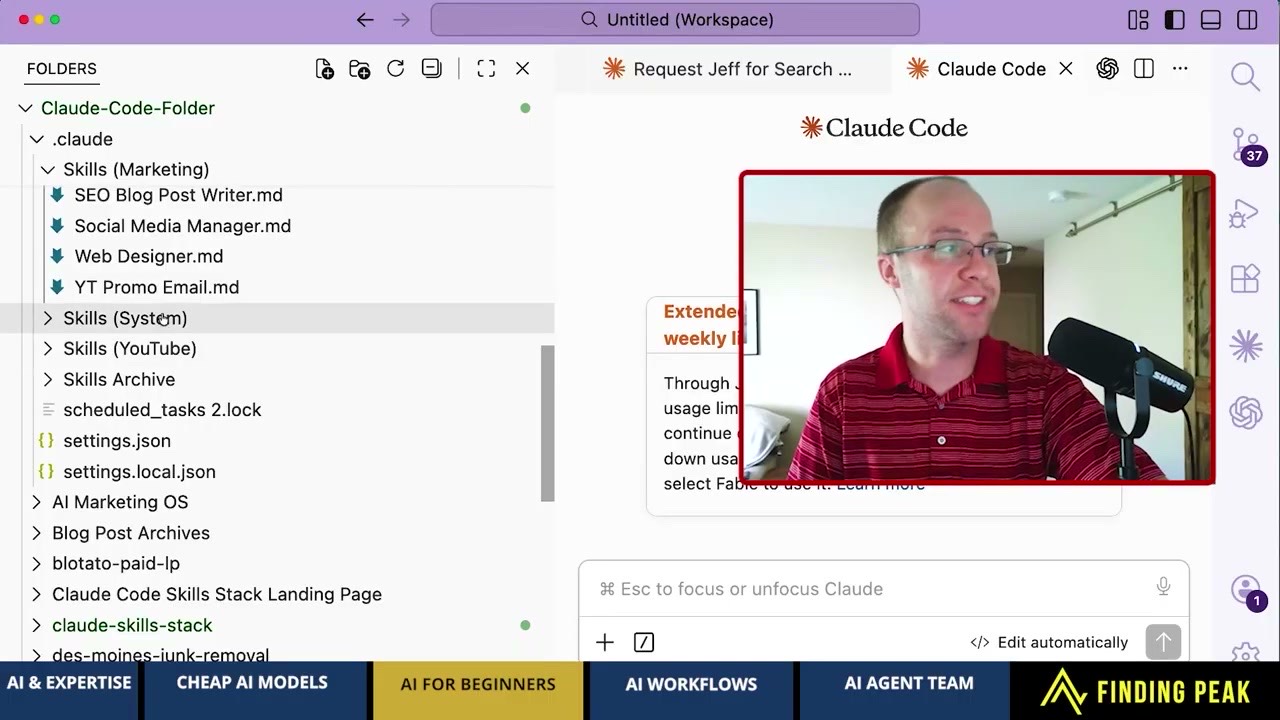
Running two agents only pays off if they share the same source material. Mine both read from one folder of markdown files.
Skills are plain markdown, so the same file works in Claude Code, Codex, OpenClaw, or Hermes without a rewrite. Nothing is trapped in one vendor's chat history.
I keep mine split by category. Image skills, marketing skills, YouTube skills, and system skills, each in its own folder.
Granularity matters more than people think, which is why I push for separate skill files per job instead of one bloated mega-prompt.
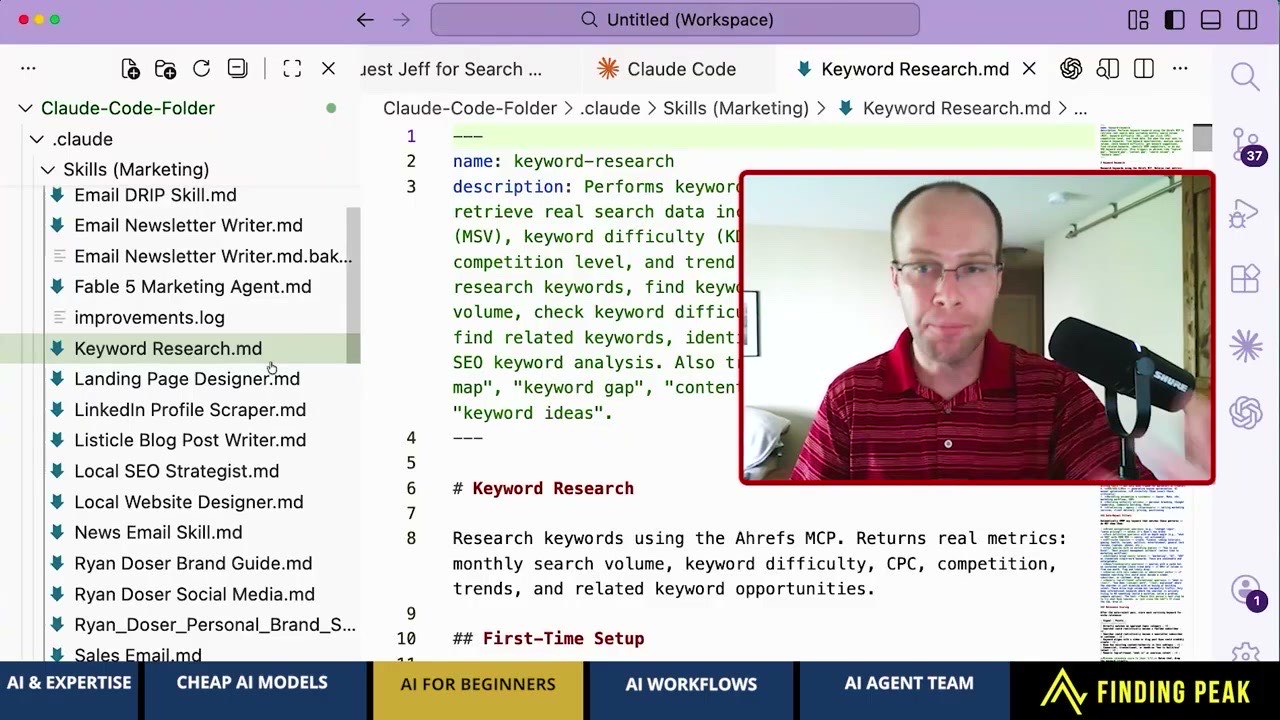
Plenty of good skills are free on GitHub, including Anthropic's own. The reason mine sell is that over 10 years of SEO and marketing decisions are baked into the file, so you are not asking a model to invent best practices it does not have.
That is what the Claude Code Skills Stack is. Take them, add your own brand assets, and the output gets better than anything a generic prompt returns.
What the Shared Folder Unlocks
Once both agents read from folders instead of a chat history, you can point scheduled jobs at the same files.
One of mine watches Google algorithm updates and reports back on publishing cadence. It exists because Google's spam policies target scaled content abuse, meaning large amounts of unoriginal content built to game rankings rather than help anyone.
Volume alone is not the trigger, but volume is what makes a site look like it is doing that. So the job comes back and tells me to post two, three, or five times a day instead of the ten I was running.
Acting on that is a risk call, not a rule Google published. The point is that a folder can be automated against and a chat window cannot.
Where Two Agents Is the Wrong Answer
This setup is overkill if you are still learning. Two agents means two logins, two bills, and two sets of quirks to figure out.
Start in the Claude web app, build a project, write one skill file, then come to an editor once that feels routine. Adding a second agent before the first one earns its keep is just more surface area to manage.
The pairing also does not improve your output. It removes a bottleneck and gives you a backup, which is a different thing from knowing what good marketing looks like.
Ryan's Final Thoughts
Most people treat this as a choice between Claude Code and Codex. For marketing work it is not a choice, because only one of them makes images and only one of them is up when the other is down.
Install both extensions, point them at the same folder of markdown files, and let each do the half it is actually built for.
Claude Code and Codex Together FAQs
Can you run Claude Code and Codex at the same time?
Yes. Both ship official VS Code extensions and they run side by side in one window, reading from the same folders. Developers usually warn about two agents editing the same code at once, but that risk barely applies to marketing work like drafting posts or generating images. Keep them on separate jobs and there is no conflict.
Why use Codex if you already pay for Claude?
Two reasons. Claude models do not generate images natively, so Codex covers the visual half of a content workflow through GPT Image 2. It also works as a backup when Claude Code is down or you hit a usage limit, so a stalled task costs you a few seconds instead of the rest of the afternoon.
Do you need to know how to code to run both?
No. You type plain English into both and each handles the technical part on its own. Marketers use this pairing for blog drafts, SEO research, and image generation rather than software. The editor is just a window with your files visible on the left.
Do your skill files work in both Claude Code and Codex?
Yes, because skills are plain markdown documents rather than vendor-specific settings. The same file can be read by Claude Code, Codex, OpenClaw, or Hermes. That portability is the reason to keep instructions in your own folders instead of inside a chat window.