
6 Best Claude Code Plugins for Marketers in 2026 (Ranked)
The best Claude Code plugins for marketers aren't the ones topping most lists, which are written for developers. I ran the marketing ones on my own site, checked the ones I already use, and found one popular plugin that loads more into every session than the rest of this list combined.
The Best Claude Code Plugins at a Glance
Five of these six plugins are free to install. You do need Claude Code access, which comes with paid Claude plans starting at Pro for $20 a month on monthly billing, or through separately billed API usage. The Free plan doesn't include Claude Code. "Always-on tokens" is what claude plugin details reported each plugin adds to every session. Everything was checked on November 3, 2026.
| # | Plugin | Best for | Cost | Always-on tokens | My experience |
|---|---|---|---|---|---|
| 1 | Marketing (Anthropic) | Marketers who want one plugin for campaign plans, drafts and SEO checks | Free | About 870 | Ran it on my own site |
| 2 | Brand Voice (Tribe AI) | Turning your past content into voice rules Claude follows | Free | About 2,600 | Ran it on my own site |
| 3 | Playwright (Microsoft) | Checking landing pages and forms on a phone-size screen | Free, needs Node.js | About 0, plus its connection's tools | Ran it on my own site |
| 4 | Frontend Design (Anthropic) | Landing pages that don't look like every other AI build | Free | About 80 | Same skill I use on site redesigns |
| 5 | Marketing Skills (Corey Haines) | The widest library: 53 skills for copy, CRO, SEO and ads | Free, MIT license | About 16,100 | Ran it on my own site |
| 6 | SEO Audit (Authority Hacker) | Consultants who send clients a finished SEO audit report | Comes with AI Accelerator, from $99 a month billed annually | About 740 | Five audits since August |
Why Most "Best Plugin" Lists Don't Fit Marketers
Search for the best Claude Code plugins and most of what ranks is a developer list: code review, commit helpers, language servers and documentation tools. Those plugins are popular for good reason. They just don't help you write a campaign brief or fix a landing page.
I'm not a developer either. Seven of my websites run on GitHub, and I'm still not the person those lists are written for.
On November 3, I asked ChatGPT, Claude, Gemini and Perplexity the same question three ways. The plain question got developer plugins from all four. Once I said "marketer," the answers changed. ChatGPT and Claude moved to Anthropic's Marketing and Brand Voice plugins and Corey Haines' skill library. Gemini and Perplexity leaned on browser tools like Playwright and app connections like Notion. I tested that second set alongside the plugins already in my setup.
What One Plugin Actually Installs
A plugin is a bundle. One install command can add skills (step-by-step playbooks Claude follows), slash commands, agents and app connections. That last part is where marketers get surprised.
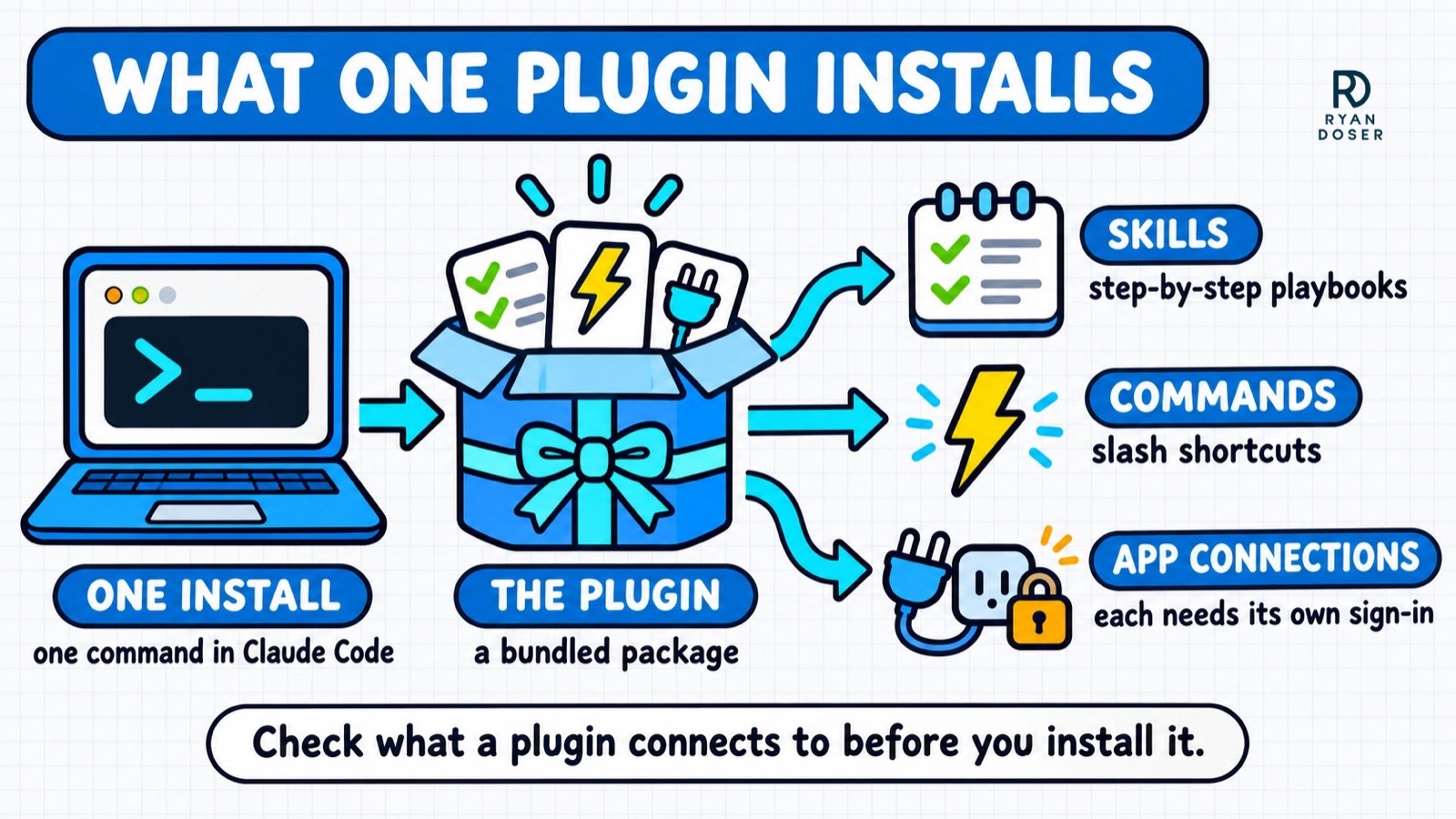
Anthropic's Marketing plugin added 13 app connections to my setup, from Slack and Canva to Ahrefs and Klaviyo. Ten asked me to sign in, two needed setup I hadn't done, and HubSpot failed with an error that, in plain English, means it won't connect at all. Nothing else broke, but those connections sit there doing nothing until you deal with them.
The other hidden cost is space. Every Claude session has a limited amount of room, measured in tokens, for your files, your instructions and the work itself. Corey Haines' Marketing Skills takes about 16,100 tokens before you type a word. That's more than every other plugin in this post combined, counting skills and agents, and app connections add their own tools on top. Run claude plugin details <plugin-name> in your terminal to see the number for anything you install.
Don't Want a Terminal? Marketing and Brand Voice Also Run in Cowork
Cowork is the no-terminal mode in Claude's desktop app, and the video above is my first look at it from January. Anthropic's pages for the Marketing and Brand Voice plugins only show an "Install in Cowork" button. Both installed fine in Claude Code for me anyway. Claude's help center says plugins you add in claude.ai or the desktop app sync to Claude Code when you sign in with the same account, so you can start in Cowork and keep them later. For more on picking between the two, see my Claude vs Cowork vs Claude Code breakdown.
The Best Claude Code Plugins for Marketers in 2026
This is my recommended starting order. Free plugins a non-technical marketer can use right away come first, ordered by how much everyday marketing work each one covers. The paid SEO Audit sits last because it's built for consultants.
Here's exactly what I did with each one. Marketing, Brand Voice, Playwright and Marketing Skills I installed on November 3 and ran once on a live ryandoser.com page, so read those as a first run. Frontend Design is the same skill I've used on site redesigns since October, now packaged as a plugin. SEO Audit I've run on five sites since August.
1. Marketing by Anthropic (Best for Campaign Plans and On-Brand Drafts)
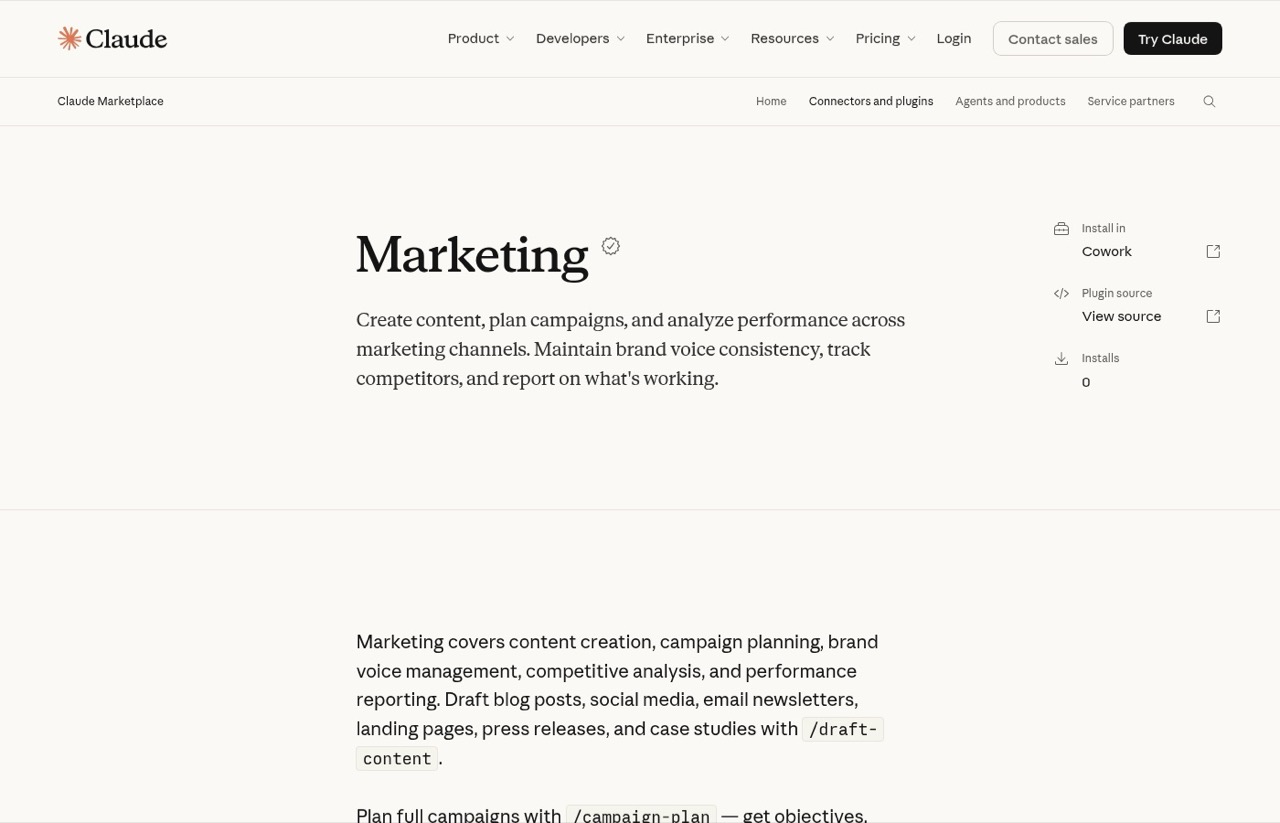
Marketing is Anthropic's general marketing plugin. It ships eight skills, including draft-content, campaign-plan, brand-review, competitive-brief, performance-report, seo-audit and email-sequence.
I ran its SEO audit on my own best Claude skills post for the keyword "best claude code skills." In under five minutes it confirmed what my keyword research had pointed to that morning: the page uses that phrase zero times, because the title and headings all say "Claude skills." It also said plainly that without Ahrefs or Similarweb connected, its difficulty ratings were estimates.
Pros:
- Covers the jobs most marketers do every week in one install
- Labeled its keyword difficulty ratings as estimates instead of inventing numbers
Cons:
- Adds 13 app connections, and most need a sign-in before they do anything
- Auto-update starts off for this marketplace, so turn it on in the
/pluginMarketplaces tab or update by hand
Best for: Marketers who want one plugin that plans, drafts and audits.
Pricing: Free. You need Claude Code access, which starts with Pro at $20 a month.
Install: /plugin marketplace add anthropics/knowledge-work-plugins, then /plugin install marketing@knowledge-work-plugins.
Bottom line: The best first install for most marketers. Connect only the apps you actually use.
2. Brand Voice by Tribe AI (Best for Teaching Claude Your Voice)
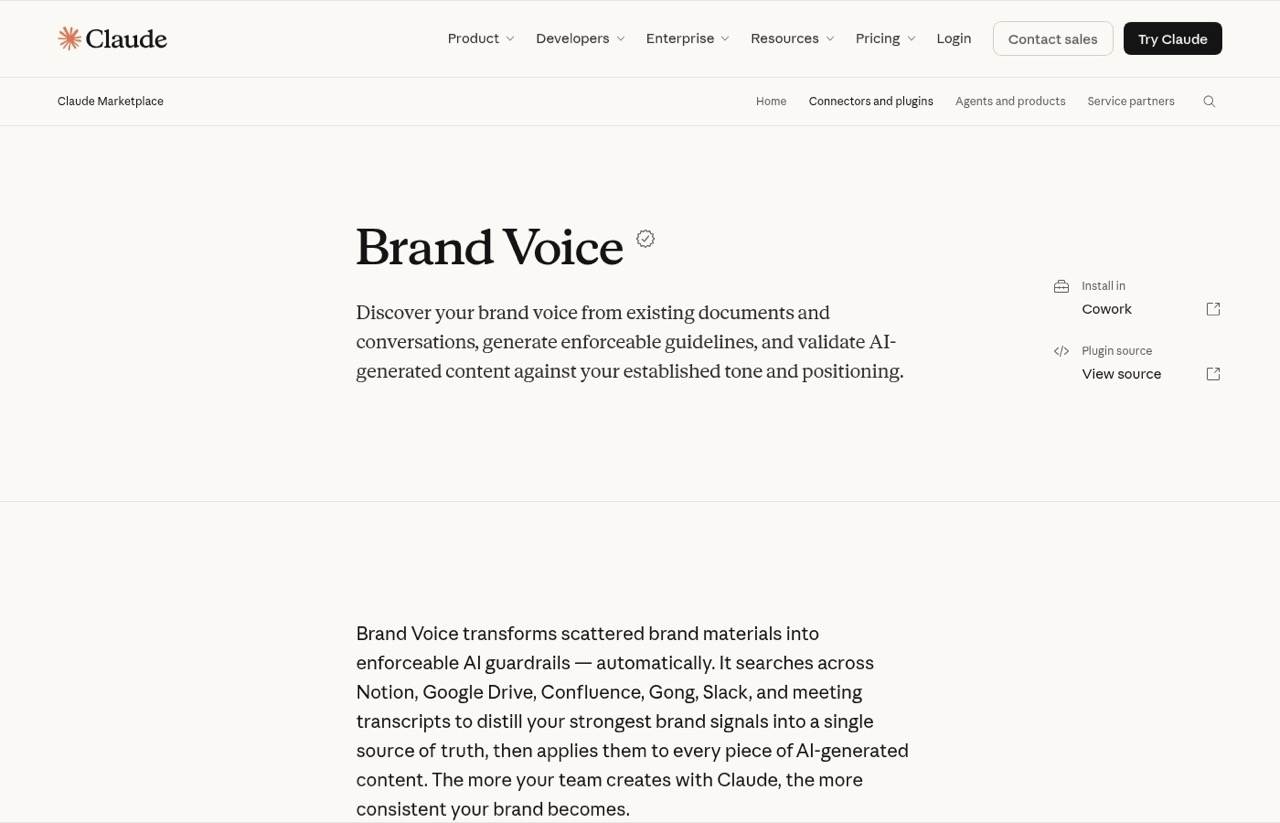
Brand Voice was built by Tribe AI and carries Anthropic's verified badge. It has three commands: discover-brand, generate-guidelines and enforce-voice.
I gave it three of my published posts. It wrote a full voice guide, then rewrote a deliberately sloppy paragraph ("In today's fast-paced digital landscape...") into something specific and plain. Its built-in quality check also caught two of its own mistakes before I saw the file, including a line it had wrongly credited to me.
Pros:
- Turns content you already have into written rules Claude can follow
- Checks its own guide against your sources before handing it over
Cons:
- The slowest of my four test runs, at about 10 minutes for a voice guide plus a rewrite
- It copied a skill count from one of my posts that was already out of date, so you still fact-check what it writes
- Built to search Notion, Gong, Box and similar tools, and the Box connection failed for me
Best for: Anyone whose AI drafts sound like everyone else's.
Pricing: Free, with the same paid-plan requirement as Marketing.
Install: Add the same knowledge-work marketplace as above, then /plugin install brand-voice@knowledge-work-plugins. Save the guide to .claude/brand-voice-guidelines.md, then run /brand-voice:enforce-voice in later sessions.
Bottom line: Worth the wait if voice is your main problem with AI drafts.
3. Playwright by Microsoft (Best for Checking Pages on Mobile)
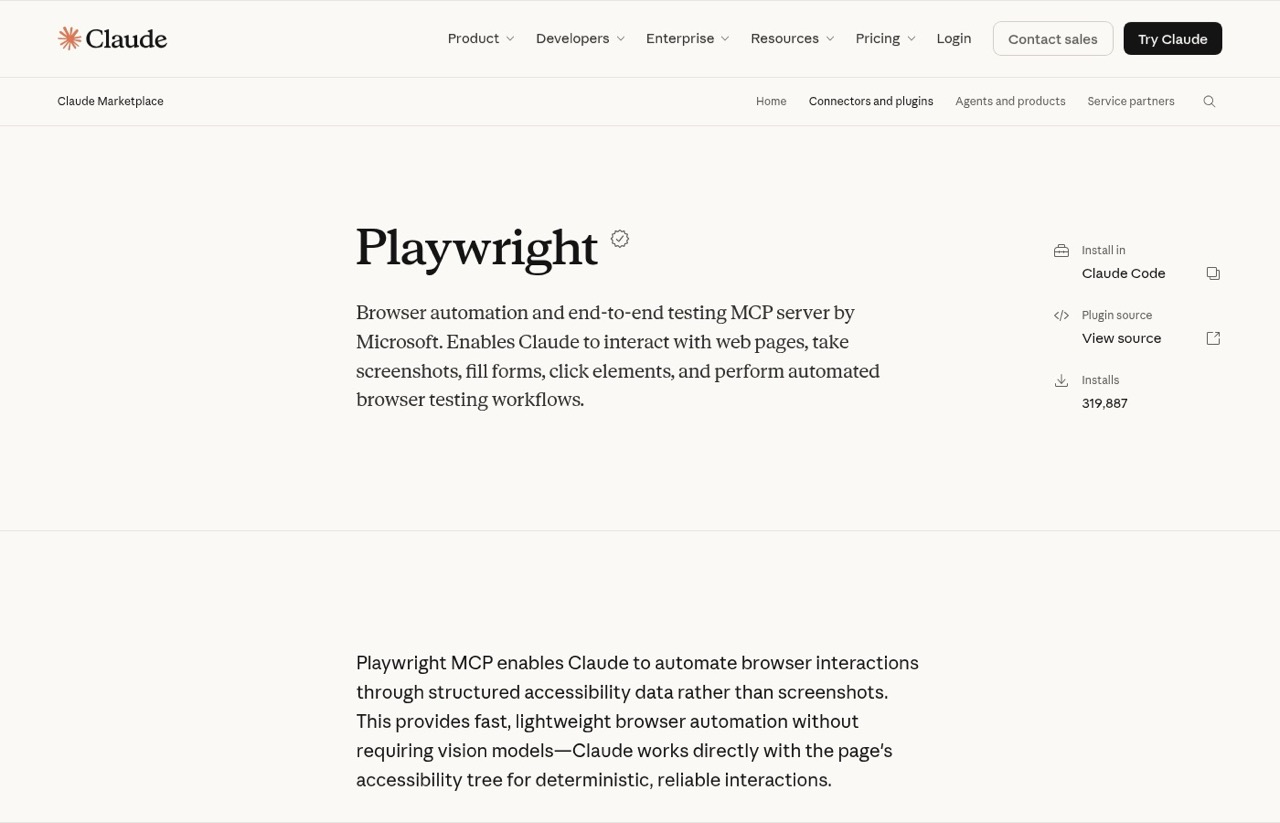
Playwright gives Claude a browser it can click through and screenshot. I had it open my free AI visibility audit tool on a phone-size screen, without submitting anything.
In 97 seconds it confirmed zero console errors and a properly tap-sized button. Then it found two things I hadn't: my "Before you go" email popup covers the footer's Privacy and Terms links on mobile, and a sticky bar hides the trust checkmarks near the bottom of the screen. Both are on my fix list now.
Pros:
- Catches mobile problems a desktop check misses
- No skills loading into every session, only the browser tools
Cons:
- As shipped, it opens a visible browser window on your screen, so I ran a headless copy with the
--headlessflag - Runs through npx, so you need Node.js installed
Best for: Checking landing pages and popups before you send traffic.
Pricing: Free.
Install: /plugin install playwright@claude-plugins-official.
Bottom line: The run that found the most fixable problems on my own site.
4. Frontend Design by Anthropic (Best for Landing Pages That Don't Look AI-Made)
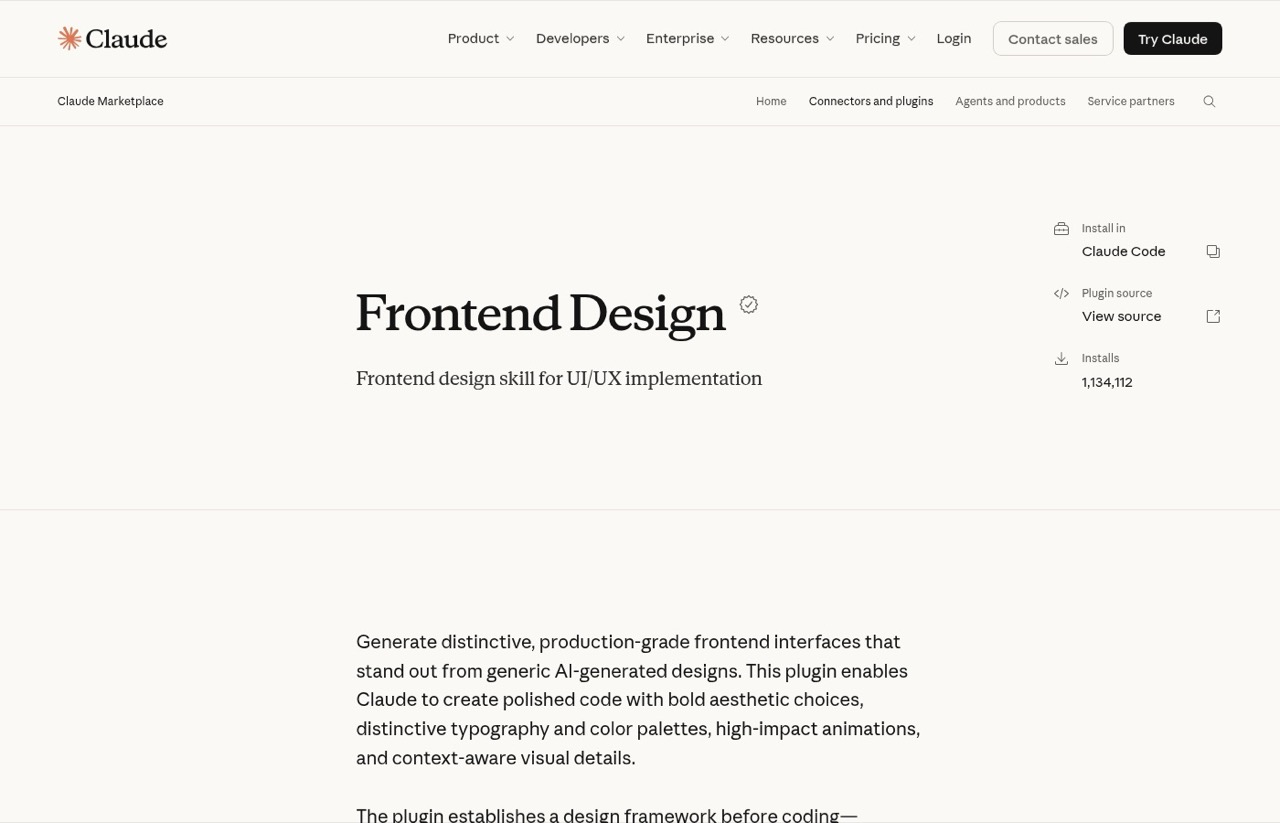
Frontend Design is a single skill that pushes Claude toward distinctive pages instead of the rounded-card look most AI-built pages land on. I use this exact skill whenever I redesign a page on ryandoser.com, and the plugin is the one-command way to install it. Its marketplace page shows more than 1.1 million installs.
Pros:
- One skill, with nothing else bundled in
- Noticeably fewer generic layouts on landing pages and lead magnets
Cons:
- Helps with design, not copy, so pair it with a writing skill
- Without your own colors and fonts written down, it picks its own look
Best for: Marketers building landing pages with Claude Code.
Pricing: Free, with Claude Code access.
Install: /plugin install frontend-design@claude-plugins-official.
Bottom line: A low-overhead addition if you build landing pages.
5. Marketing Skills by Corey Haines (Best for the Widest Skill Library)
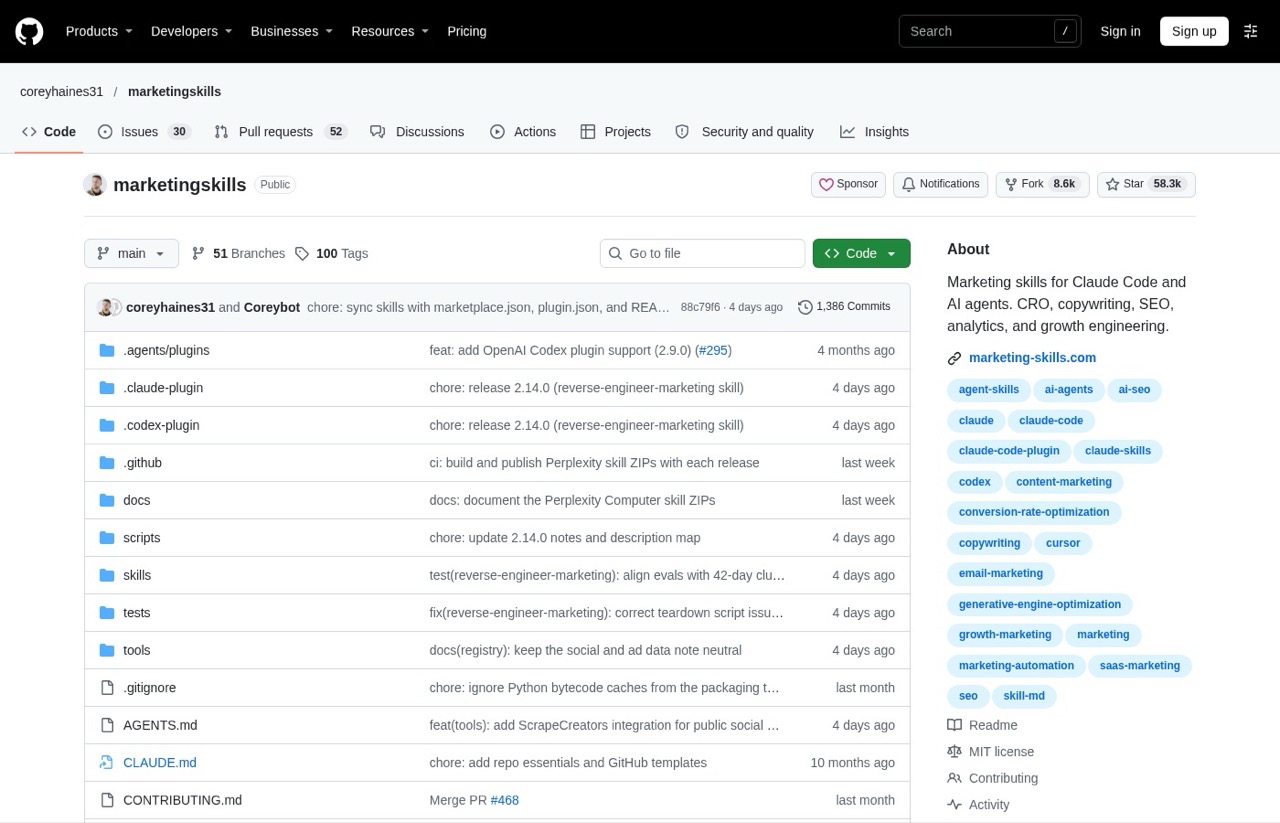
Marketing Skills packs 53 skills covering CRO, copywriting, cold email, SEO, AI search, ads, pricing and more. It's also #1 on my list of the best GitHub repos for marketing.
I ran its AI SEO skill on that same GitHub repos post. It took under four minutes and was blunt: it flagged my own repo sitting at #3 on my own list as the biggest credibility risk on the page. Fair hit. It also asked for a product-marketing context file I didn't have, and leaned on an industry stat I'd want to verify before repeating, so check its numbers before you reuse them.
Pros:
- Free, MIT licensed and updated as recently as October 31
- The largest skill library here, with 53 skills
Cons:
- About 16,100 always-on tokens, the heaviest plugin I measured
- Its own description says it's for "technical marketers and founders"
Best for: Marketers who want a skill for nearly every channel.
Pricing: Free.
Install: /plugin marketplace add coreyhaines31/marketingskills, then /plugin install marketing-skills@marketingskills.
Bottom line: Huge value, but turn it off on days you don't need it.
6. SEO Audit by Authority Hacker (Best for Client-Ready SEO Audits)
Authority Hacker's SEO Audit plugin starts from a website URL and runs technical, content, Search Console, market and AI visibility checks. It hands back a client-ready HTML report, a plain-text version and copy-paste task prompts for Claude Code.
I've run it on five sites since August. It works with whatever data you have connected and skips the rest, and its "deep" setting asks before it spends paid data credits.
Pros:
- The report is finished enough to send, not a wall of raw checks
- Seven audit lanes in one install, from technical checks to AI visibility
Cons:
- Only available through the members' plugin marketplace, not the public one
- Overkill if you just need a quick on-page check on one post
Best for: Agencies and consultants who audit client sites.
Pricing: Comes with Authority Hacker's AI Accelerator, $149 a month on monthly billing or $99 a month billed annually.
Install: Members get a private marketplace link to add in Claude Code.
Bottom line: My pick for client-facing audit reports, if you already have the membership.
Worth Knowing Later: GitHub and Agent SDK Dev
Two more plugins have been installed in my setup since January. Neither earned a ranked spot for marketers, but you'll run into both.
The GitHub plugin connects Claude Code to GitHub's official server, for working with issues, pull requests and repos. The version in Anthropic's marketplace reads a GITHUB_PERSONAL_ACCESS_TOKEN, and when I checked on November 3 mine was failing with "Authorization header is badly formatted" because that token isn't set. I never noticed, because Claude Code publishes my site through GitHub's command-line tool instead. If your site already publishes that way, you may not need this plugin at all.
Agent SDK Dev adds a /new-sdk-app command that sets up an agent project, plus two checker agents for TypeScript and Python. It's for when you need a separate agent app that runs on its own, and that app bills per use on an Anthropic API key. If you're not there yet, my guide to AI marketing agents in Claude Code is the easier starting point.
The Developer Plugins You Can Skip
These top most "best Claude Code plugins" lists, and they're good at what they do. They're lower priorities if your work is mostly content, campaigns and SEO:
- Code Review: reviews code changes before they merge
- Commit Commands: automates git commits and pull requests
- Feature Dev: a structured workflow for building software features
- Security Guidance: flags security problems in code Claude writes
- Language server plugins: type checking for Python, TypeScript and other languages
- Context7: up-to-date coding documentation for software libraries
If you start building sites, tools or agents, several of these become useful. Until then, they take up session space you aren't using.
What About Superpowers, Skill Creator and Firecrawl?
All three install the plugin way, and Superpowers alone shows more than a million installs on its marketplace page. Superpowers is a work method built mostly around software projects, Skill Creator helps you build your own skills, and Firecrawl is a web-scraping tool. Each one gets a full review on my list of the best Claude skills, so this list stays on plugins built for marketing jobs. If you'd rather start from skills built on more than a decade of SEO and content work, that's what my Skills Stack is for.
How to Pick the Best Claude Plugins for Your Marketing
These are the questions I ask before anything stays installed:
- Does it do a job you do every week? A plugin for a someday project just adds context.
- What does it connect to? Read the "Will install" list in the
/plugindetails pane before you confirm. - How many always-on tokens does it add? Run
claude plugin detailsafter installing, and turn off a heavy plugin you rarely use. - Who publishes it? A plugin can run hooks and app connections on your machine, so stick to official or well-known publishers and read the details pane first.
- Does it need another account? Some connections need a paid plan or API access with that tool, so check before you count on them.
If you only install one, pick Brand Voice if writing is your bottleneck, or Marketing if planning and SEO checks are. Everything else can wait.
Install One Plugin This Week, Not Six
Six installs at once is how you end up with a cluttered setup and no idea which plugin did what. Pick the one that matches the job on your calendar this week, run it on work you'd do anyway, and check what it connected to. Add the next one only after the first earns its spot.
Best Claude Code Plugins FAQs
Are Claude Code plugins free?
Most are. Five of the six ranked plugins are free to install. Claude Code itself comes with paid Claude plans, starting with Pro at $20 a month on monthly billing, or through separately billed API usage. The Free plan doesn't include it. Authority Hacker's SEO Audit is the exception: it comes with their AI Accelerator membership.
Do I need to know how to code to use Claude Code plugins?
No. You install a plugin with one or two commands, then run it by asking Claude in plain English or typing a slash command. Marketing, Brand Voice and Marketing Skills don't ask you to write code. Playwright gets more technical, and so do GitHub and Agent SDK Dev, the two I put in the "worth knowing later" section.
What's the difference between a Claude plugin, a skill and a connector?
A skill is a set of instructions Claude follows for one job. A connector links Claude to another app, like Slack or HubSpot. A plugin bundles skills, commands, agents and connectors into one install. My skills vs MCP vs agents guide goes deeper on how they fit together.
Do Cowork plugins work in Claude Code?
Yes, in my testing. Anthropic's Marketing and Brand Voice pages only show an "Install in Cowork" button, but both installed and ran in Claude Code. Claude's help center also says plugins you add in claude.ai or the desktop app sync to Claude Code when you sign in with the same account.
Are Claude Code plugins safe to install?
Treat them like any software. Claude Code's own docs warn that a plugin can run hooks and app connections, so read what it will install before you confirm. Stick to the official marketplace or publishers you know, and remove anything you stop using.
No plugin maker paid to be listed, and there are no affiliate links in this post. I'm a member of Authority Hacker's AI Accelerator, which is where the SEO Audit plugin comes from. Four plugins were run once on November 3, and the rest are part of my regular setup. Prices, plugin contents and token costs were checked November 3, 2026. See my full disclosure.