
10 Best GitHub Repos for Marketers in 2026 (All Free)
The best GitHub repos for marketing in 2026 are free skill packs and connectors that help Claude Code write copy, audit SEO, research topics, pitch press and build video. I'm not a coder, but seven of my websites run on GitHub, and these are the 10 repos I'd point a marketer to, including the four I run myself and the ones that need a paid API key.
Free GitHub Repos for Marketing, Compared
For most marketers, the top three are Corey Haines' Marketing Skills, the Google Workspace CLI and my own Free Claude Skills repo. Star counts were checked on GitHub on October 19, 2026.
| # | Repo | Best for | What it costs | Setup effort | Stars |
|---|---|---|---|---|---|
| 1 | Marketing Skills (Corey Haines) | Marketers who want one library covering CRO, copy, SEO and email | Free, MIT license | Easy: Claude Code plugin | 55.5K |
| 2 | Google Workspace CLI | Teams whose files live in Google Drive, Docs and Sheets | Free, needs a Google Cloud project for sign-in | Medium: Google Cloud sign-in | 31.7K |
| 3 | Free Claude Skills (Ryan Doser) | SEO content with built-in anti-slop and anti-spam checks | Free, two skills connect to Apify or DataForSEO | Easy: copy folders | 2 |
| 4 | Anthropic Skills | Landing pages, decks and client documents | Free | Easy: Claude Code plugin | 182K |
| 5 | last30days | Content research from Reddit, X, YouTube and Hacker News | Free core, optional keys for X, TikTok and Instagram | Easy: Claude Code plugin | 64.7K |
| 6 | Search Console MCP (Suganthan Mohanadasan) | Site owners who want Claude reading their own search data | Free | Medium: Google OAuth client | 160 |
| 7 | Newsjack | PR angles, reporter requests and journalist fit checks | Free, some skills need a Medialyst account | Easy: npm or plugin | 1.6K |
| 8 | HyperFrames (HeyGen) | Motion graphics and social video written as code | Free, renders locally by default | Medium: needs Node 22+ and FFmpeg | 67.4K |
| 9 | Claude SEO | Technical SEO and AI search audits | Free core, paid data extensions optional | Medium: plugin plus a setup step | 19.3K |
| 10 | Stop Slop | Editing AI tells out of drafts | Free, MIT license | Easy: one folder | 18.2K |
Why Marketers Should Care About GitHub Now
A repo (short for repository) is just a folder of files, and most of the marketing repos below are skills: plain-English instructions your AI reads and follows. Paste the link into Claude Code and ask it to install the repo, and it runs most of the commands for you. You still handle the sign-ins and any API keys.
New to GitHub? Start with my guide on how to use GitHub without coding.
Two warnings before you install anything. Stars measure popularity and nothing else. And all ten cost nothing to download, but Claude Code needs a paid Claude plan or API billing, and some repos need a paid API key for their best data, so every pick below lists its costs.
Watch: GitHub for Non-Coders
Aaron Makelky and I walked through four of these repos on AI Rabbit Holes.
The Best GitHub Repos for Marketing in 2026
I ranked these by the marketing work each one is built to take off your plate, weighed against setup effort. Four are part of my own setup (Google Workspace CLI, my skills repo, Anthropic's skills and the Search Console MCP). The other six I assessed from their documentation and GitHub activity, plus how often ChatGPT, Claude, Gemini and Perplexity recommended them when I asked on October 19, 2026.
1. Marketing Skills by Corey Haines (Best for a Full Skill Library)
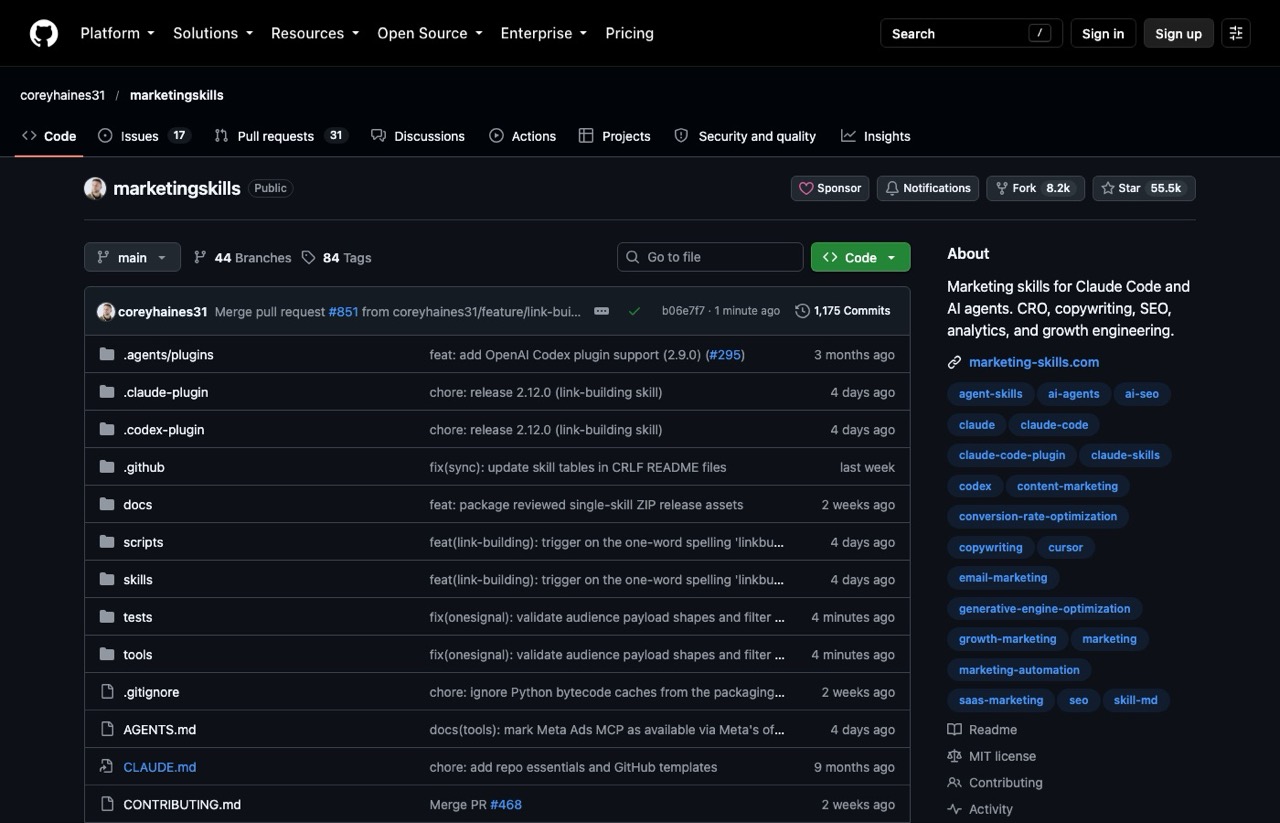
Marketing Skills is the repo that showed up in nearly every roundup I found on this topic, and the AI answers I checked named it more than any other. Corey Haines packed 51 skills into it, covering CRO, copywriting, SEO, ads, email, pricing and analytics.
When I built my own free skills repo in August, this was the library I checked first so mine wouldn't duplicate it.
Pros:
- MIT licensed and still getting updates in October 2026
- Installs as a Claude Code plugin or with one npx command, and also works in Codex and Cursor
Cons:
- Its README says it's built for "technical marketers and founders," so a few skills assume terminal comfort
- Version 2.0 renamed 17 skills, so upgrading an old install leaves stale folders to clean up
Best for: Marketers who want one install that covers most of the funnel.
Pricing: Free. Paid "Verified Partners" fund the project, and the README discloses them.
Setup: /plugin marketplace add coreyhaines31/marketingskills, then /plugin install marketing-skills.
Bottom line: The broadest library on this list. Start here, then add narrower repos for the jobs it covers lightly.
2. Google Workspace CLI (Best for Teams That Live in Google Drive)
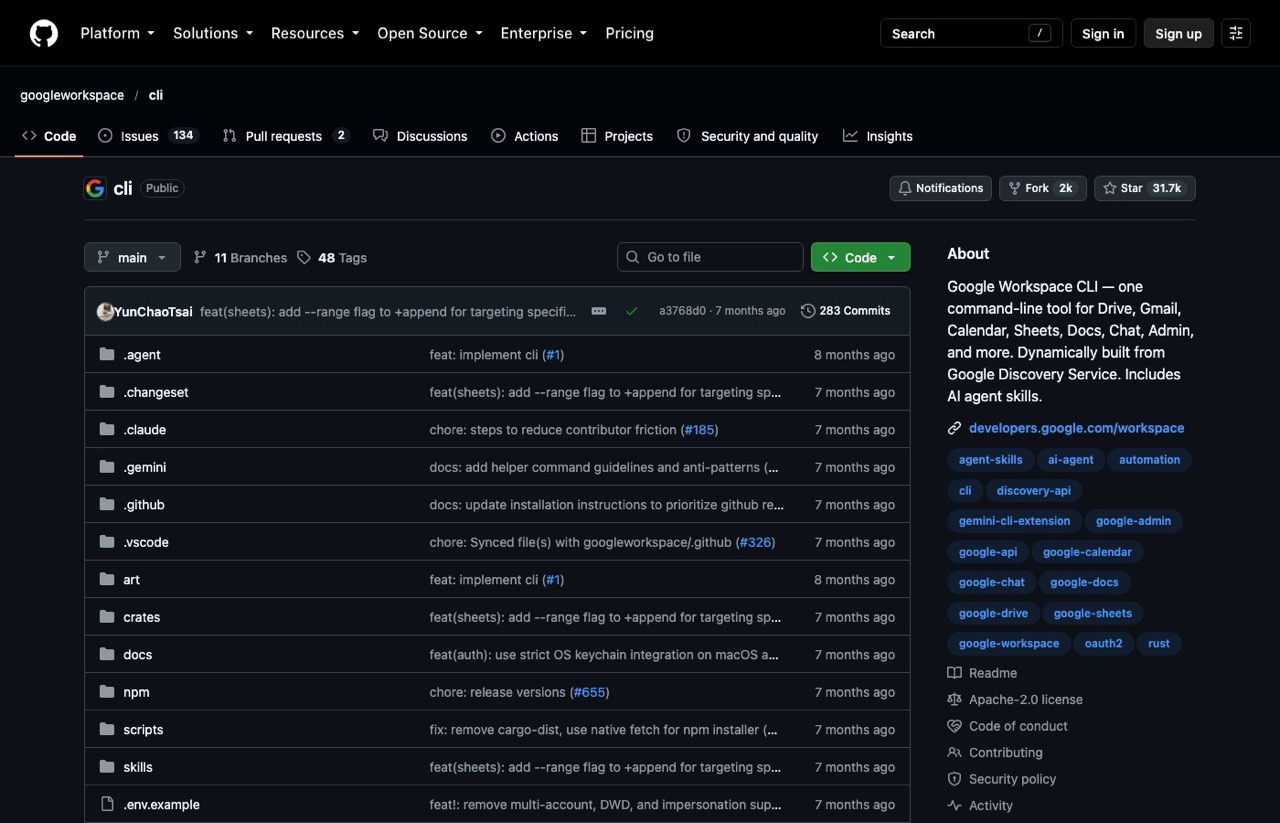
This is how I connect Google Drive, Docs and Sheets to Claude Code and Codex. I point my AI at a folder of video clips, a Google Sheet or a client doc, and it reads the files without me downloading anything. I use it all the time.
The Google Workspace CLI is one command-line tool, called gws, that ships with ready-made agent skills and recipes.
Pros:
- One install covers Drive, Gmail, Calendar, Docs and Sheets
- Returns structured data your AI can parse cleanly
Cons:
- Sign-in needs a Google Cloud project, the most annoying step for non-coders
- The README says it isn't an officially supported Google product and warns of breaking changes before version 1.0
Best for: Marketers whose briefs, calendars and assets already sit in Google Workspace.
Pricing: Free. No paid API keys.
Setup: npm install -g @googleworkspace/cli, then gws auth setup (that step needs Google's gcloud tool, or you can follow the README's manual OAuth steps).
Bottom line: Your AI can't help with files it can't see, and this fixes that.
3. Free Claude Skills by Ryan Doser (Best for SEO Content Quality)
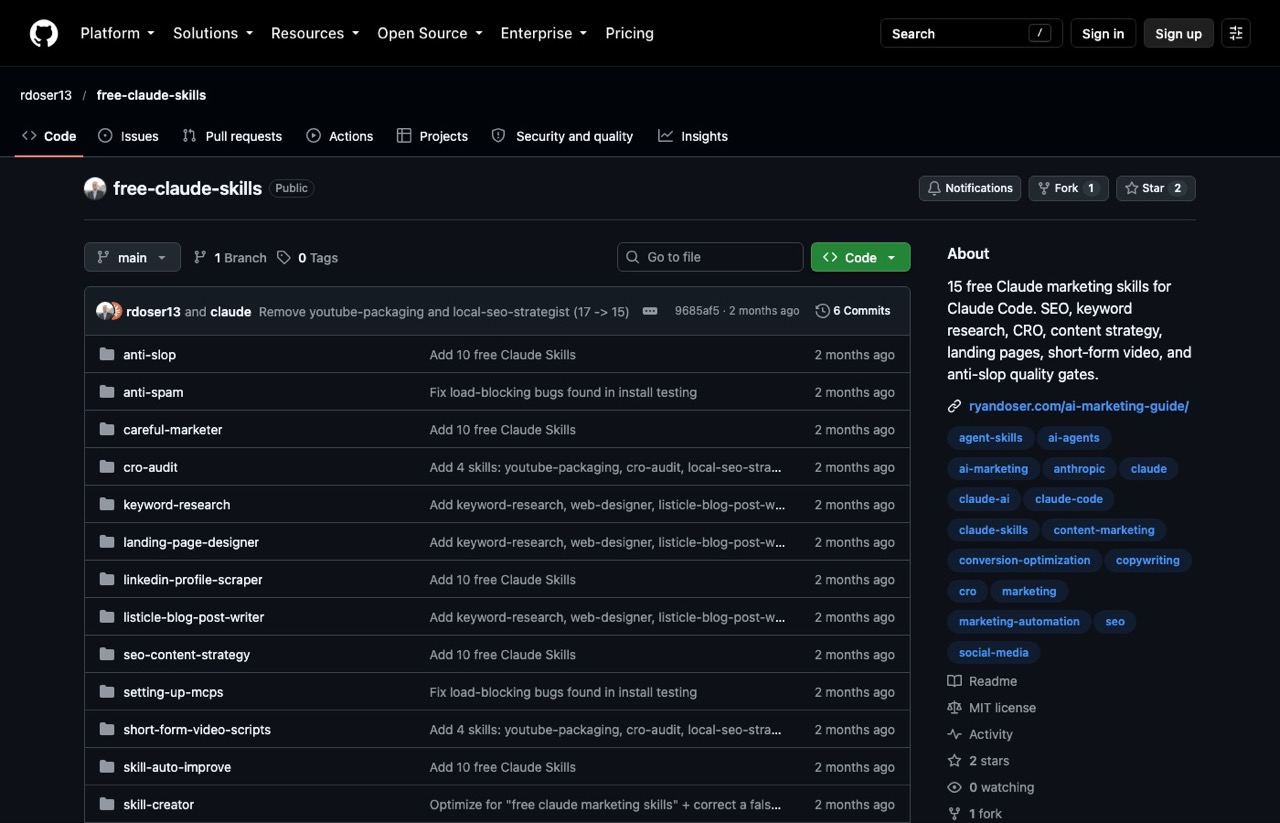
Full disclosure: this one is mine. Free Claude Skills holds 15 skills pulled from my own setup, including keyword research, SEO content strategy, a listicle writer, a CRO audit, landing pages, short-form scripts and social captions.
Anti-slop catches AI fluff sentence by sentence, and anti-spam checks a draft against your existing posts for scaled-content patterns before you publish.
Pros:
- Covers the SEO, content, CRO and social jobs most marketers run every week
- Plain folders with no build step
Cons:
- Brand new, with 2 stars and little outside feedback so far
- Two skills lean on paid APIs: the LinkedIn scraper (Apify) and keyword research (DataForSEO, or a CSV export)
- The README links to my paid Skills Stack, which has the deeper versions built on over a decade of marketing experience
Best for: Marketers whose bottleneck is SEO content that reads like a person wrote it.
Pricing: Free, MIT license (the skill-creator skill keeps Anthropic's Apache 2.0 license).
Setup: Copy the folders into ~/.claude/skills/, or paste the repo link into Claude Code and ask it to install them.
Bottom line: Corey's library is broader. Mine is built around quality checks, so the two pair well.
4. Anthropic Skills (Best for Landing Pages and Client Files)
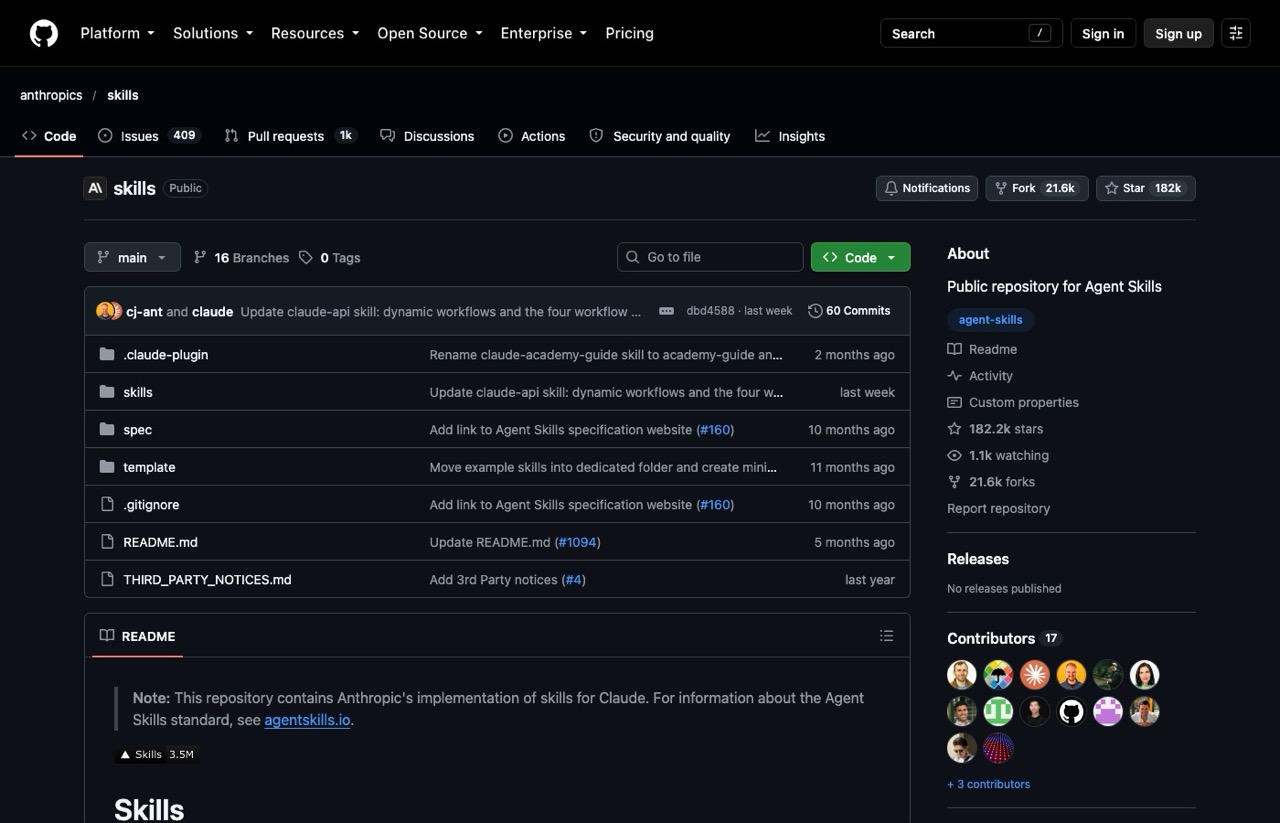
Anthropic's skills repo was one of the first I looked into. The skill I like most from it is frontend-design, which pushes Claude past the generic look on websites and landing pages.
It also includes skill-creator for building your own skills, an MCP builder and document skills for Word, PDF, PowerPoint and Excel files. I compare it with six other options in my roundup of free Claude skill repos.
Pros:
- Official and maintained by Anthropic
- frontend-design makes a visible difference on landing pages
- Document skills help with client decks and reports
Cons:
- No copywriting or SEO skills, so the marketing value is indirect
- The README calls it a demonstration repo, and the document skills are source-available rather than open source
Best for: Anyone building landing pages or client-facing files with Claude.
Pricing: Free.
Setup: /plugin marketplace add anthropics/skills, then install the example-skills or document-skills bundle.
Bottom line: Start with frontend-design for pages and the document skills for client files. Add skill-creator when you're ready to build your own.
5. last30days (Best for Content Research)
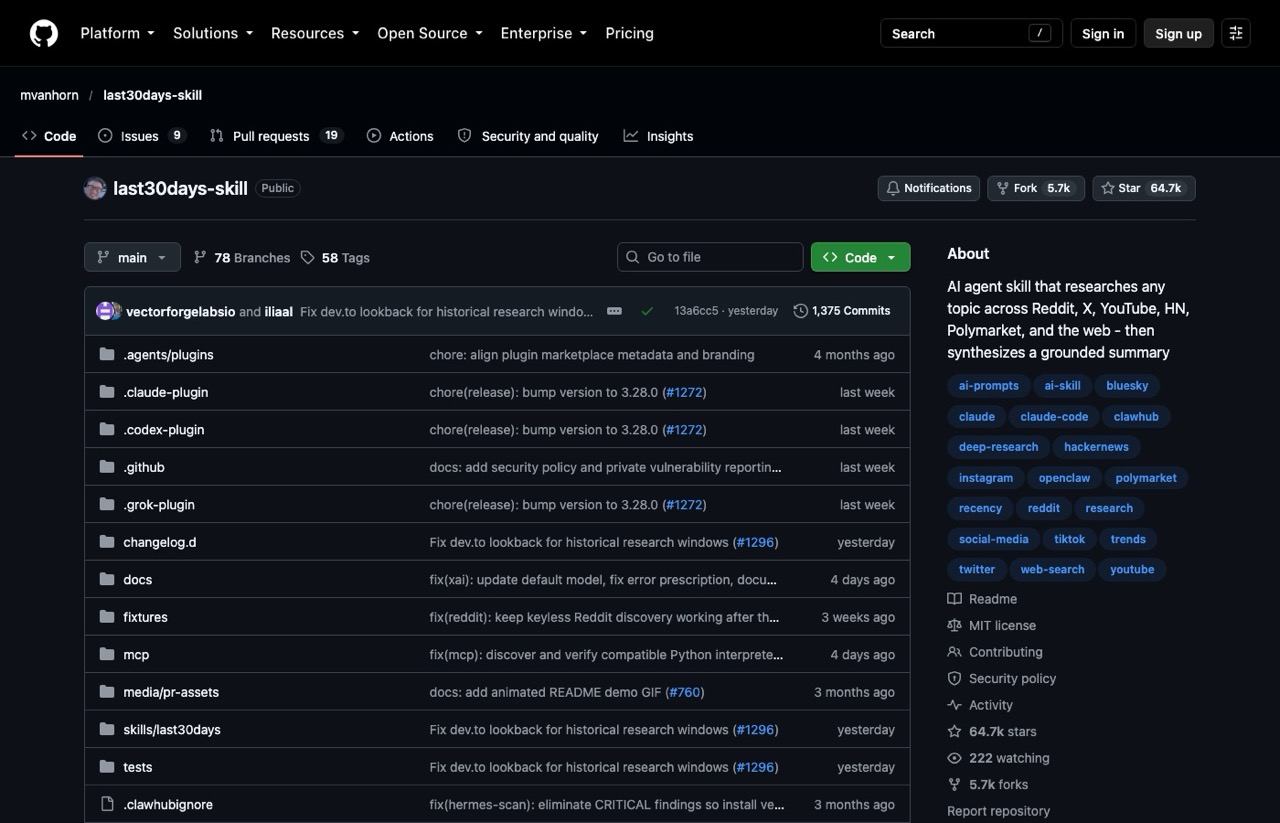
Type a topic into last30days and it researches the past 30 days across Reddit, X, YouTube, Hacker News, Polymarket and the web, then writes a grounded summary.
For a content marketer, that's a brief on what real people are saying before you write a word.
Pros:
- Reddit (with comments), Hacker News, Polymarket and GitHub work with zero setup
- New commits as recently as this week
Cons:
- X needs an X API token or a logged-in browser session, and TikTok, Instagram and LinkedIn need a ScrapeCreators key
- YouTube research needs yt-dlp installed on your computer
Best for: Content marketers hunting for angles and audience language.
Pricing: Free core. ScrapeCreators and Brave Search keys start with free allowances, then bill by usage. Check each provider's current rates.
Setup: /plugin marketplace add mvanhorn/last30days-skill, then /plugin install last30days.
Bottom line: The research repo on this list, and the no-key sources alone make it worth a test.
6. Search Console MCP by Suganthan Mohanadasan (Best for Your Own SEO Data)
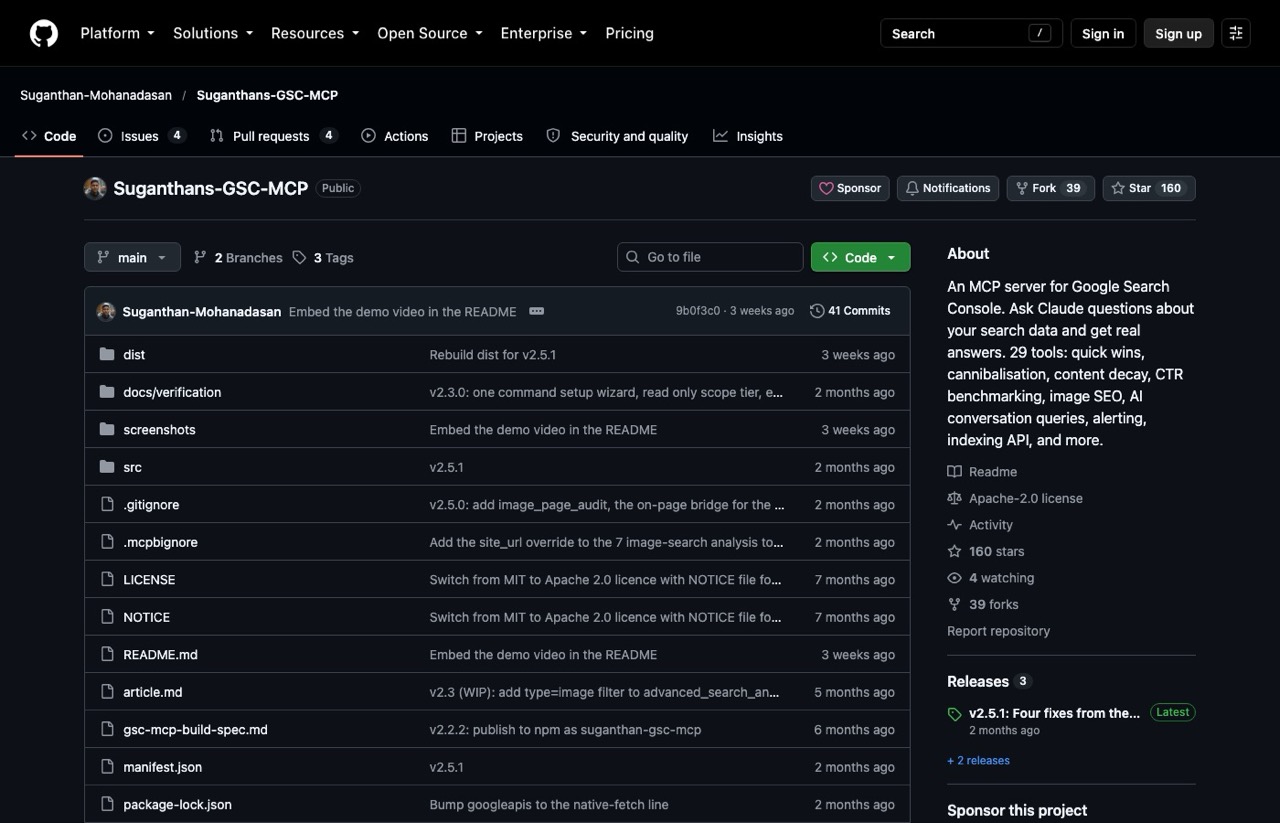
This is the one I open first every morning. Suganthan's Search Console MCP connects Claude to your Search Console property with 29 named tools, including quick wins, cannibalization checks, content decay and traffic drops.
Pros:
- Runs on your computer, so your data never passes through the developer's servers
- The setup wizard defaults to read-only access
- Named analyses beat raw query exports
Cons:
- Needs your own Google OAuth client, which takes a few Cloud Console steps
- Can't pull Google's separate AI Overviews and AI Mode report, because that report has no API
Best for: Anyone who owns a website and wants Claude reading real performance data.
Pricing: Free, Apache 2.0 license.
Setup: npx -y suganthan-gsc-mcp setup, which walks you through sign-in.
Bottom line: Your own data beats any third-party estimate. It took the top spot in my SEO MCP servers roundup for that reason.
7. Newsjack (Best for PR and Earned Media)
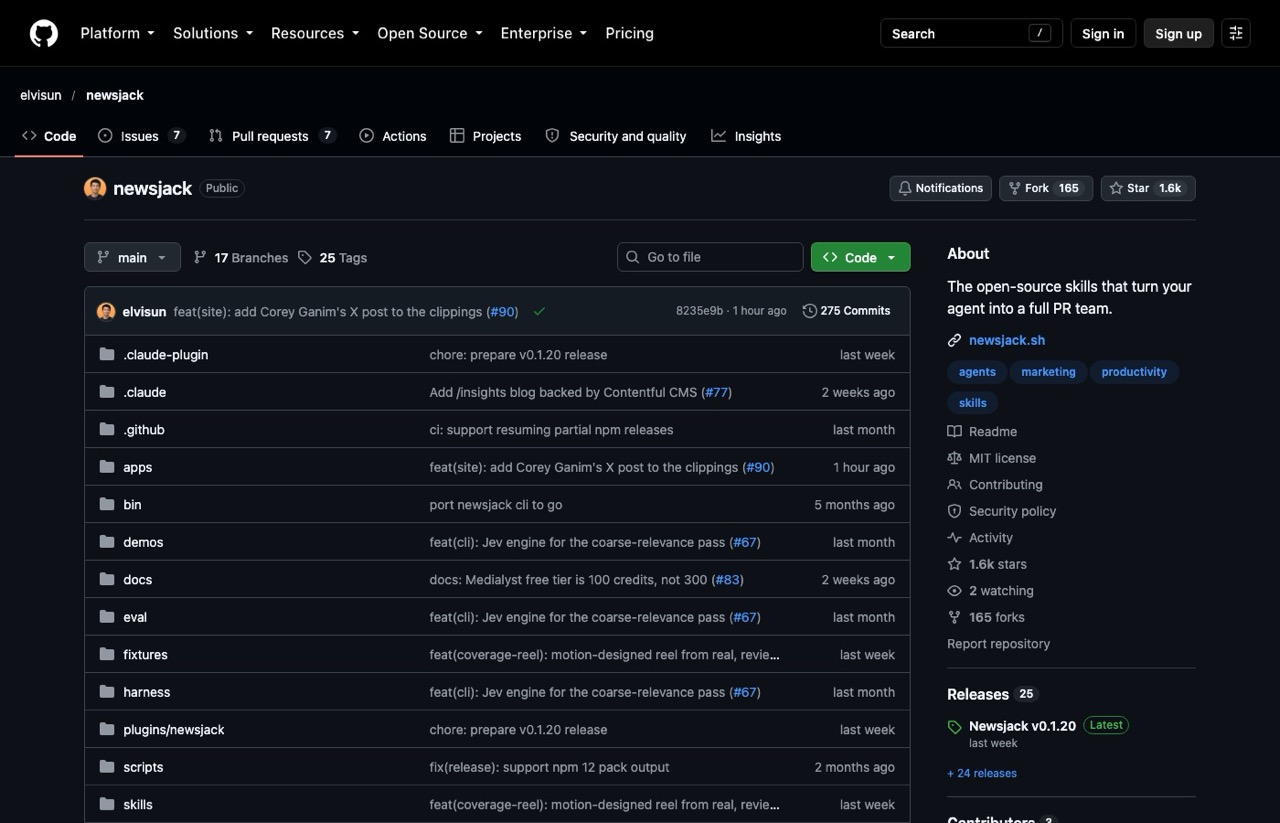
Newsjack turns your agent into a PR team. It watches the news for stories you have standing to comment on, then generates angles and headlines, checks journalist fit, drafts responses to reporter requests and runs a fact-check pass before you send.
When I read through it in June, angle generation and pitch critique stood out. It has added media-list building since.
Pros:
- Covers the whole PR loop, from finding a story to checking the pitch
- MIT licensed with 25 releases since June 2026
Cons:
- Live news search, journalist enrichment and media lists need a connected Medialyst account or the X API
- The quick installer is a
curl | bashscript, so read it before you run it
Best for: Founders and marketers who want press coverage and backlinks without an agency.
Pricing: Free. Medialyst offers a free account for the connected skills.
Setup: npm i -g newsjack, then newsjack install, or add elvisun/newsjack as a Claude plugin marketplace.
Bottom line: Corey's library has a PR skill, but this is the repo built entirely around earned media.
8. HyperFrames by HeyGen (Best for Motion Graphics and Social Video)
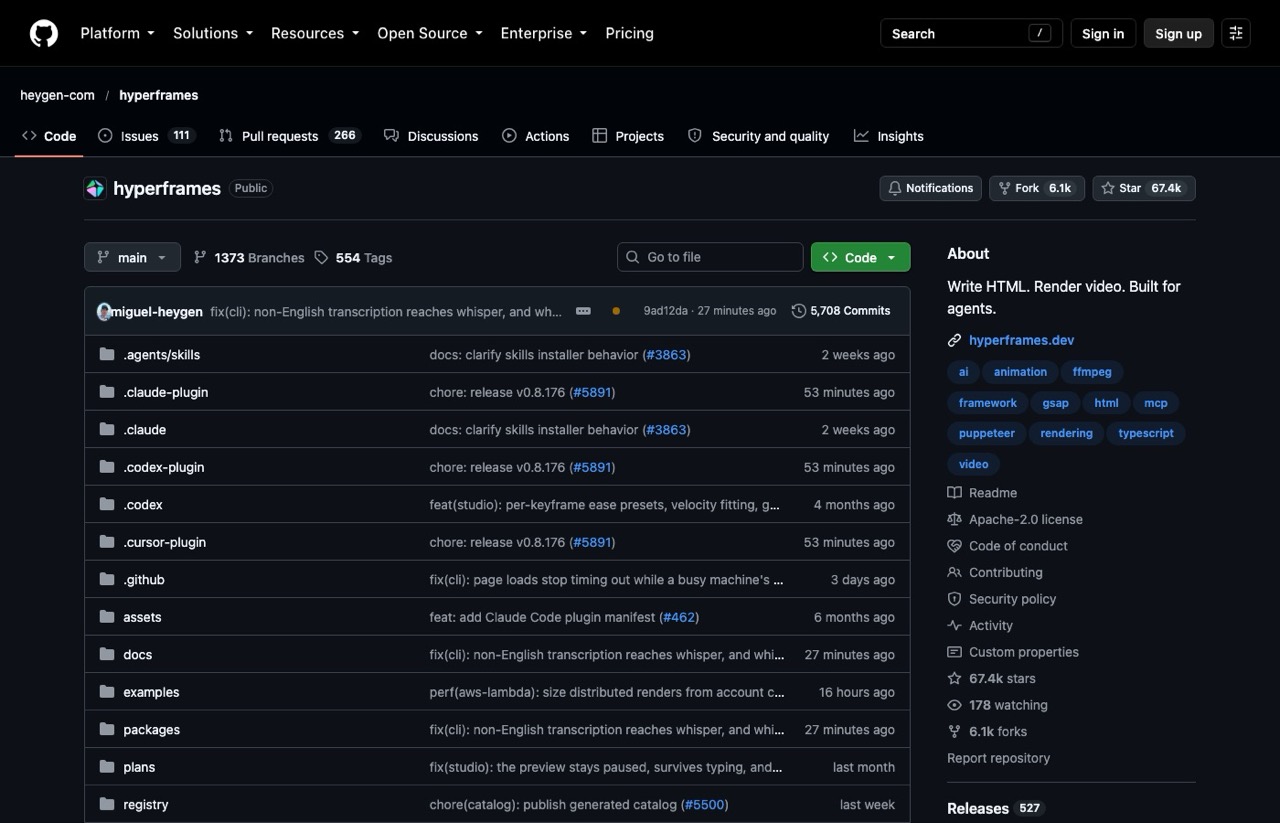
HyperFrames is HeyGen's free framework for turning HTML into MP4 video, so Claude Code can write captions, graphics and animations as code.
It's Aaron Makelky's most-used tool, and he edits most of his videos in a terminal now. As he explained in our AI video editing episode, a prompt as simple as "use HyperFrames to edit this down into the best 10 social clips" gets him started.
Pros:
- Free, with local rendering by default (cloud rendering is optional)
- A Studio editor lets you preview compositions before you render
Cons:
- Needs Node 22 or newer plus FFmpeg on your computer
- Expect a learning curve if you've only ever edited on a timeline
Best for: Creators who want motion graphics and short clips without a monthly video subscription.
Pricing: Free, Apache 2.0 license.
Setup: claude plugin marketplace add heygen-com/hyperframes, then claude plugin install hyperframes@hyperframes.
Bottom line: A free route to motion graphics, if you're patient with the learning curve.
9. Claude SEO (Best for Technical SEO Audits)
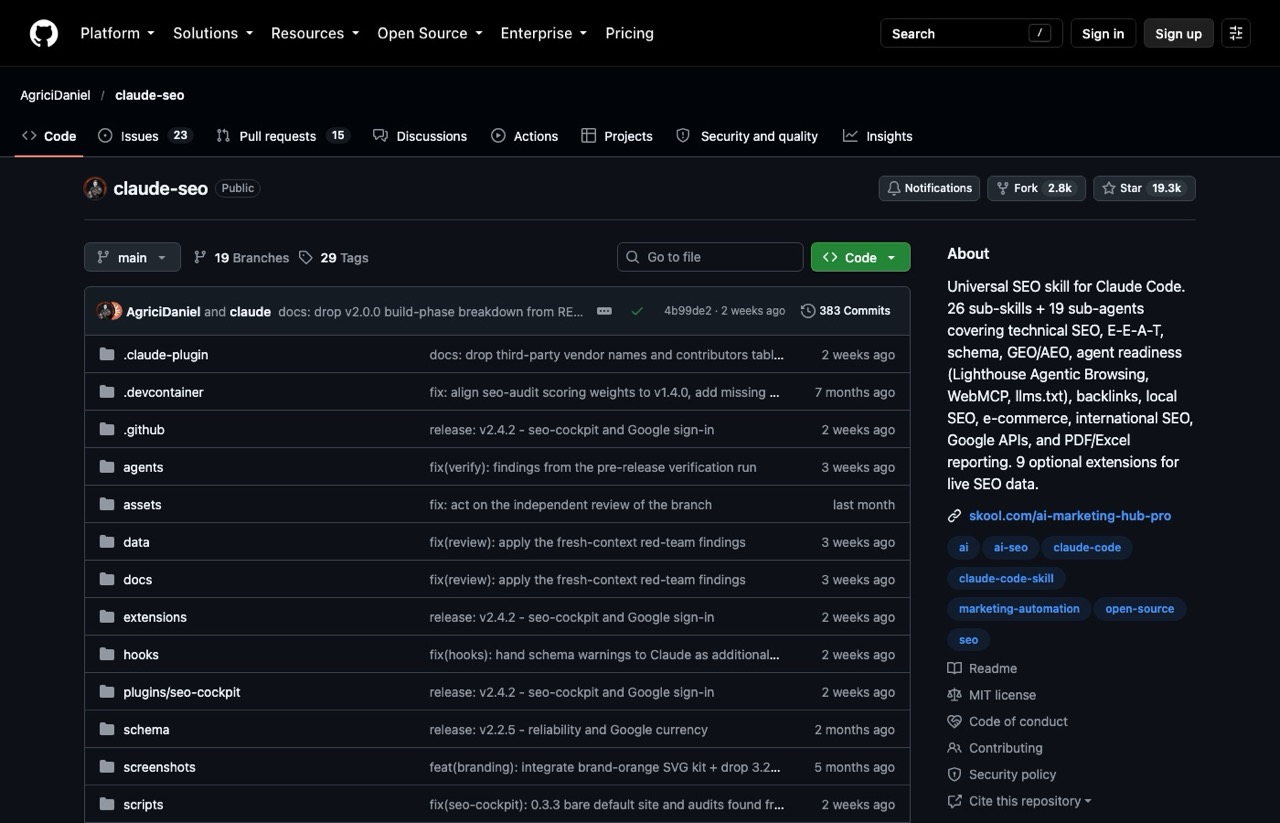
Claude SEO is an audit plugin with 26 sub-skills and 19 specialist agents covering technical SEO, E-E-A-T, schema, AI search optimization, local SEO and backlinks. Run an audit and it splits the work across agents in parallel, then hands back a prioritized action plan.
Pros:
- Reports export to PDF and Excel, which helps with client work
- Each recommendation includes a check for how you'd know it failed
Cons:
- Full setup builds a Python environment, with an optional Playwright browser for screenshots
- The author promotes a paid community with an early-access version
Best for: Marketers and freelancers who run site audits for clients.
Pricing: Free core. Optional extensions for Ahrefs and SE Ranking need your own paid accounts.
Setup: /plugin marketplace add AgriciDaniel/claude-seo, then /plugin install claude-seo@agricidaniel-claude-seo, then /seo setup.
Bottom line: Run the audit here, then use the Search Console MCP's decay and cannibalization tools to decide which pages to fix first.
10. Stop Slop (Best for Editing AI Drafts)
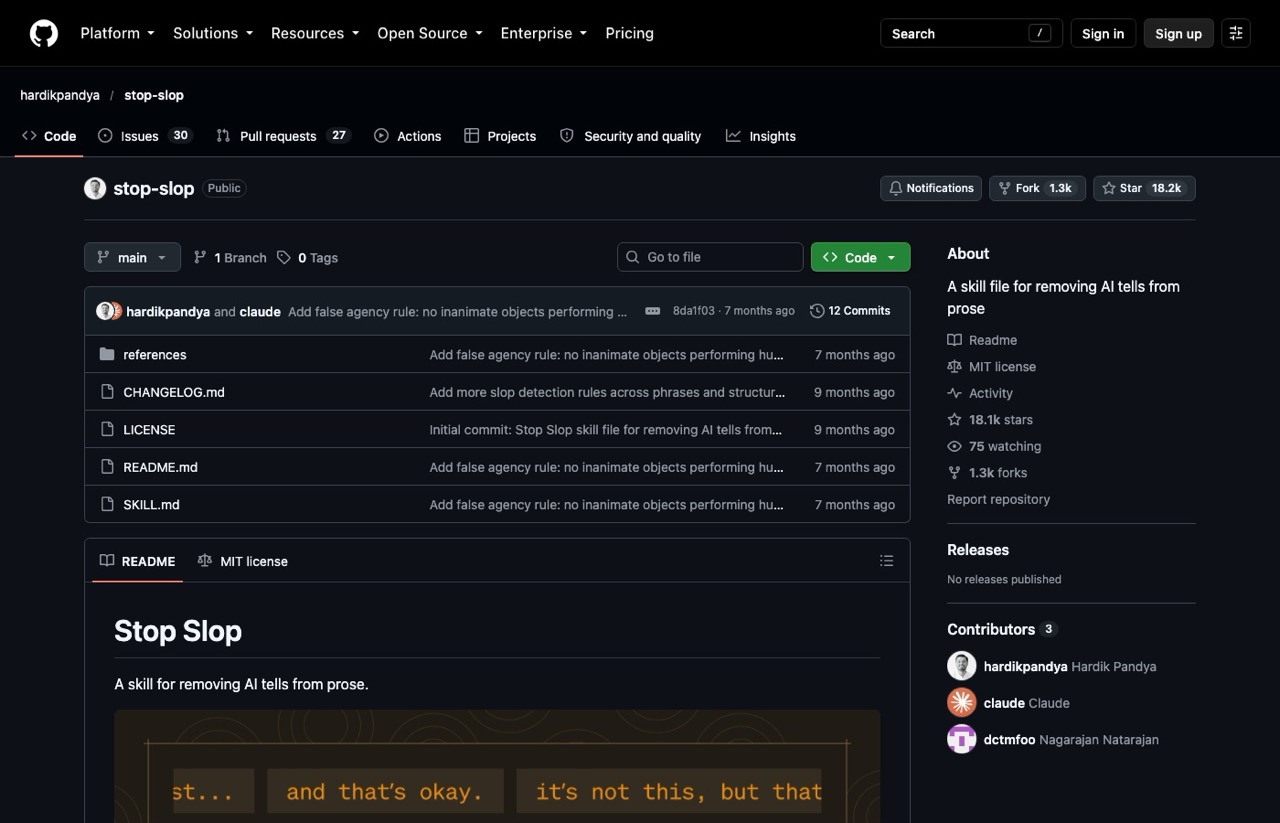
Stop Slop is one skill that strips AI tells from writing: throat-clearing openers, binary contrasts, em dashes and lazy extremes. It scores a draft on five dimensions and tells Claude to revise anything under 35 out of 50.
My own repo at #3 has an anti-slop skill too, so pick the one whose rules match your voice and run that one.
Pros:
- One folder: a SKILL.md plus three reference files
- Works in Claude Projects too, by uploading SKILL.md and the reference files
Cons:
- No updates since March 2026
- Opinionated rules, including a ban on all adverbs, can flatten a natural voice
Best for: Anyone publishing AI-assisted drafts under their own name.
Pricing: Free.
Setup: Drop the folder into ~/.claude/skills/, or upload its files to a Claude Project.
Bottom line: Worth a test on your next AI-assisted draft, then keep it only if the edits sound like you.
How to Pick a Marketing Repo Without Getting Burned
These are the questions I ask before anything goes into my own setup:
- Does it do a job you already do every week? A repo you install for a someday project just adds clutter.
- Is setup one command, or does it need a Google Cloud project, API keys or a server?
- What does it cost past the free part? Check the README for keys, credits and paid extensions.
- Is anyone still maintaining it? Look at the date of the last commit on the repo's main page.
- Would you hand it your accounts? Some public repos hide prompt injections aimed at your AI. Read the files, or ask Claude to audit them, before it installs anything.
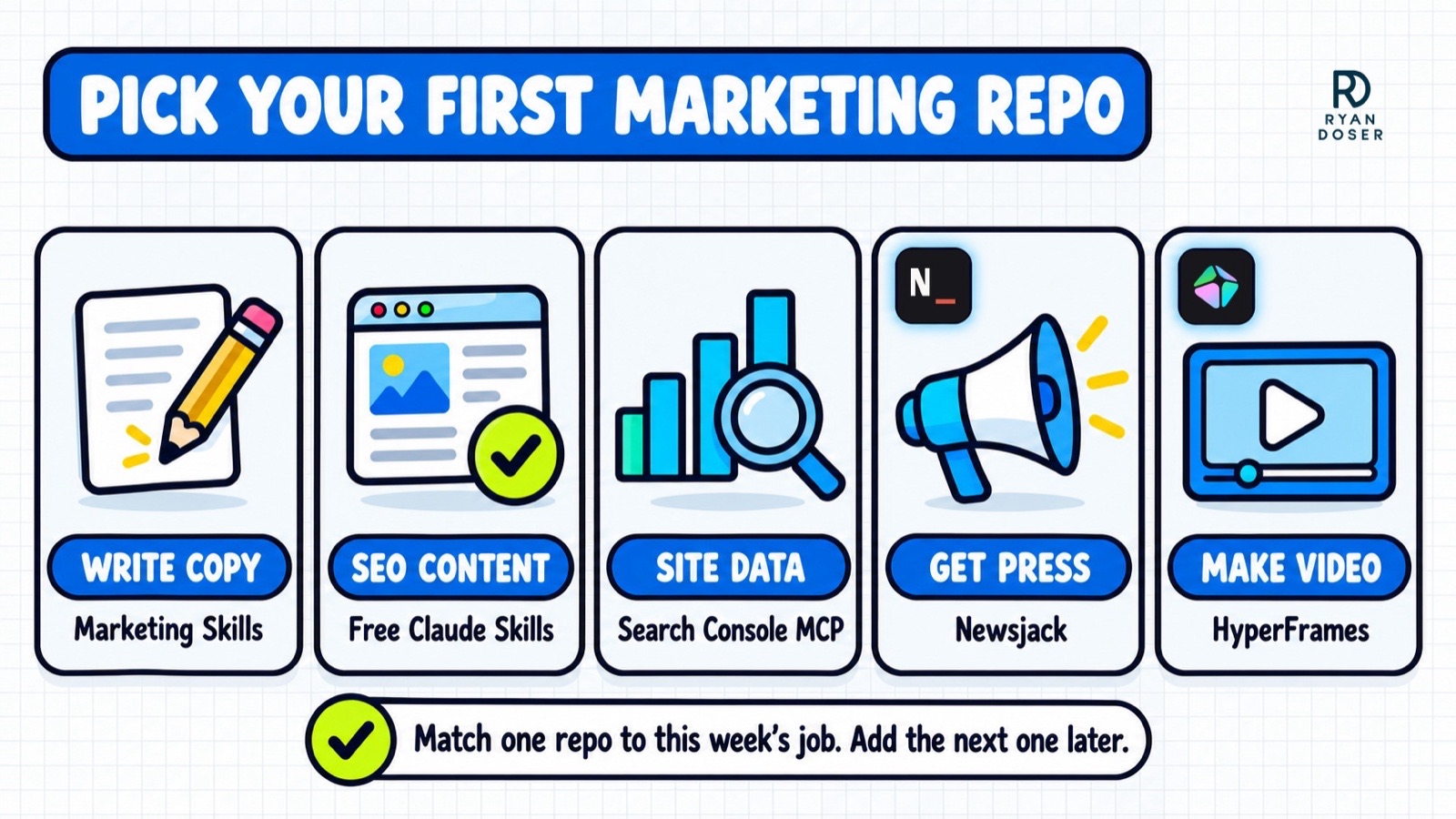
If you just want a starting point, match the repo to the job on your calendar this week:
What About n8n, PostHog, Mautic, listmonk and Postiz?
Ask ChatGPT for the best GitHub repos for marketing and you'll often get a different list: open-source marketing apps. These are full software products you run on your own server or pay to use as a hosted cloud version.
- n8n: workflow automation with a huge integration library, under a "fair-code" license rather than a standard open-source one
- PostHog: product analytics, session replay and experiments
- Mautic: open-source marketing automation
- listmonk: a self-hosted newsletter and mailing list manager
- Postiz: social media scheduling, with a paid cloud version
They stay off the ranked list because hosting one is a different job from installing a skill, and I've never self-hosted any of them. If you're a marketer without a developer, the skill repos above get you further this week.
Honorable Mentions
- avoid-ai-writing: a more actively updated alternative to Stop Slop that audits and rewrites AI patterns
- Anthropic's knowledge-work plugins: includes an official marketing plugin alongside sales, design and small-business ones
- Apify MCP: thousands of ready-made scrapers for social media, Google Maps and online shops, paid through an Apify account
- OpenSEO: an open-source Semrush and Ahrefs alternative that needs your own DataForSEO key (or a $10/month hosted plan), and my OpenSEO review covers what it really costs
- REA: the reverse-engineering repo from our GitHub episode, which does no marketing job and sits outside the ranking for that reason
Start With the Repo That Matches This Week's Work
Ten installs at once is how you end up with a cluttered setup and no idea which skill did what. Pick the one repo that matches the job on your calendar this week and run it on a real task. Judge the output before you add a second.
No repo paid to be listed here, and none of these links are affiliate links. Free Claude Skills is my own repo, and its README links to my paid Skills Stack. Star counts were checked October 19, 2026. See my full disclosure.