
7 Best SEO MCP Servers in 2026 (Tested by Agency Owner)
The best SEO MCP servers turn your AI assistant from a tool that guesses about your rankings into one that reads your actual data.
I connected all seven and I run two of them every single day. Here is what works, what costs more than the pricing page suggests, and which one to install first.
Everything here is scoped to SEO work: rank tracking, keyword data, SERP and backlink analysis. If you want the wider marketing stack instead, publishing, video, scraping and analytics, I priced those in the MCP servers I run for marketing work.
What an SEO MCP Server Actually Does
MCP stands for Model Context Protocol. In plain terms, it is a connector that lets Claude or ChatGPT pull live data from a tool instead of relying on training data.
That distinction matters more in SEO than almost anywhere else. Ask a chatbot about your rankings without a connector and you get a plausible-sounding answer built from nothing. Ask it with one connected and it reads your Search Console property, your position history, and your click data directly.
I use this daily. A typical morning is asking Claude to pull my last 28 days from Search Console, flag pages where position improved but clicks fell, then cross-check the current SERP to see whether an AI Overview now sits above my result. That used to be an hour in three browser tabs. Now it is one prompt.
It took me longer than I would like to admit to trust the output. My first instinct was to go re-check everything in the Search Console interface anyway, which rather defeated the point.
But the market filled up fast, and most roundups you will find are published by the vendors themselves. SEOptimer ranks its own server first. SE Ranking sells one. Serpstat wrote a comparison that happens to favor Serpstat. I build none of these, so nothing here is me ranking my own product. One link below is an affiliate link, flagged at the bottom, and it did not change the order. Here is the version with the pricing traps left in.
The 7 Best SEO MCP Servers in 2026
Ranked on what each one gives you for what it costs to get in, with the two I use daily at the top. Not on how much the vendor charges.
The last column is the one to read twice. Advertised price and real entry price are not the same number on every row.
| # | Server | Best for | Free option | Real entry price |
|---|---|---|---|---|
| 1 | Google Search Console MCP | Reading your own ranking and click data | Yes, permanently | $0, genuinely free and open source |
| 2 | DataForSEO | Live SERP pulls and keyword volume | $1 trial credit | Pennies per request, but the minimum top-up is $50 |
| 3 | Google Analytics MCP | What visitors do after they land | Yes, permanently | $0, genuinely free and open source |
| 4 | OpenSEO | Rank tracking and a simple dashboard on a small budget | $0.50 in credits | $10 per month, usage included |
| 5 | SE Ranking | An all-in-one suite behind one connector | 14-day trial, 100K credits | $50 pay-as-you-go for MCP alone, or $103.20 per month billed annually for the suite |
| 6 | Semrush | Teams already paying for Semrush | Trial varies by plan | A qualifying paid plan with API units, not a flat connector fee |
| 7 | Ahrefs | Backlink analysis inside a chat window | No | $129 per month, because the $29 Starter plan excludes MCP |
1. Google Search Console MCP (Free)
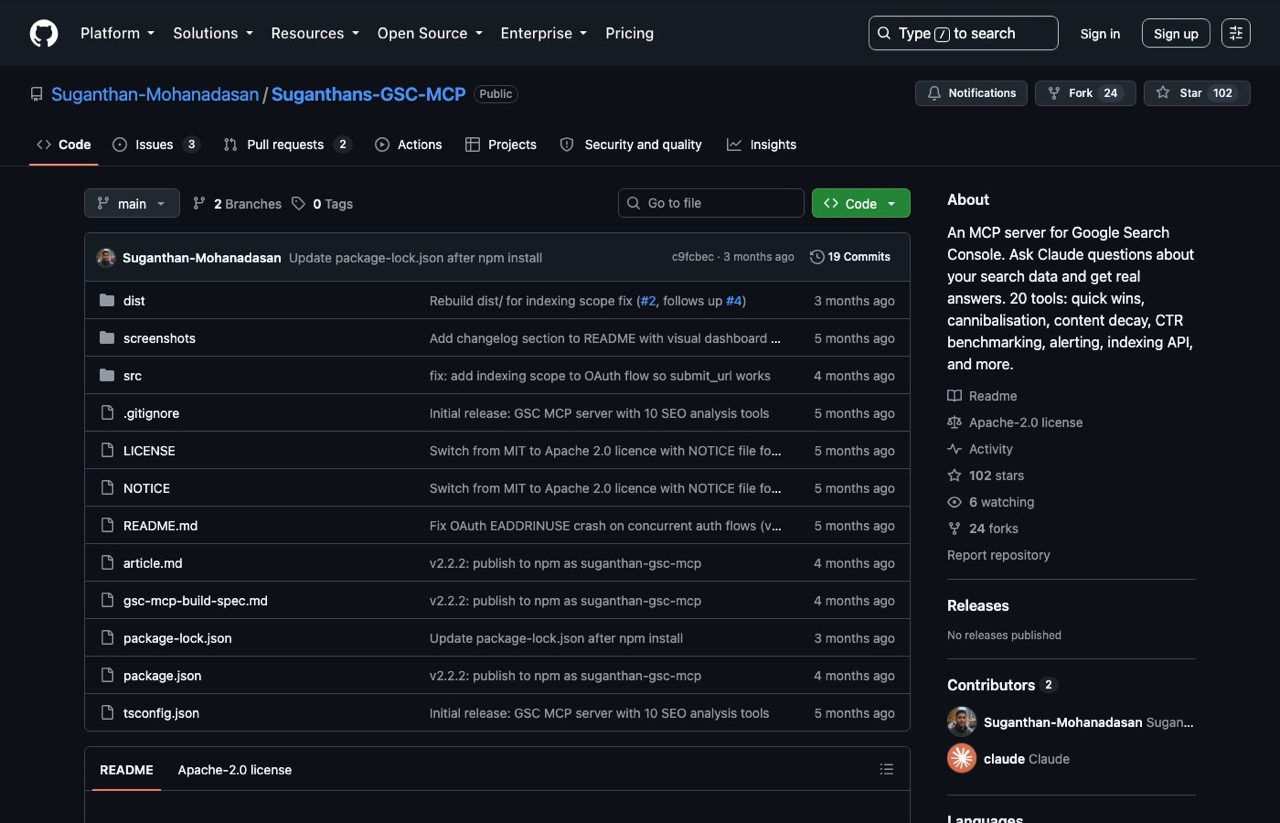
This is the one I open first every morning, and it is free. Built by Suganthan Mohanadasan, it connects Claude straight to your Search Console property and ships 20 purpose-built tools rather than a thin API wrapper.
The tools are what separate it. Instead of raw query exports, you get named analyses: quick wins, CTR opportunities, content decay, cannibalization checks, traffic drops. I lean on the decay and CTR tools constantly, because they surface the thing raw data hides, which is a page holding its ranking while quietly losing clicks.
Pros:
- Completely free, Apache-2.0 licensed, no usage meter
- 20 named analysis tools, not just a raw data pipe
- Reads your own Search Console data rather than a third-party estimate of it
Cons:
- Setup needs Google Cloud OAuth credentials, which is the fiddliest install here
- The README still documents the clone-and-build path, so the quicker npx install is easy to miss
- Last code push was May 2026, so development has slowed
Best for: Anyone who owns a site and wants their assistant reading real performance data.
Pricing: Free. Search Console data costs nothing.
Free trial: Not applicable, the whole thing is free.
Bottom line: If you install exactly one server from this list, make it this one. Your own data beats any third-party estimate, and it costs nothing.
One caveat worth knowing before you rely on it: the submit-URL tools use Google's Indexing API, which Google officially supports only for job posting and broadcast event pages. Treat general-purpose indexing submissions as unsupported rather than guaranteed.
2. DataForSEO (Pay as you go)
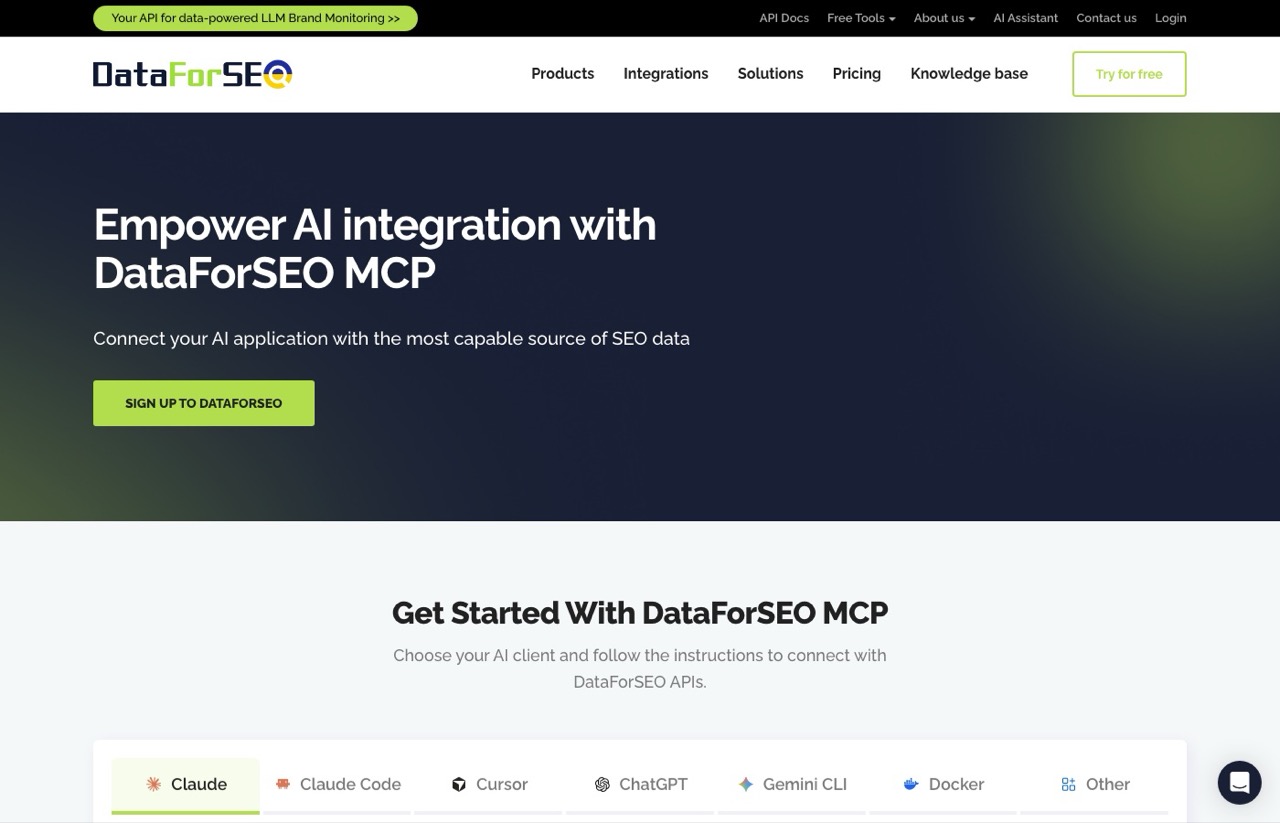
Search Console tells you how you are doing. DataForSEO tells you what is happening in the search results themselves, and it is the second server I run daily. It wraps ten API modules covering SERP data, keyword volume, backlinks, on-page audits, content analysis, and an AI optimization module that reads AI Overview citations.
The AI optimization piece is why it earns its place in 2026. I use it to check whether a page is being cited inside an AI Overview, which is now a separate question from whether it ranks. Those two answers regularly disagree on my own pages.
Pros:
- Genuinely cheap per request, starting at $0.0006 per SERP
- Ten modules behind one connector, including AI Overview citation data
- The MCP server itself is free and open source, so you pay only for data
Cons:
- The $50 minimum top-up is a real barrier for casual use
- Credit-based billing makes monthly cost hard to predict up front
- Raw data output needs interpretation, it will not hand you a strategy
Best for: SEOs who want live SERP and keyword data without a subscription.
Pricing: Pay as you go from a prepaid balance. A queued standard SERP request runs $0.0006, priority $0.0012, and live mode $0.002. Worth knowing that MCP tools calling the live endpoint hit that $0.002 rate rather than the headline figure, and deeper result sets cost more than the base ten results.
Free trial: Yes, a $1 credit on signup with no card required, plus a free sandbox for structural testing.
Bottom line: The best value on this list if you can clear the deposit. That $1 credit buys hundreds of SERP pulls, which is plenty to decide whether it fits your workflow.
Read the pricing carefully, because two true facts sit in tension. You genuinely can start free with a $1 credit and no card. But the minimum payment once you want to add funds is $50, not $1. Both are accurate, and only quoting the first one sets people up for a surprise.
3. Google Analytics MCP (Free)
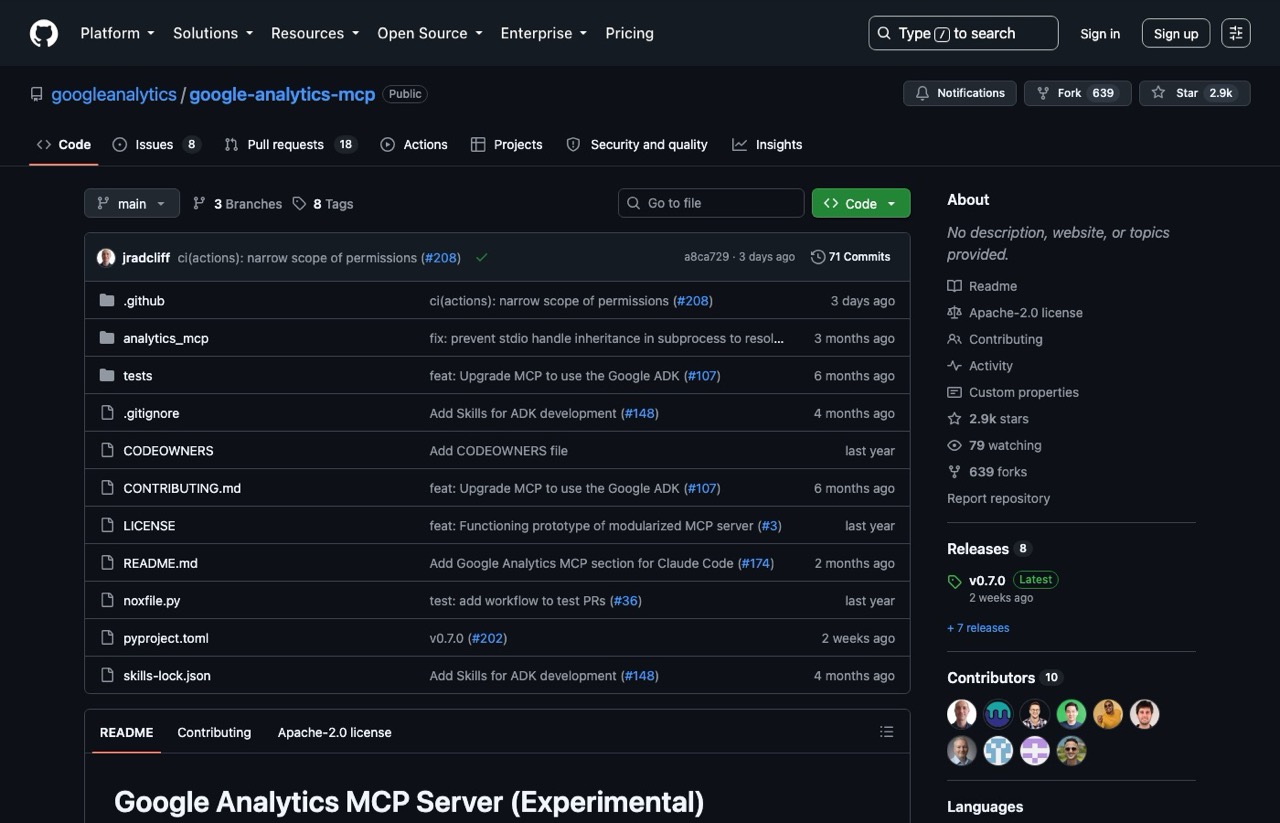
Published under Google's own GitHub organization, this one pairs naturally with the Search Console server. Search Console covers acquisition and GA4 covers on-site behavior. The two data sets do not join cleanly at the query level, but having both connected means your assistant can reason across them instead of you exporting from two dashboards.
It carries 2,900 stars and had code pushed within the last week. That matters in a category where plenty of servers were built once and abandoned.
Pros:
- First-party Google, published by the official googleanalytics org
- Free and Apache-2.0 licensed, with no data charges on the GA4 API
- Actively maintained, with releases shipping regularly
Cons:
- Google labels it experimental in the repo README
- Needs Google Cloud credentials, same setup friction as the GSC server
- Only useful if you already run GA4 properly
Best for: Pairing with the Search Console server for a full picture.
Pricing: Free.
Free trial: Not applicable.
Bottom line: Install it alongside the GSC server. Two free connectors covering acquisition and behavior are a strong base before you pay for anything.
4. OpenSEO ($10 per month)
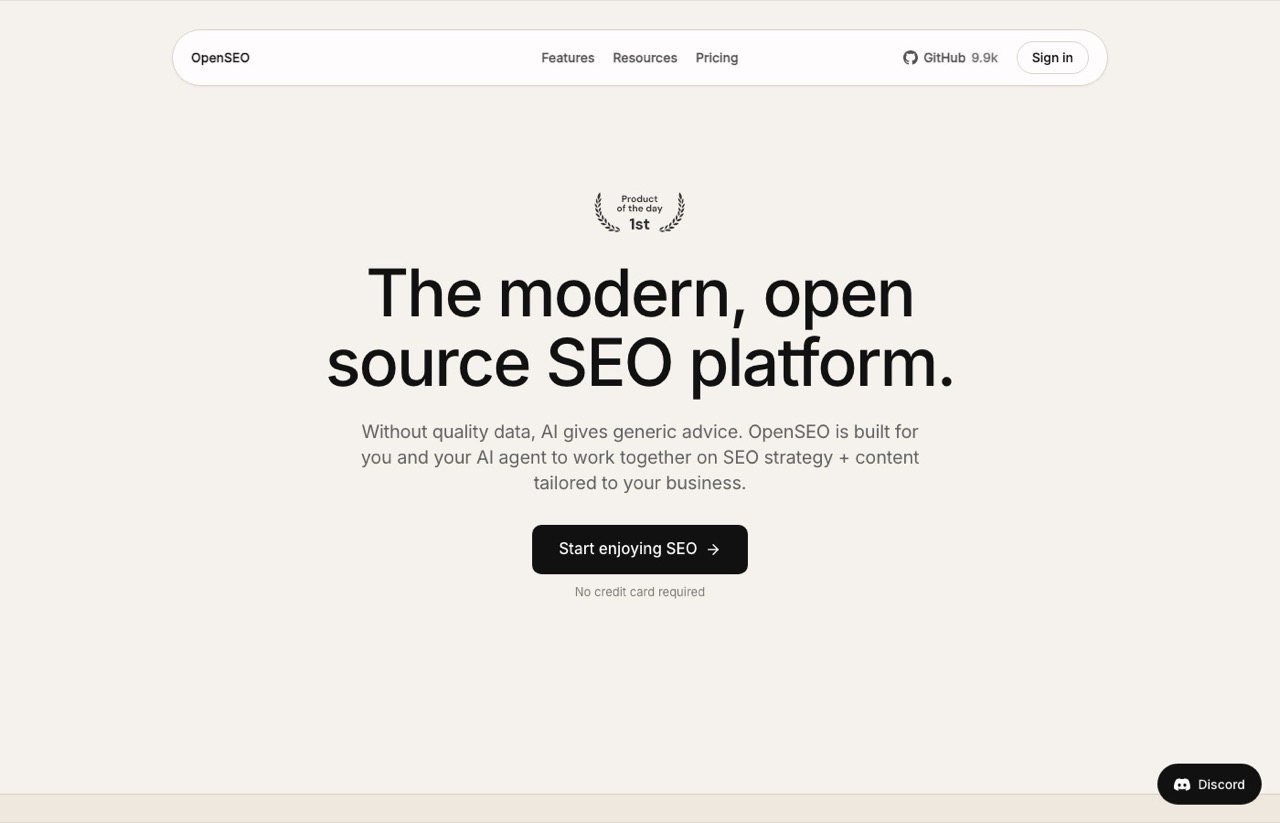
OpenSEO is the newest entry here and the cheapest paid one. A single $10 monthly plan includes $10 of usage, and there are no tiers to compare, which is refreshing in a category that loves a pricing matrix.
What it adds is a workflow layer: scheduled rank tracking with history, its own site audit crawler, saved project context your agent reads, and reports you can share. The underlying SEO data comes from DataForSEO, and the hosted plan adds a 28% markup, so if you already run that server you are mostly paying for the tracking and the interface.
It also tracks AI mentions and compares prompts across models, but those features live in OpenSEO's web app, and its MCP server does not expose them yet. I went through what the $10 actually buys in my full OpenSEO review.
Pros:
- One $10 plan with no tier puzzle, and usage included in it
- Scheduled rank tracking with history, which a raw data connection does not keep
- Free to self-host, though you bring your own DataForSEO key and pay that usage directly
Cons:
- Core SEO data comes from DataForSEO, so there is overlap if you run both
- Newest and least battle-tested option on this list
- Credit-based usage means heavy months cost more than $10
- AI visibility lives in the web app, not in the MCP server
Best for: Scheduled rank tracking and a simple SEO dashboard without a suite subscription.
Pricing: $10 per month including $10 of usage, with top-ups that roll over.
Free trial: Yes, $0.50 in credits with no card required.
Bottom line: A low-cost way to add rank tracking history and a dashboard on top of DataForSEO data. Skip it if you already run DataForSEO in your agent and do not need tracking history.
5. SE Ranking ($103.20 per month, billed annually)
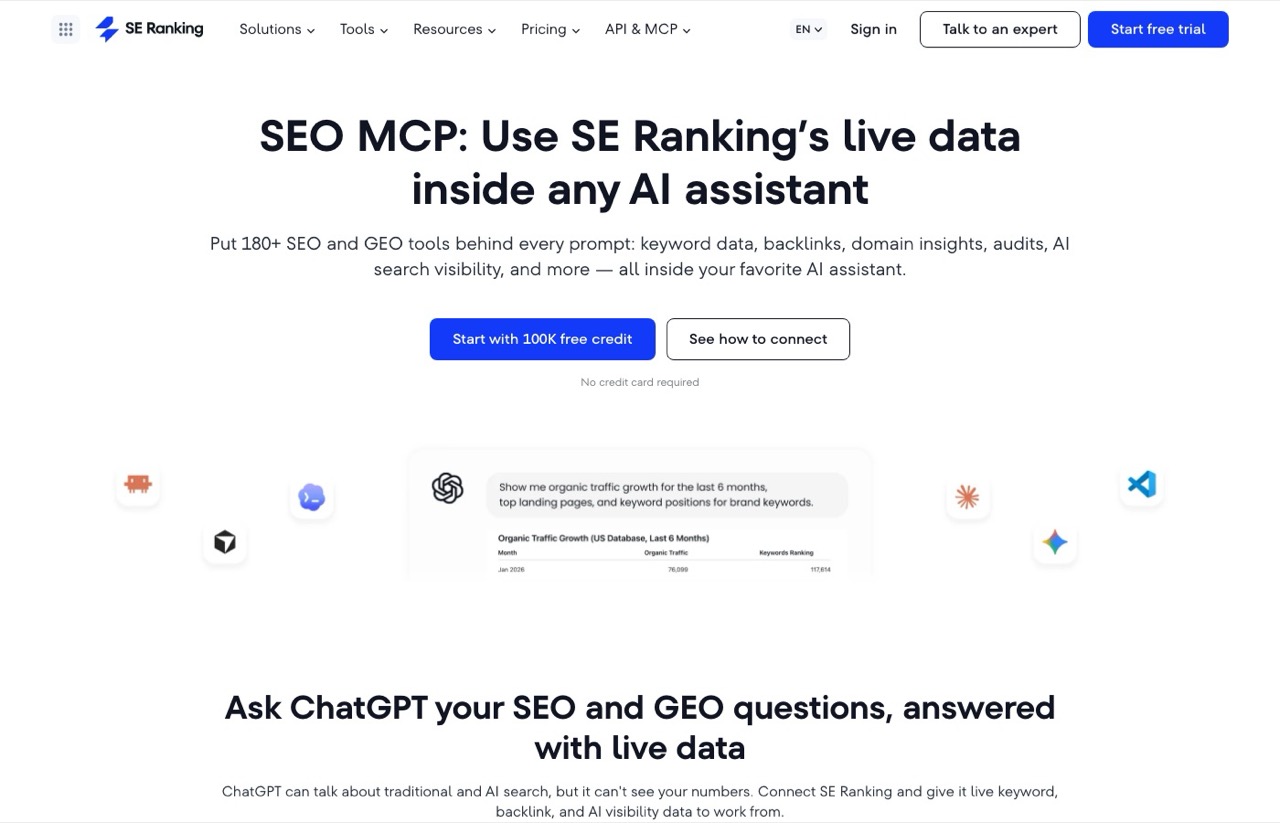
SE Ranking puts 180-plus SEO and GEO tools behind one connector, covering keyword data, backlinks, audits, and AI search visibility. Setup is among the easiest here, because it is a hosted remote server. You authorize it and you are running, with no local install or Docker.
The pricing structure is the friendliest of the paid suites. MCP access is bundled into every subscription rather than sold as an add-on, and how much you can pull depends on the API credits in your plan.
Pros:
- MCP bundled into every plan, never an upsell
- Hosted setup takes minutes, no terminal required
- Generous 14-day trial with 100,000 credits and no card
Cons:
- Real cost is a full suite subscription, not a connector fee
- Credit ceilings mean heavy API use can outrun your plan
- Overkill if you only want data piped into Claude
Best for: Agencies that want a full suite and a connector on one bill.
Pricing: Core is $103.20 per month billed annually, or $129 month to month. Growth is $223.20 annually or $279 monthly. There is also a standalone API path at $50 for 250,000 credits with no subscription.
Free trial: Yes, 14 days with 100,000 credits and no card required.
Bottom line: The best paid pick if you want one vendor for everything. If you already own a suite you like, the connector alone does not justify switching.
6. Semrush (Requires a qualifying paid plan)
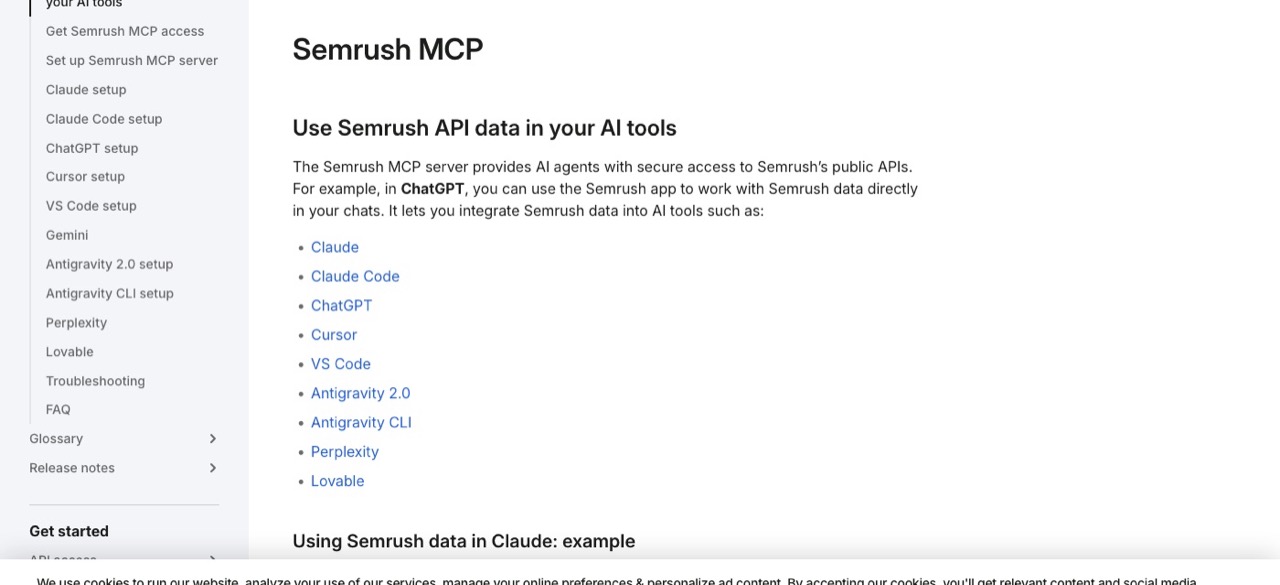
If your team already pays for Semrush, the MCP server is the obvious move, and the documented client support is broad. Claude, Claude Code, ChatGPT, Cursor, VS Code, Antigravity 2.0, Antigravity CLI, Perplexity, and Lovable all have their own setup guides. Note that Gemini CLI support has been discontinued, since Google is moving that tooling to Antigravity.
It runs as a hosted remote server with OAuth, so setup is straightforward. The complication is eligibility, which depends on a specific combination of plan and API units rather than a simple tier check. I untangled which plan actually carries it, and why Semrush's own pages disagree, in Semrush API pricing.
Pros:
- Setup guides published for nine different AI clients
- Hosted with OAuth, no local install
- Taps the same data an existing Semrush workflow already trusts
Cons:
- Access depends on which plan you hold plus available API units
- Traffic and market data needs a separate Trends subscription
- No standalone free tier for the connector
Best for: Teams already inside the Semrush ecosystem.
Pricing: Requires an active qualifying subscription with API units included. Check your plan against their docs before assuming access.
Free trial: Semrush advertises a seven-day trial on eligible plans, but there is no free MCP tier on its own.
Bottom line: Sensible if Semrush is already your stack. Not a reason to become a Semrush customer.
One setup detail that trips people up: the current endpoint is version two, and a number of third-party tutorials still publish the version one path. Use the official docs rather than a blog post.
7. Ahrefs ($129 per month)
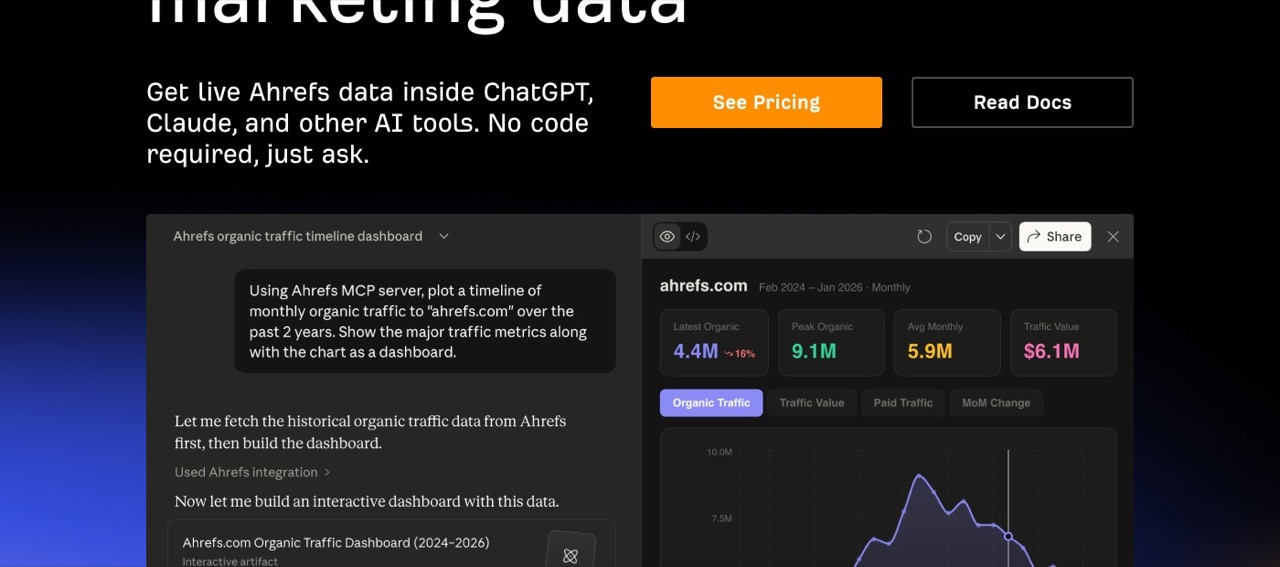
Ahrefs has backlink data that few competitors match, and querying it conversationally is genuinely useful. Ask for a traffic timeline and it builds one. No separate API purchase is needed, since MCP access comes with the subscription and runs on your monthly API units.
It lands last purely on cost. It sits in the same price band as the other paid suites here, but the entry price is not the number most people have in their heads.
Choosing between this and the pick above it is a question I answered separately in DataForSEO vs Ahrefs. If the $50 minimum top-up is what is stopping you, a few of the alternatives start smaller. Semrush sits in a different category again, since most of what its plan covers has no per-request equivalent, which I broke down in this comparison of the two.
Pros:
- Backlink index that remains an industry benchmark
- No separate API contract, it is included in the plan
- Clean conversational output, including chart building
Cons:
- The $129 Lite plan is the real floor, which is steep for a connector
- Row caps limit Lite to 100 rows per request
- No free tier, and Webmaster Tools does not grant access
Best for: Backlink and competitive analysis at agency budgets.
Pricing: Lite at $129 per month, Standard $249, Advanced $449. API units and row caps scale with the plan.
Free trial: No.
Bottom line: Worth it if backlink data drives your work and you already pay for Ahrefs. Otherwise the price is hard to justify for a connector.
Here is the trap, and it is the single most useful thing in this post. Ahrefs sells a Starter plan at $29 per month, and Starter does not include MCP access. The eligible plans are Lite, Standard, Advanced, and Enterprise. Starter is still a real product with Site Explorer and Keywords Explorer in it, so you would not be buying nothing. You would be buying a plan that cannot do the one thing you came for, and the fix is a jump to $129. Most of the confusion around this comes from third-party pages quoting retired figures, which I untangled in Ahrefs API pricing.
How to Choose an SEO MCP Server
These are the questions I work through on every client setup, and they apply regardless of which tools you are weighing.
- Do you need your data or the market's data? Search Console and GA4 read your own measured performance. The paid suites add competitor and market data you cannot get from your own properties.
- Is the pricing a subscription or a meter? A meter like DataForSEO costs almost nothing on light use and scales with you. A subscription costs the same in a quiet month.
- What is the real entry price, not the advertised one? Check which specific plan includes MCP access. Ahrefs is the clearest example of a gap between the two.
- Hosted or local? Hosted servers take minutes. Local ones need a terminal, and sometimes Google Cloud credentials.
- Does it cover AI search? Blue-link rankings no longer tell the whole story. DataForSEO and SE Ranking read AI visibility, OpenSEO covers it in its web app rather than its MCP server, and the standalone AI visibility trackers are a separate purchase with their own pricing traps.
- Is it still maintained? Check the last commit date before trusting a free server with your workflow.
I run the Search Console and DataForSEO servers daily, and I have connected and tested every other pick on this list. Every price was checked live on each vendor's own page the day this published. Where a figure could not be verified from a primary source, I left it out rather than guess.
Which SEO MCP Server Should You Install First?
Start with the Google Search Console MCP. It is free, it reads your own Search Console data rather than an estimate of it, and it changed how I audit.
Add DataForSEO second if you can clear the $50 deposit, because live SERP and AI Overview data is what turns your own numbers into decisions. Add the Google Analytics server third, since it is free and completes the picture.
Only then consider a paid suite, and only if you want the suite anyway. If you are building a broader stack, my roundup of the best AI SEO tools covers the tools that sit outside the MCP category, and my AI SEO strategy guide covers what to do with the data once it is flowing.
What About Free Community Servers?
There are open-source SEO MCP servers on GitHub that scrape paid tools rather than using official APIs, and some are genuinely popular. I am leaving them off deliberately.
The most prominent one, cnych/seo-mcp, scrapes Ahrefs and requires a paid CapSolver account to defeat bot protection. Its own README asks you not to misuse it, and it has not been updated since April 2025. Building client workflows on a scraper that violates another company's terms is a risk I would not take on, and not one I would recommend to a reader. The free servers I do recommend here, from Google and Suganthan, use official APIs.
Ryan's Final Thoughts
The server I run daily and pay nothing for is Search Console, and it is the one I would install first. DataForSEO is the other daily one, and it costs me pennies per pull, which I break down properly in my DataForSEO review. That combination is the part most roundups skip past, because most roundups are written by companies with a subscription to sell.
So my advice is boring. Start free, prove the workflow, then pay for data you have already confirmed you need. If you want help building this into a real system, that is what my AI SEO consulting work covers, and you can see who else is doing serious work in this space in my list of the best AI SEO experts.
Some links in this post are affiliate links. If you sign up through them I may earn a commission at no extra cost to you. I only recommend tools I have connected and used myself. See my full disclosure.