
8 Best Claude Skills to Install in 2026 (Free & Paid)
The best Claude skills turn Claude from a clever chatbot into a system that does real work the same way every time.
Why Most People Use Claude Skills Wrong
A Claude skill is an SOP for AI. It is a markdown file that teaches Claude how to handle one task from start to finish, with your steps, your examples, and your rules baked in.
Most people never get past copy-pasting prompts. They retype the same instructions every session and wonder why the output drifts. A skill fixes that. You write the process once, and Claude follows it like a recipe every time.
Picking skills got harder as the ecosystem exploded. There are official Anthropic skills, huge community libraries, and paid stacks, and most "best of" lists just dump 50 repos on you with no opinion. This list is different. These are the eight I actually reach for, free and paid mixed together, with a clear reason each one earns a spot.
If you have never built one, I broke down three ways to create Claude Skills first. Come back here once you know the basics.
The 8 Best Claude Skills in 2026
I judged these on one question: does it make your output good enough to make money or win clients with? Some are official, some are community-built, and some are mine. None of them got a slot for being free or for being paid. They earned it on the work they do.
1. Skill Creator (Free)
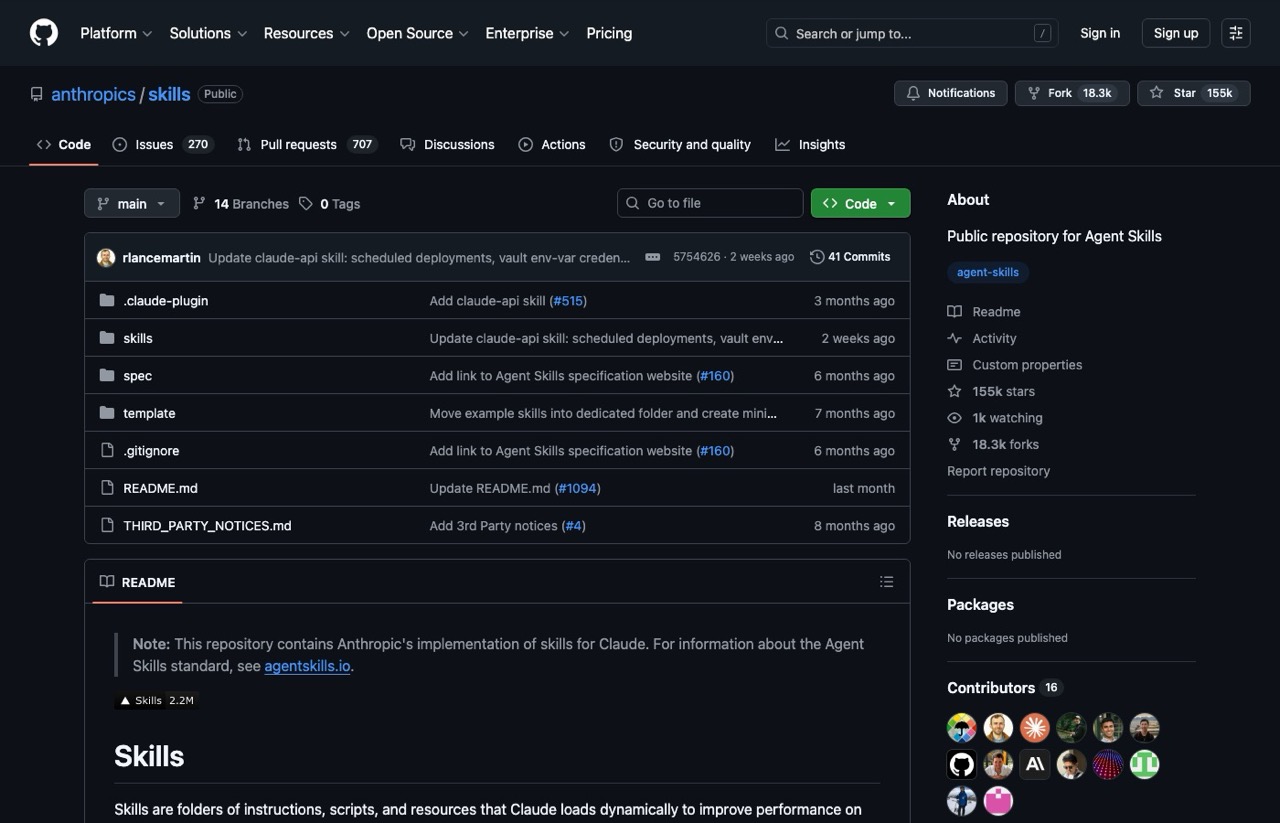
This is the skill that builds other skills. Instead of hand-writing markdown and learning Anthropic's formatting rules, you describe what you need and it produces the skill file for you.
Anthropic ships an official version inside its public skills repository, and I include a tuned version in my own stack. Start here, because once you can generate skills on demand, every other workflow on this list gets easier to build.
2. Anti-Slop (Paid)
The Anti-Slop skill scans a draft against a banned-word list, flags structural red flags like binary-contrast overuse and templated openers, then rewrites the patterns that make AI writing obvious. It runs as a quality gate after you generate any copy.
Clean output is the whole game in content, and a generic model will not catch its own tells. This is the skill that turns a draft that smells like AI into one that reads like a person wrote it. It lives in my Claude Code Skills Stack.
3. Superpowers (Free)
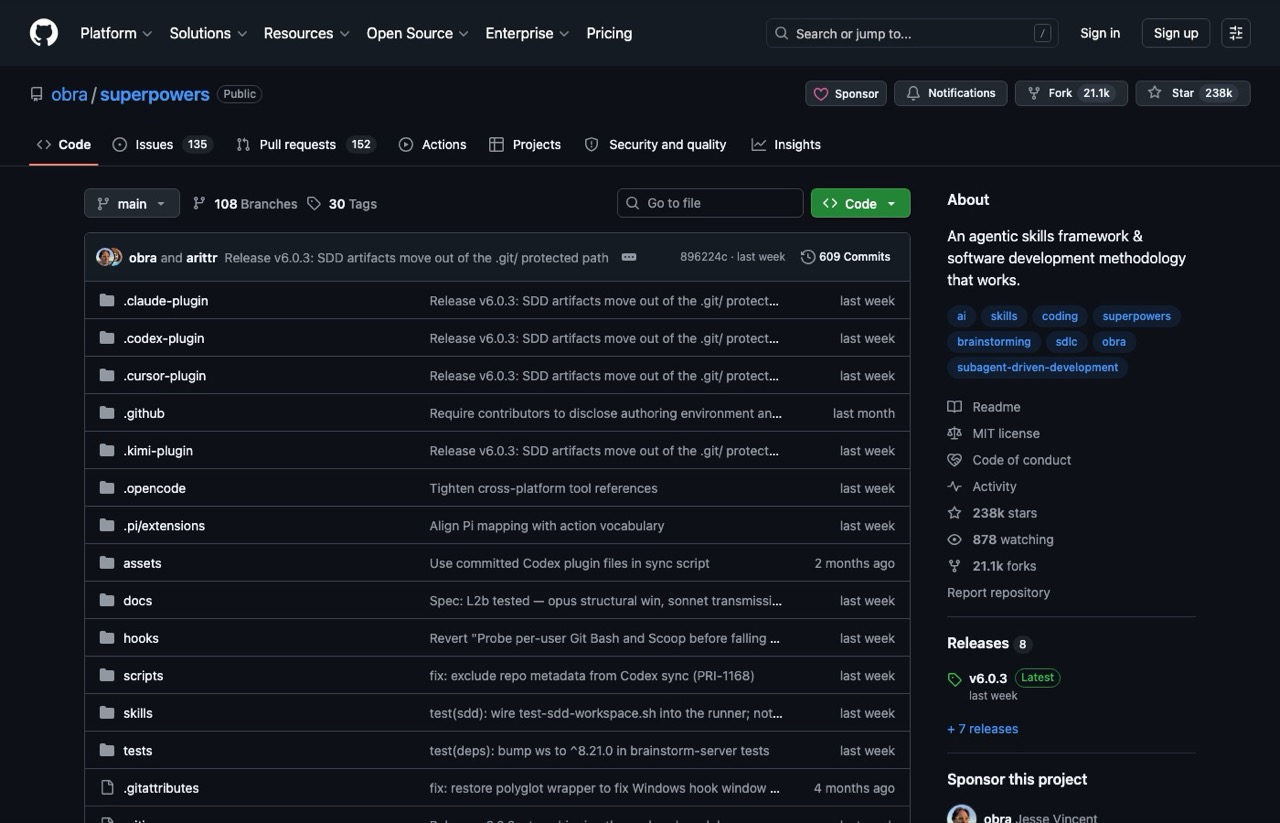
Superpowers is the biggest community-built skill collection out there. Built by Jesse Vincent, it is less a single skill and more a framework that chains many skills together to run a full software development workflow.
Grab it from the Superpowers repository on GitHub. For anyone writing code with Claude, this is the deepest free option available, and it shows how far a composable set of skills can take you.
4. Crosscheck (Paid)
Crosscheck queries a second model without making you leave Claude. Say "ask GPT about this," and it routes your question to OpenAI or Google through OpenRouter, then lays out exactly where the models agree, where they split, and what to act on.
No single model catches everything, so this builds a review layer right into your workflow. It is the skill I run before any decision I do not want to get wrong, and it is part of my stack.
5. Anthropic Document Skills (Free)
These are the official skills that let Claude create and edit real documents: Word, PDF, PowerPoint, and Excel. They power Claude's ability to hand you a finished .docx or .xlsx instead of a wall of text you have to format yourself.
All four live in the same Anthropic skills repo. They work across Claude.ai, Claude Code, and the API, so anything you build on them travels with you. For anyone who lives in spreadsheets or slide decks, these alone justify learning skills. If you have not set Claude Code up yet, my five-minute beginner walkthrough covers the install and folder structure first.
6. MCP Builder (Free & Paid)
MCP connects Claude to outside tools like GitHub, Notion, Google Sheets, and databases. An MCP skill walks Claude through building and wiring those connections so you stop copy-pasting between apps. Worth knowing the line here, since a skill and an MCP connection do different jobs, which I unpack in Claude Skills vs agents vs MCP.
Anthropic ships an official MCP builder in its skills repo, and I keep a simpler MCP Setup version tuned for non-coders. Either way, this is the skill that turns Claude into something plugged into your real tools.
7. Firecrawl (Free)
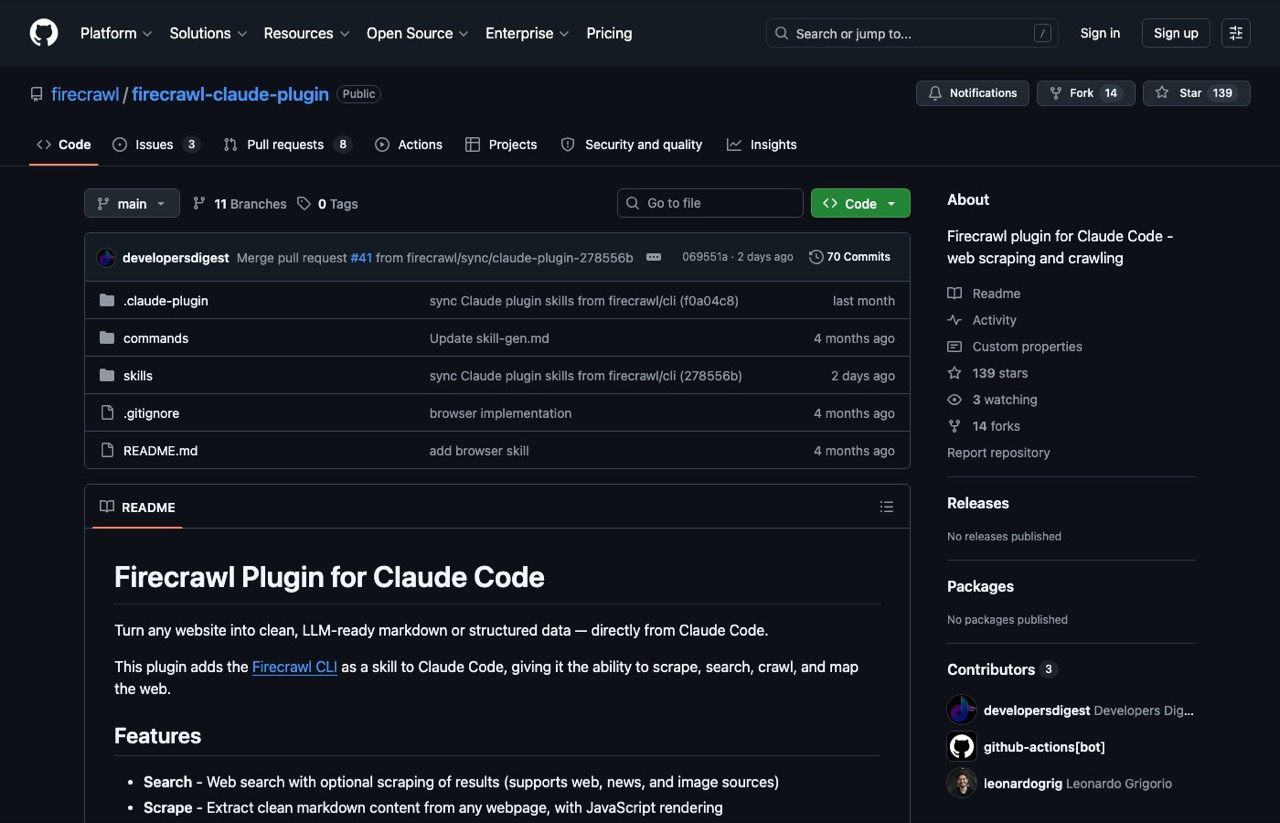
Firecrawl teaches Claude to scrape, crawl, and search the web on its own. After one install command, Claude can pull clean data from almost any site without you wiring up a single tool by hand.
The Firecrawl Claude plugin handles JavaScript rendering and anti-bot pages that normally break a basic fetch. For work that touches research or competitor data, this is the web access skill I trust most.
8. Auto Improve (Paid)
Auto Improve runs silently after your other skills finish. It checks the output against that skill's own rules, logs the failures, and patches the skill file itself once a problem repeats, so the same mistake stops happening.
This is the closest thing to a skill that maintains itself, and it is why correcting Claude once can mean never correcting it again. I covered how I turned self-improving skills into a Claude side hustle and why this idea is the real unlock.
Free vs Paid: Where to Start
New to this? Start free. The official Anthropic skills and Superpowers will show you what a good skill feels like, and they cost nothing but time. I put the whole build-or-buy call into a three-question test if you want to settle it before you spend anything.
Paid stacks earn their price when you want skills tuned for a specific job and ready to run out of the box. I do not think everyone needs to buy a stack. Everyone should at least build one skill this week though, because the first one changes how you see the tool. For a deeper directory to browse, the awesome-claude-skills list on GitHub catalogs official and community skills with over 13,000 stars.
Ryan's Final Thoughts
The best Claude skills are the ones you actually use, not the ones with the most stars. Start with a free official skill, build one of your own with a skill creator, and add a paid stack only when you want the work done for you.
When you do want that, I packaged 25+ of the marketing and content skills I run every day, copywriting, SEO, email, and social, into my Claude Code Skills Stack. It is the same toolkit I use in production, and the v2 update covers what I added most recently. The bigger point holds either way, which is why marketers should use Claude Code at all: the people who build real systems pull ahead of the people still pasting prompts.
Claude Skills FAQs
How do you install a Claude skill?
A skill is a markdown file, so installing one means putting that file where Claude can read it. For Claude Code, that is a skills folder inside your project workspace, which is why folder structure matters more than most people expect. Official Anthropic skills can be pulled straight from the public skills repo on GitHub, and some community skills ship a one-line install command instead. If you have not set up a workspace yet, do that first and the rest is drag and drop.
Do Claude skills work in Claude.ai or only in Claude Code?
Both, though the experience differs. The official Anthropic document skills for Word, PDF, PowerPoint, and Excel work across Claude.ai, Claude Code, and the API, so anything you build on them travels with you. Skills that expect to read and write files in a project folder are far more useful inside Claude Code, because that is where Claude has a workspace to act on.
Should I start with free or paid Claude skills?
Start free. Install a free official skill, build one of your own with a skill creator, and only add a paid stack once you know which jobs you repeat often enough to want them done for you. Paid stacks earn their price when you want skills tuned for a specific job and ready to run out of the box. I do not think everyone needs to buy one.
Where can I browse more Claude skills?
The awesome-claude-skills list on GitHub catalogs both official and community skills and has over 13,000 stars, which makes it the best single directory right now. The official Anthropic skills repo is the other place worth checking, since those are maintained rather than abandoned.
How many skills should I have?
Fewer than you think, and each one narrower than you think. A focused skill beats a bloated one every time, so the better instinct is one skill per repeated job rather than one giant skill that tries to cover a whole department. Skills you never actually run are just files.