
Claude Skills vs MCP vs Agents vs Commands (Plain English)
If you are confused about Claude Skills vs agents vs MCP vs commands, you are not alone. They overlap, the docs are dense, and in 2026 one of them quietly got absorbed into another. Most comparison posts still have not caught up.
Here is the plain-English version. I'm a non-technical marketer, so I'll explain these the way I wish someone had explained them to me, with no jargon and a clear picture of when to use each one.
The Quick Answer
Think of Claude Code as a workshop. These four things are different parts of that workshop.
A skill is an instruction manual for one job. MCP is the wiring that connects your tools to the bench. An agent is an extra worker you send off to handle a side task. A command is the button you press to start something.
They're not competing options. They stack. Once you see how they fit together, the whole setup stops feeling complicated.
You don't pick one. You learn where each fits.
What Is a Claude Skill?
A Claude skill is an SOP for AI. It is a folder with a markdown file inside, and that file teaches Claude how to do one task from start to finish.
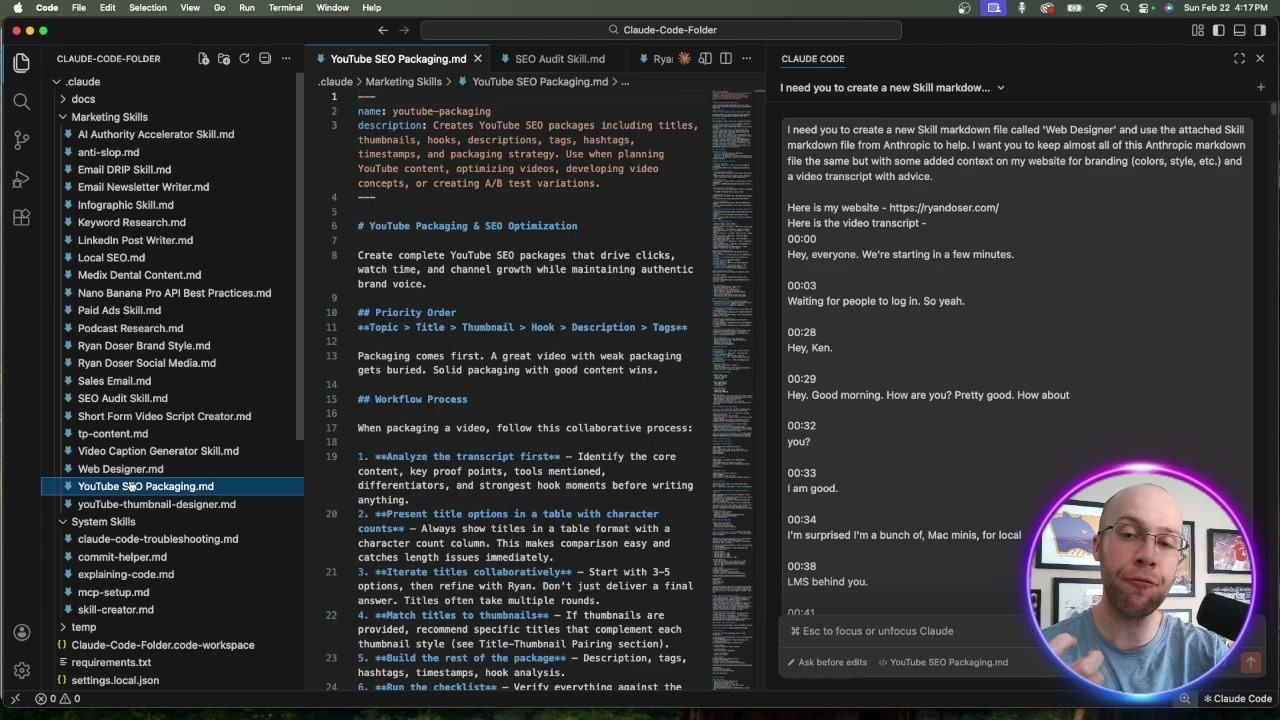
The key detail is that Claude loads a skill on its own. Each skill has a short description, and when your request matches that description, Claude pulls the skill in and follows it. You don't have to call it by name.
I keep my skills granular. One writes SEO blog posts, another writes email newsletters, another handles LinkedIn. One skill per task beats one giant skill that tries to do everything, because a focused instruction set gives cleaner output. If you want the build steps, I covered three ways to create Claude Skills separately.
What Is MCP?
MCP, or Model Context Protocol, is the standard that connects Claude to your outside tools and data. The official docs call it a USB-C port for AI, which is a good way to picture it.
A skill tells Claude how to do something. MCP gives Claude something to reach. It connects Claude to GitHub, Notion, Google Sheets, a database, or in my case WordPress, so Claude can actually pull and push real data instead of guessing it. I use the same idea to run an AI social media manager with Claude Code through a posting connection.
The difference matters. A skill is knowledge. MCP is plumbing. A skill can tell Claude how to use an MCP connection, but the connection itself is MCP's job. It is also an open standard, so the same setup works in other tools, not just Claude.
What Are Claude Code Agents?
An agent, or subagent, is a separate worker with its own context window. You hand it a side task, it goes off and does the work, and it reports back a summary.
This protects your main conversation. When I tell Claude to triple-check a draft, it spins up agents in parallel that each verify the work without flooding my main chat with their notes. Research, fact-checking, and searching are perfect agent jobs. I broke down running several at once in my guide to Claude Code agent teams. If research is the part you care about most, that job also belongs to a different tool entirely, which is the point I make in Claude Skills vs Perplexity Spaces.
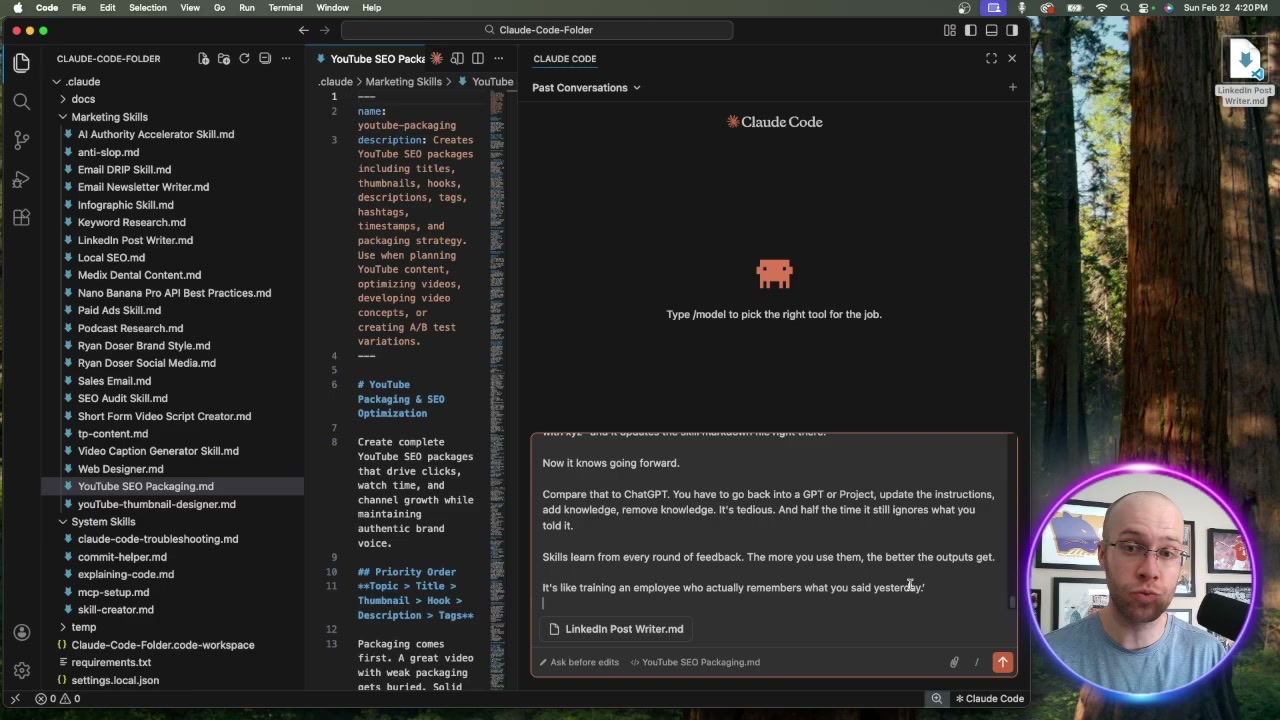
The simple way to hold it: a skill loads instructions into your current conversation, while an agent is a whole separate conversation doing work for you. An agent can even use your skills and your MCP connections while it runs.
Claude Skills vs Agents: The Real Difference
This is the comparison people actually mean when they ask, so it's worth making blunt. A skill is a file. An agent is a worker. A skill changes how Claude does a task in the conversation you're already in. An agent gives you a second conversation with its own memory that runs a task and hands back the result.
The practical tell is your context window. Load five skills and you're still in one chat. Send five agents and you have five chats working at once, none of them cluttering yours. That's why agents are the answer to "this task will bury my main thread in output" and skills are the answer to "Claude keeps doing this task differently every time."
They also aren't exclusive. An agent with no skill is a generic worker who improvises. An agent with a skill is a worker who follows your SOP. I get the best results pairing them: the skill defines the standard, the agent supplies the isolated space to apply it. If you want to see several of them coordinating on one job, that's what Claude Code agent teams are for.
What Are Slash Commands?
A command is something you trigger by typing a slash and a name, like /commit or /deploy. It runs a saved prompt on demand.
This is the part most comparisons get wrong, and it's the thing the intro promised. In 2026, custom commands and skills became the same thing under the hood in Claude Code. A command file and a skill both create a /name you can type, and your older command files still work.
So the real difference isn't two separate systems. It's who pulls the trigger. A skill runs automatically when Claude sees a matching request. A command is the version you fire yourself by name. You choose that behavior with one setting in the file, which is handy for actions you never want running without your say-so, like deploying code.
Claude Skills vs Agents vs MCP vs Commands: How They Fit
None of these replace each other. The payoff is in how they stack. And since commands are now just skills you trigger by name, you are really juggling three things, not four.
MCP gives Claude reach to your tools. A skill gives Claude the procedure for a task. A command lets you start that task by name. An agent runs a piece of it in its own space and reports back. A single workflow can use all four at once.
A real example from my own setup. I type a command to kick off a blog post. That loads a skill with my SEO process. The skill tells Claude to pull the live site through an MCP connection, and it sends agents to verify facts in parallel. Four concepts, one smooth job, and I never leave the interface.
Which One Should You Learn First?
Start with skills. They give you the most payback for the least effort, and they are the easiest entry point for a non-coder.
Build one skill for a task you do every week. Once that clicks, add an MCP connection so Claude can touch your real tools. If you are not sure which one to add first, I priced and ranked the servers I actually run for marketing work, including what each bills after you connect it. Agents and commands come naturally after that, because by then you understand the workshop and just want to move faster in it.
This is the whole reason I keep pushing marketers toward this setup. The people who learn to build real systems pull ahead of the people still pasting prompts, which is the bigger argument behind why marketers should use Claude Code at all.
Final Thoughts
Claude Skills vs MCP vs agents vs commands isn't a battle. It's a stack, and one of those four already folded into the others. Skills are the SOPs, MCP is the wiring, and agents are the extra hands.
If you only take one thing from this, make it a skill. It's the piece that turns Claude from a chatbot into a system that does your work the same way every time. When you want a head start, I packaged 25+ of the marketing and content skills I use daily into my Claude Code Skills Stack, ready to drop into your own folder.