
10 Best Claude Connectors for Marketers in 2026 (Ranked)
Adding any of the best Claude connectors is free, but Kit, Riverside and Blotato only include theirs on paid plans. I use five of these ten most days and noted what broke, and the other five are the popular picks, which I researched from their docs and pricing pages.
The Best Claude Connectors at a Glance
A connector links Claude to another app so it can read your data and take actions there. What costs money is the plan or usage on the other app, which the table spells out. Whether your Claude plan includes a connector is a separate check, covered below. Prices were read off each vendor's pricing page on November 4, 2026, with monthly billing selected.
| # | Connector | Best for | Where you add it | What the app side needs | My experience |
|---|---|---|---|---|---|
| 1 | Google Workspace | Searching your inbox, calendar and files in plain English | Directory | Any Google account | Use it most days |
| 2 | Blotato | Publishing and scheduling posts to nine social platforms | Custom URL | Starter, $29/mo | Use it most days |
| 3 | Kit | Turning newsletter drafts into ready-to-send Kit emails | Directory | Creator, $39/mo at 1,000 subscribers | Use it most days |
| 4 | DataForSEO | Keyword volume, live Google results and AI answer checks | Custom URL | Pay as you go, $50 minimum top-up | Use it most days |
| 5 | Riverside | Editing podcast episodes and cutting short clips | Directory | Grow, $39/mo | Use it most days |
| 6 | Canva | Turning a brief into editable social graphics | Directory | Free Canva plan works | Researched, not used |
| 7 | HubSpot | Asking questions of your CRM and campaign data | Directory | Free CRM works, campaign tools are paid | Researched, not used |
| 8 | Notion | Content calendars, briefs and team docs | Directory | A Notion account | Researched, not used |
| 9 | Zapier | Reaching apps that have no connector of their own | Directory | Free, 100 tasks/mo at 2 tasks per action | Researched, not used |
| 10 | Slack | Pulling decisions and feedback out of team chat | Directory | Workspace admin approval | Researched, not used |
Directory Connectors vs Custom Connectors
Anthropic's official Claude connectors list had 1,064 entries when I checked. You pick one, click Connect, sign in to the app, and you're done. That's the easy path, and it's where you should start.
It isn't the whole story, though. Blotato and DataForSEO run their own connection servers that aren't in the directory. You add those as custom connectors: in Claude, go to Customize, then Connectors, choose Add, then Custom, then Web, and paste the server's web address. Then you sign in the same way. Listings also move faster than the docs about them. Kit's help article still says "A one-click marketplace listing for Claude is on the way," but Kit has had an Anthropic-verified directory listing since August.
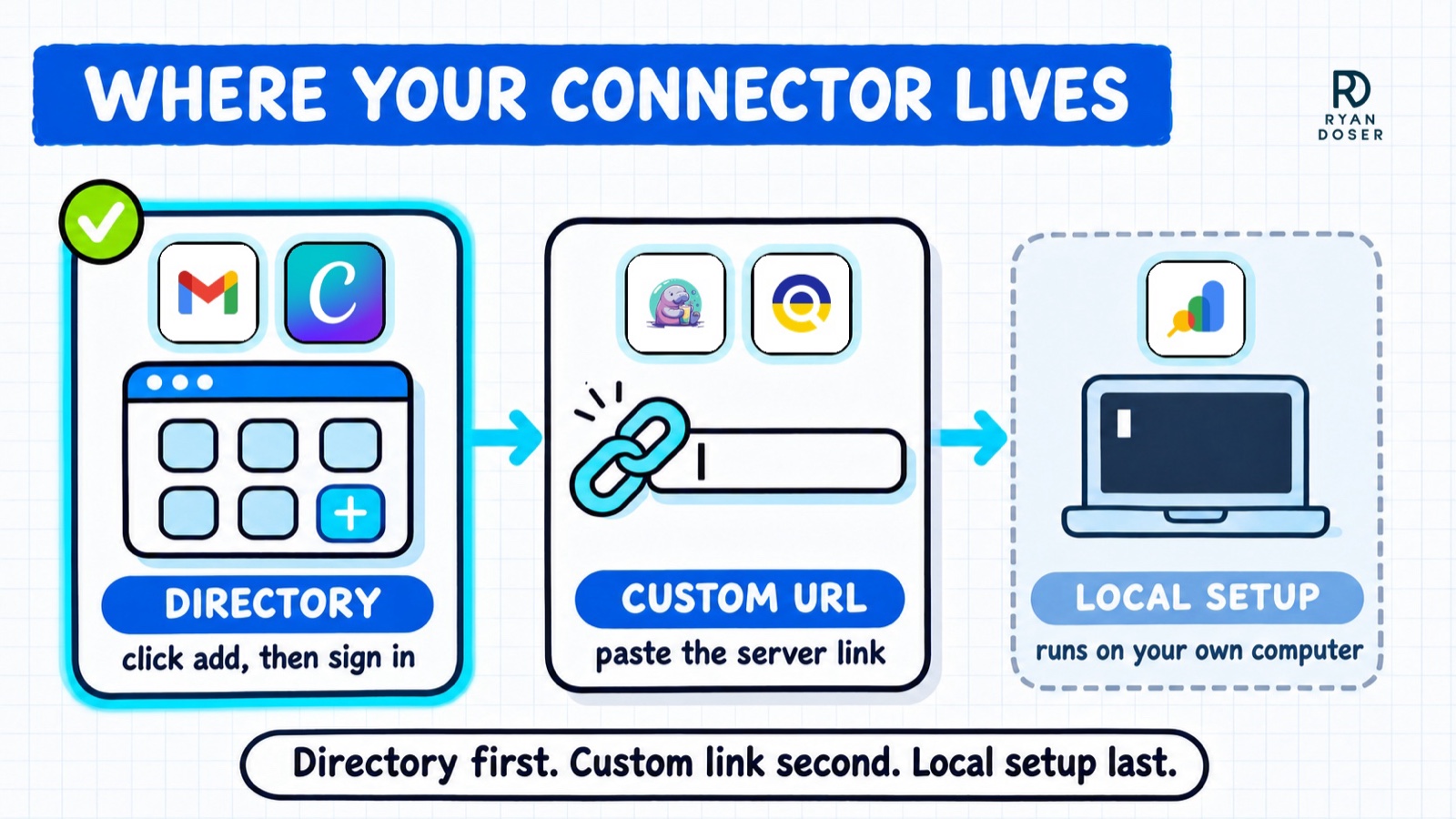
Two rules from Anthropic's help center matter here. Free accounts can add only one custom connector, so a Free user gets one of my two. And on Team and Enterprise plans, an owner has to switch directory connectors on before anyone else can add them. Some vendors' pages still say their connector needs a paid Claude plan, so check Customize, then Connectors, on your own account before you plan around a Free one.
The third bucket is tools that run on your own computer, like my Google Search Console setup. Those need Claude Code or the desktop app's local setup, which I cover in my guide to MCP servers for marketers.
How I Picked These Ten
Half of this list is my own setup. The other half came from asking ChatGPT, Claude, Gemini and Perplexity which Claude connectors they'd recommend, three different ways each, on November 4. Eleven of the 12 searched the web first, and Claude answered one from memory. Across those 12 answers plus four Google AI Overviews, Notion came up in 16 of 16, HubSpot in 15, Canva, Slack and Google Drive in 13 each, and Zapier in 12. My site wasn't cited in any of them.
Those counts picked connectors six through ten. I haven't used them, so their cards come from directory listings, setup docs and pricing pages.
Best Claude Connectors for Marketers in 2026
The five I use come first, in order of how much of my week runs through them. The popular picks follow in the order I'd try them, starting with the one that's free to test.
My daily five
1. Google Workspace (Best for Searching Your Inbox, Calendar and Files)
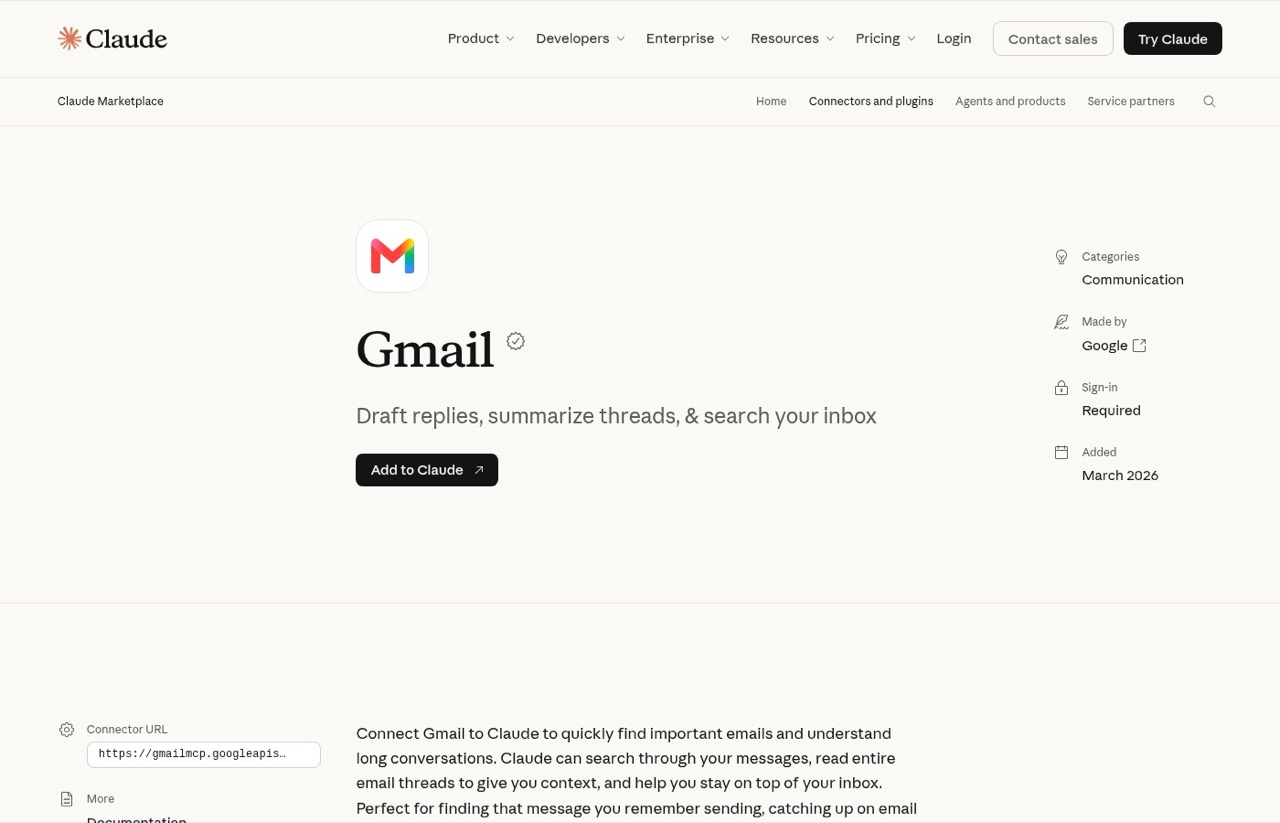
This entry is really three connectors: Gmail, Google Calendar and Google Drive. The directory lists Google as the maker of all three, added in March 2026. Drive also reads Docs, Sheets, Slides and PDFs, so you don't need a separate connector for those.
They're connected to my Claude account, and I use them most days for finding a thread I half remember or a file I can't place. One thing caught me in October. I sent a designed test email through the Claude Gmail connector, and it stripped the background colors and the logo image before sending. Plain emails are fine. Branded HTML emails need another route.
Pros:
- Built by Google, so the connection comes from the company that runs your data
- Calendar can create events and answer invitations too
Cons:
- The Gmail connector rewrote my designed HTML email and dropped its images
- For very large files, like a multi-gigabyte podcast video, I still use a separate Google tool instead
Best for: Anyone whose work lives in Gmail and Google Drive, which is most marketers.
Pricing: Free to connect. Works with a personal Google account or a Google Workspace account.
Free plan: Yes, any Google account.
How to add: Directory. Add Gmail, Google Calendar and Google Drive one at a time, then sign in with Google.
Bottom line: The first connectors to add, because they touch the most hours of your week.
2. Blotato (Best for Publishing and Scheduling Social Posts)
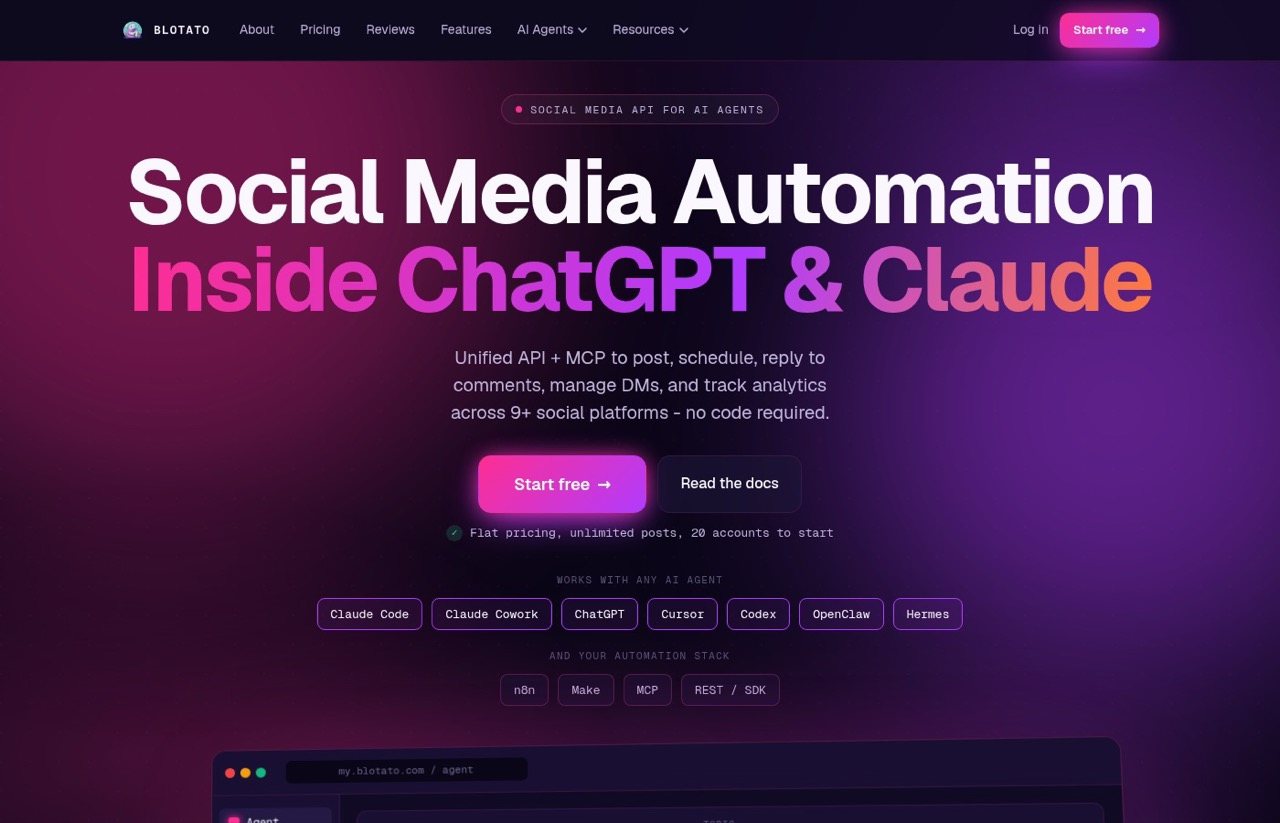
Blotato publishes, schedules and pulls analytics for posts across nine social platforms, and it handles Instagram and Facebook comment-to-DM automations too. Its connector gives Claude 35 actions to work with, according to its own docs.
I schedule my LinkedIn and X posts through it, and Claude writes the post and queues it in the same conversation. My LinkedIn account's ID inside Blotato changed once, so I have Claude look up my accounts fresh every time instead of trusting a saved ID. And in May I hit my plan's 200 scheduled-post limit while queuing podcast clips, which made every new post fail until I cleared space. My full take is in my Blotato review.
Pros:
- One connection covers posting, scheduling, analytics and DM automations
- Flat monthly price with no per-post fee
Cons:
- DM automations cover Instagram and Facebook only
- Scheduled-post limits per plan stop new posts cold once you hit them
Best for: Marketers and creators who want Claude to write the post and publish it too.
Pricing: Starter $29/mo, Creator $97/mo, Agency $499/mo, billed monthly. Yearly billing saves about 17%.
Free plan: No. The 7-day trial doesn't include the connector. Blotato's docs say creating the API access the connector relies on ends the trial and starts billing.
How to add: Custom connector. Paste https://mcp.blotato.com/mcp and sign in.
Bottom line: The connector I'd miss most, and the one that most needs a human checking the queue.
3. Kit (Best for Turning Drafts Into Ready-to-Send Newsletters)
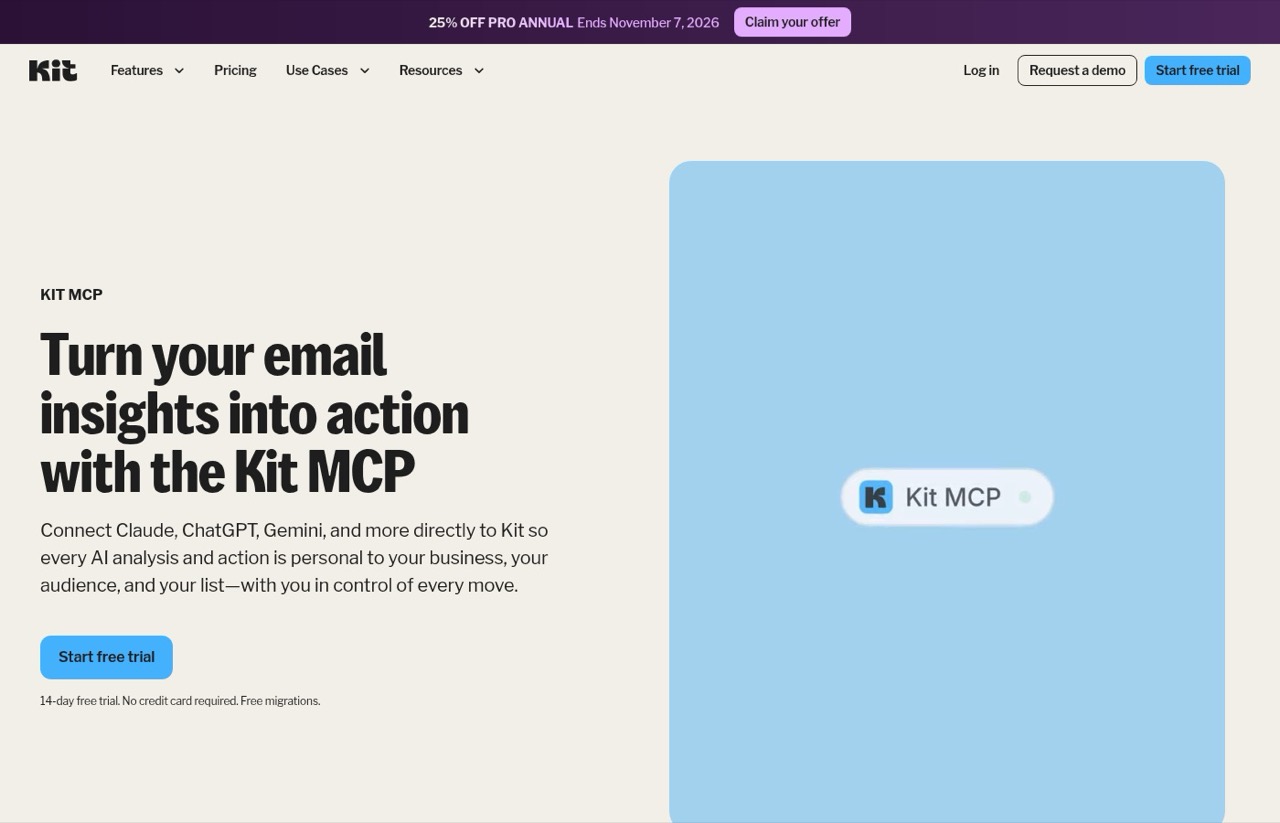
Kit (formerly ConvertKit) connects Claude to your subscribers, tags, segments, sequences and broadcasts. Its directory listing is marked Anthropic verified. On Kit's pricing page, the connector sits in the Creator plan's feature list, not the Free plan's.
Claude builds my weekly newsletter as a draft broadcast in Kit, and I review and send it from Kit myself. That last step is deliberate. One limit worth knowing: the connector can aim a broadcast at tags or segments, but it can't exclude people who are currently partway through an email sequence. When I need that, I build the segment in Kit first and point Claude at it.
Pros:
- Drafts land in Kit as drafts, so nothing sends without you
- Signs in through Kit, with no API keys to copy
Cons:
- Audience filters are simpler than what you can build inside Kit
Best for: Newsletter writers who want Claude to handle the build and leave the send to them.
Pricing: Creator $39/mo and Pro $79/mo for 1,000 subscribers, billed monthly. Yearly billing saves 17%.
Free plan: Yes, up to 10,000 subscribers, but without the connector. Paid plans have a 14-day trial.
How to add: Directory. Search for Kit, add it, sign in to Kit and click Allow. Pasting https://app.kit.com/mcp as a custom connector reaches the same server.
Bottom line: Worth the Creator plan if building each email and picking its audience takes you a while. If your newsletter is quick to put together, Kit's Free plan without the connector is fine.
4. DataForSEO (Best for Keyword and Search Data)
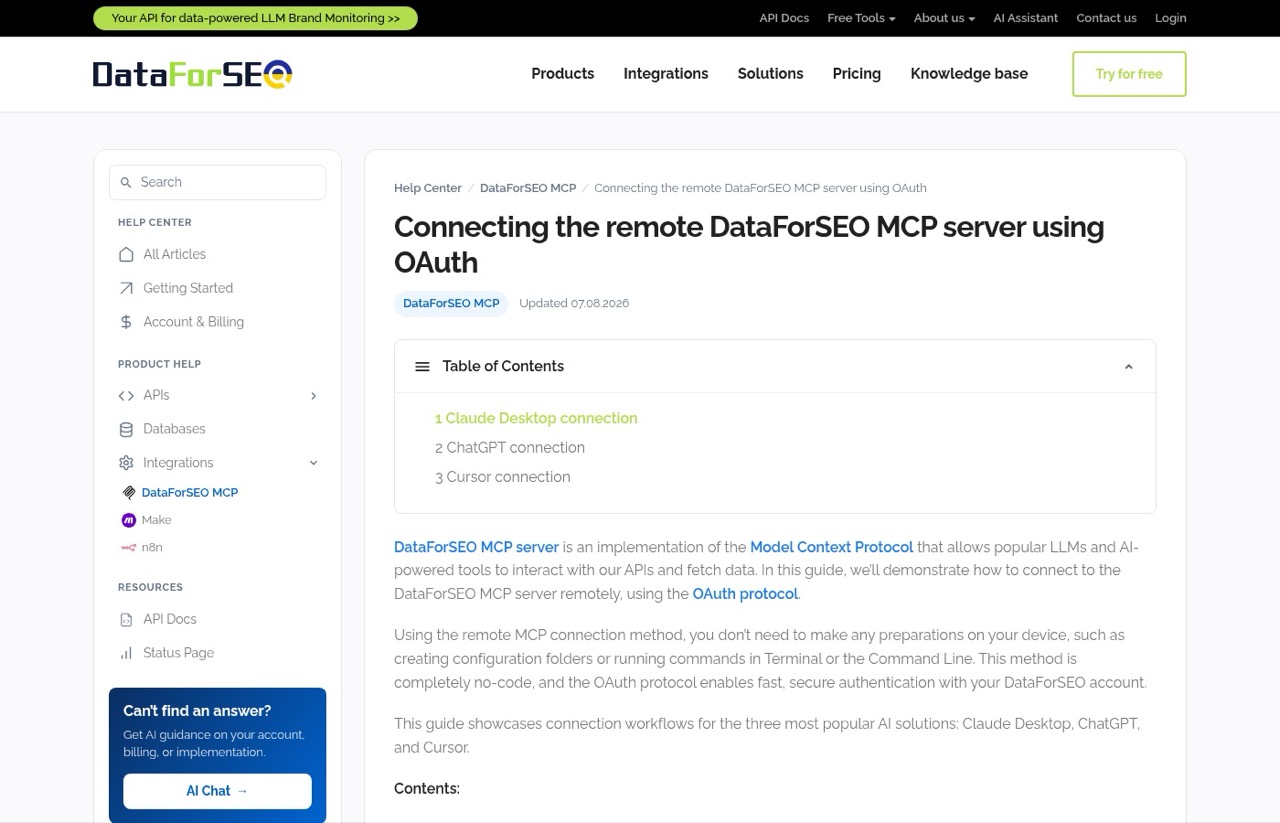
DataForSEO sells raw search data: keyword volume, live Google results, and what ChatGPT, Claude, Gemini and Perplexity say when you ask them a question. Its connector lets Claude pull that data mid-conversation.
The research behind this post ran on it: 17 calls covering keyword volume, four Google results pages and 12 AI answers, for $0.30 total. It can also run up a bill quietly. Before I set rules for which requests my setup can make, it was spending about $90 a month. For keyword volume, the cheaper request returned identical numbers when I compared them side by side. If you'd rather run it from the terminal, my Claude Code MCP setup guide covers that route.
Pros:
- Pay per request, with no monthly subscription
- Covers Google results and AI answers in one account
Cons:
- The data comes raw, so you need to know what to ask for
- The same lookup can cost about twenty times more one way than another, so learn which requests you need
Best for: SEOs and content marketers who check rankings and AI answers before they write.
Pricing: Pay as you go. The minimum top-up is $50, and the balance never expires.
Free plan: New accounts get $1 of trial credit.
How to add: Custom connector. Paste https://mcp.dataforseo.com/mcp and approve access on DataForSEO's sign-in page.
Bottom line: The most useful data connector I run, as long as you decide early which requests you'll pay for.
5. Riverside (Best for Podcast Editing and Short Clips)
Riverside lets Claude read your recording transcripts, find moments across episodes, cut clips, clean up audio, add captions, and draft show notes.
I use it to cut podcast episodes and turn moments into vertical clips. Transcript search is what I use most. Ask for "the bit where we argued about pricing" and it finds it. When Claude flips a clip to vertical, though, Riverside has dropped the music track without any error. Now I check the timeline before every export.
Pros:
- Handles cuts, captions, audio cleanup and show notes in one place
Cons:
- Some edits fail without an error message, so you still review the timeline
Best for: Podcasters who already record in Riverside.
Pricing: Grow is $39/mo on monthly billing. The $29 Pro plan doesn't include the connector.
Free plan: Yes, without the connector.
How to add: Directory, with a Riverside sign-in.
Bottom line: Fast for clip work, with a review step you can't skip.
The popular picks
6. Canva (Best for Turning a Brief Into Editable Graphics)
Canva's connector can search your designs, create new ones, autofill templates and export finished files. Thirteen of the 16 AI answers I checked named it, including every marketer-focused one.
I haven't used it. On paper it's the most useful of the five for a marketer who isn't a designer, because the output stays editable in Canva instead of arriving as a flat image you can't change.
Pros:
- Canva says it works on any Canva plan, including Free
- Designs stay editable, so you can fix what Claude gets wrong
Cons:
- Brand templates and some features need a paid Canva plan
Best for: Marketers who make their own social graphics.
Pricing: Canva Pro is $18/mo and Business is $25 per person, billed monthly.
Free plan: Yes.
How to add: From the directory. Connect it and log in to Canva.
Bottom line: The popular pick I'd try first, because it costs nothing to test.
7. HubSpot (Best for Asking Questions of Your CRM)
HubSpot brings contacts, companies, deals, tickets and campaign data into Claude, so you can ask which campaigns influenced pipeline without building a report. Fifteen of the 16 answers named it.
I don't run HubSpot. The one time I saw its connection in action, it came bundled inside a Claude Code plugin and failed to connect at all. HubSpot sets up the directory version differently: a Super Admin or someone with App Marketplace permissions has to set it up before the rest of the team can connect.
Pros:
- HubSpot says any tier works, including its free CRM
- Campaign questions get answered from your CRM records
Cons:
- Quotes and a few other record types are still marked beta
- Campaign tools need paid HubSpot hubs
Best for: Teams who already keep their leads and campaigns in HubSpot.
Pricing: Marketing Hub Starter lists at $20 a seat per month on monthly billing, with a new-customer discount running when I checked.
Free plan: Yes, for up to two users.
How to add: Directory, after your HubSpot admin sets it up.
Bottom line: The strongest pick here if you live in HubSpot, and no reason to start if you don't.
8. Notion (Best for Content Calendars and Briefs)
Notion lets Claude search your workspace, create and update pages, and save work back to Notion. It was the one connector named in all 16 answers.
I don't use Notion, so this comes from its setup docs. If your content calendar and briefs live there, this is how Claude reads them without you pasting them in.
Pros:
- Searches your whole workspace at once
- Creates and updates pages, so finished work lands back in Notion
Cons:
- Searching connected apps like Slack and Google Drive through Notion needs Business or Enterprise with Notion AI
Best for: Content teams that plan in Notion.
Pricing: Plus is $12 per member per month and Business is $24, billed monthly.
Free plan: Yes.
How to add: Directory, then a Notion sign-in.
Bottom line: Add it if Notion is where your plans live. It won't organize them for you.
9. Zapier (Best for Apps With No Connector of Their Own)
Zapier is the bridge. Its listing says it connects Claude with 9,000 apps, which covers most tools that don't have a connector yet. Twelve of the 16 answers named it, usually as the fallback.
I haven't used Zapier's connector. The thing to know is how it bills. Zapier's docs say each successful call through its connector uses two tasks, and failed calls use none, so the free plan's 100 tasks cover about 50 actions a month, shared with any Zaps you run.
Pros:
- Reaches thousands of apps with no connector of their own
- The free plan includes basic access to it
Cons:
- Two tasks per action, so the free plan's allowance goes fast
- A direct connector is usually simpler when one exists
Best for: Filling the gaps after you've added the direct connectors.
Pricing: Professional starts at $29.99/mo on monthly billing.
Free plan: Yes, with 100 tasks a month.
How to add: Directory. Sign in with your Zapier account.
Bottom line: A good last resort and a poor first choice. Watch your task count.
10. Slack (Best for Finding Decisions in Team Chat)
Slack lets Claude search messages, channels, threads and files, send messages and create canvases. It showed up in 13 of the 16 answers.
I work mostly solo, so Slack isn't part of my day. For a team, the use is obvious: "What did the client say about the launch date?" gets answered from the thread instead of from memory.
Pros:
- Pulls feedback and decisions out of long threads
- Can post updates as well as read
Cons:
- A workspace admin has to approve it first
- Anthropic's own pages disagree on which Claude plans include it
Best for: Marketing teams that run on Slack.
Pricing: Slack Pro is $8.75 per user per month on monthly billing.
Free plan: Slack has one. Check with your admin before counting on the connector there.
How to add: Directory, after your workspace admin approves it.
Bottom line: Useful for teams, and the setup belongs to whoever runs your workspace.
What About Semrush, Ahrefs and Your Ad Accounts?
Marketer-focused answers also named Google Ads, Google Analytics, Meta Ads, Semrush, Ahrefs and Klaviyo. I kept them out because they're specialist tools for ad and SEO work, while the popular five are general connectors most marketers can use on day one.
Semrush, Ahrefs and Klaviyo all have their own directory listings, so they're one click away if you already pay for them. I couldn't find directory listings of their own for Google Analytics or Meta Ads. Data connectors like Windsor.ai and Supermetrics, which are in the directory, pull ad and analytics accounts into Claude through one connection. If you run a small business, Intuit QuickBooks is also listed, and it's connected to my account for the money side.
One connection on my own account is out for a different reason. Cloudflare's developer connector now reports itself deprecated and points to a newer server.
How to Choose Your First Claude Connectors
These are the questions I'd ask on any client setup, in this order.
- Which app did you open first today? Connect that one first. The connector that saves you time every day beats the one that sounds impressive.
- Is it in the directory? If yes, add it. If not, look in the vendor's docs for a server address.
- What happens to the bill when you use it a lot? Zapier uses two tasks per successful action and DataForSEO charges per request, so check the task allowance or usage rates before you lean on either.
- Can it write, or only read? Anything that sends, posts or edits records needs you checking the output before it goes out.
- Who has to approve it? On a team, HubSpot, Slack and every directory connector on Team and Enterprise plans need an admin first.
Start With the App You Opened First Today
Don't add ten connectors this week. Add the Google connector you'd actually use, usually Gmail or Drive, then the one app your marketing runs through, whether that's Canva, Kit, HubSpot or Blotato. Use those two for a week. The next connector you add should be the one you caught yourself copying and pasting from.
Best Claude Connectors FAQs
Are Claude connectors free?
Adding one costs nothing, and Anthropic's help center says connectors are available to all users, with Free accounts limited to one custom connector. The cost sits on the other app. Kit's connector needs its $39 Creator plan, Riverside's needs Grow at $39, and Blotato starts at $29, all billed monthly.
What's the difference between a Claude connector and an MCP server?
A connector is how an MCP server shows up inside Claude. The directory connectors are MCP servers that vendors registered with Anthropic. A custom connector is any MCP server hosted online that you add by pasting its web address. Servers that run on your own computer need Claude Desktop or Claude Code instead of the web app.
How do I add a connector to Claude?
In Claude, open Customize, then Connectors. For a directory connector like Gmail or Canva, select its listing, click Connect or Install, and follow the sign-in prompts. For one that isn't listed, like Blotato or DataForSEO, choose Add, then Custom, then Web, paste the vendor's server address and sign in. On Team and Enterprise plans, an owner has to allow connectors first.
Do Claude connectors work in Claude Code?
Yes. Anthropic's help center says connectors work across Claude, Claude Desktop, Claude Code and the API. The connectors on my Claude account, like Gmail and Google Calendar, also show up in my Claude Code sessions. Plugins can also bundle connectors there, which I cover in my Claude Code plugins guide.
Are Claude connectors safe to use?
Every directory page carries Anthropic's warning to use connectors only from developers you trust, because Anthropic can't control what tools a developer exposes or whether they change. Start with connectors built by the company that holds your data, read what each one can write, and review anything that sends, posts or edits before it goes out.
Blotato links are affiliate links, and Blotato is also a client of mine. No other company here paid to be listed. I use connectors one through five most days. Six through ten are researched, not used. Prices were checked on November 4, 2026, with monthly billing selected. See my full disclosure.