
Claude Skills vs Gemini Gems: The Real Difference
The honest way to settle Claude Skills vs Gemini Gems is to stop comparing feature lists and look at where each one actually lives. A Gem is wired into Google's ecosystem. A Claude Skill is a file you own. Almost every real difference flows from that one split.
Gemini Gems, Explained on Their Own Terms
Most comparison posts wave at Gems and move on. Let me actually explain what you are getting, because Gems are good at what they do.
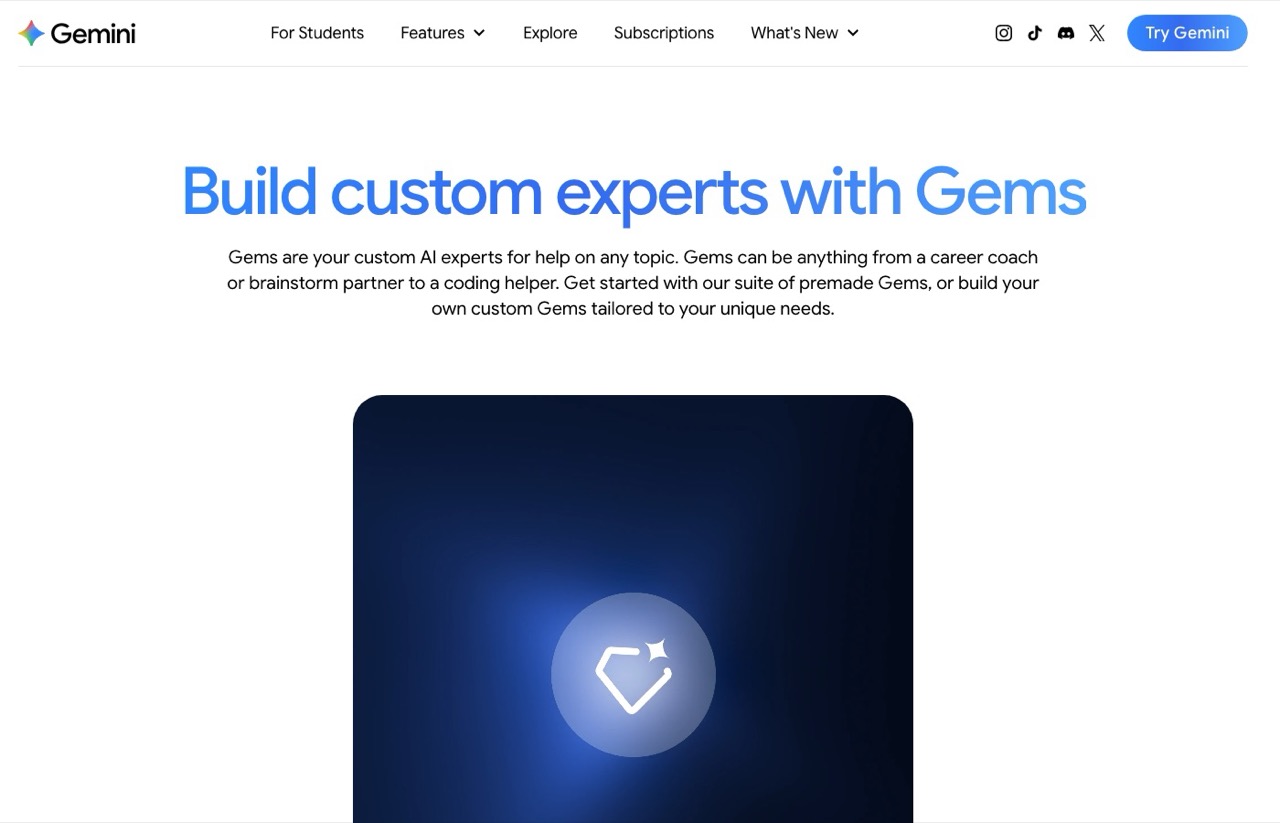
A Gem is a custom version of Gemini. You give it a name and a set of standing instructions, and it behaves that way every time you call it. Google recommends a four-part structure for those instructions: persona, task, context, and format. That structure is genuinely useful, because it forces you to define who the Gem is, what it does, what background it has, and how the output should look, instead of dumping a vague paragraph and hoping.
Gems also take knowledge. You can attach up to ten reference files so the Gem answers from your material rather than its general training. The strongest version of this pulls from Google Drive, where the Gem reads the most recent copy of a file automatically. Update the doc in Drive, and the Gem is already current. For anyone who lives in Workspace, that live link is a real advantage.
And a Gem follows you across Google. Build one in the Gemini web app and it shows up in the mobile app and the Workspace side panel without any extra setup. It is free to create on Gemini's standard tier, with paid plans adding higher limits and stronger models.
So Gems are not a weak feature. For a Google-native user, they are smooth, free to start, and genuinely connected to your existing files. The question is what that convenience costs you.
A Claude Skill Is a File You Own
A Claude Skill starts from a completely different place. It is a folder with a markdown file called SKILL.md inside it, holding your instructions and any reference material you bundle in.
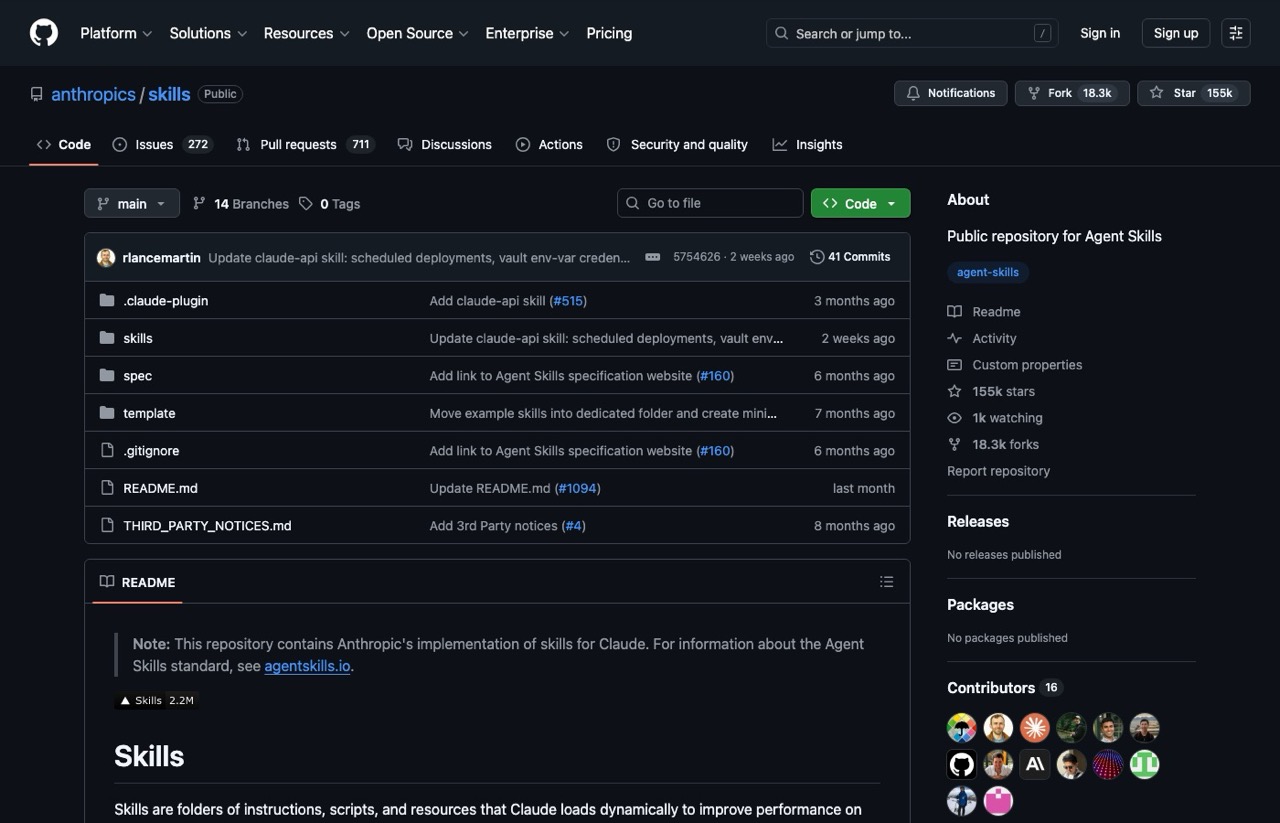
Claude does not load every skill at once. It reads the short description of each one, then pulls in the full file only when your request matches. This is called progressive disclosure, and it lets you keep a dozen skills on hand without slowing anything down. If the format is new to you, I broke it down in my guide on how to create Claude Skills.
The folder is the whole point. Because a skill is just a file, you own it outright. You can read it, copy it, version it, and move it anywhere a text file goes, with no platform required to keep it alive.
Versioning is where GitHub comes in. A private repo gives every skill a history you can roll back, and any AI tool you connect can read it, which is the setup in my guide to GitHub for non-coders.
The Trade You Make for Google's Convenience
Here is what that Drive-linked, follows-you-everywhere convenience actually costs. A Gem only works inside Gemini. The same integration that makes it smooth also means it never leaves Google as something you hold.
There is no author-facing export that hands you a Gem as a portable file you can drop into another tool. You can share a Gem through a Google link, and the other person uses it inside their own Gemini, but nobody walks away with a file. A skill is the reverse trade. It is not wired into a Drive folder, so you do the connecting yourself, and in exchange you get one self-contained unit you can hand to anyone, archive, or open in a plain text editor years from now. If Gemini changed tomorrow, your skills would not care.
That same independence shows up in how each handles knowledge. A Gem keeps its reference files in Google's store and stays fresh through Drive. A skill bundles its knowledge into the folder itself, so the notes travel with the SKILL.md as one package. The Gem model is smoother while you stay inside Google. The skill model wins the moment you want something that moves without a Google account in the loop.
The Difference That Compounds: Self-Improvement
Portability is the obvious gap. This next one is the quiet dealbreaker, and it has no equivalent on the Gemini side.
A Gem is static. You write its instructions, and they stay exactly as written until you go back in and manually edit them. It does not learn from your corrections on its own.
A Claude Skill can be patched in place. When Claude makes a mistake mid-task, you correct it once and have it write that fix straight into the skill file. The next time, the mistake is already gone, because the correction lives in the file. Say a skill keeps using a phrase your brand never uses, draft after draft. Rather than deleting it every time, you have Claude add a banned-words line to the file, and it stops for good. With a Gem, that fix only sticks if you remember to open the settings and retype it yourself whenever the instructions need updating. Over months of real use, a skill that sharpens itself pulls away from a Gem that stays frozen.
Where a Gemini Gem Is the Right Call
I am not here to talk you out of Gems if they fit. If you already run your day inside Gemini and Workspace, a Gem is the path of least resistance. It is free to start, it reads your Drive files and keeps them current, and it needs zero new tools or accounts.
For a casual custom assistant you call up now and then, the ownership question may not matter to you at all. The live Drive link alone can outweigh portability if your whole workflow already sits in Google. Gems are a clean answer for people who are committed to Google's world and want to stay there.
How to Decide
The cleanest test is where your work already lives. If your day runs through Gmail, Docs, and Drive, and you want a custom helper sitting right there in the side panel reading your latest files, a Gem fits that life with zero friction.
If you are building workflows you depend on for income, ownership and self-improvement stop being optional. A skill you own, can sharpen on the fly, and can move anywhere is worth far more over time than a setup locked to one company, however smooth that setup feels today. If you want a ready-made set instead of building from scratch, I packaged the exact skills I use to run my business into the AI Skills Stack, so you can start from proven files. For how this same logic plays out against OpenAI's side, see my breakdown of Claude Skills vs Custom GPTs. I also ran Claude Skills against Perplexity Spaces if that is your research tool of choice.
Ryan's Final Thoughts
Claude Skills vs Gemini Gems is a trade, not a blowout. Gems give you Google-native convenience, live Drive knowledge, and a free on-ramp, which is a real offer if you never plan to leave Gemini. Claude Skills give you a file you own, that improves as you correct it, and that runs anywhere from chat to Claude Code. Pick convenience if you live in Google and want easy. Pick the skill if you are building something you intend to keep.