
Claude Code usage tips are the difference between hitting your session limit by noon and getting a full day of productive work done.
Why Token Management Matters in Claude Code
Most people think Claude Code counts messages. It doesn’t. It counts tokens. Every time you send a message, Claude rereads the entire conversation from the beginning. Message one might cost 500 tokens. Message 30 costs 15,000 because it’s reprocessing everything before it.
One developer tracked a 100-plus message chat and found that 98.5% of all tokens were spent rereading old history. Only 1.5% went toward the actual output. That means your cost isn’t adding up linearly. It’s compounding.
On top of your own messages, Claude reloads your CLAUDE.md, MCP servers, system prompts, skills, and files on every single turn. This invisible overhead drips into your context constantly. Bloated context doesn’t just cost more. It produces worse output thanks to a phenomenon called “lost in the middle,” where models pay the most attention to the beginning and end of a session while ignoring what’s in between.
If you’re new to Claude Code, understanding this token math early will save you serious frustration.
10 Claude Code Usage Tips That Actually Save Tokens
I pulled these from my own experience, community threads, and hours of testing. Organized from simple habits to advanced strategies.
1. Start Fresh Conversations Between Unrelated Tasks
This is the single biggest thing you can do. Use /clear between unrelated tasks. Don’t carry context about topic A into a conversation about topic B. Every message in a long chat is exponentially more expensive than the same message in a fresh chat.
At roughly 500 tokens per exchange, 5 messages costs about 7,500 cumulative tokens. By message 30, you’re at 232,000. That 30th message alone costs 31 times more than the first one. Fresh chats reset this compounding entirely.
2. Batch Your Prompts Into a Single Message
Three separate messages cost three times what one combined message costs. Instead of sending “Summarize this article,” then “Now list the main points,” then “Suggest a headline,” combine them all into one prompt.
You save tokens twice: fewer context reloads, and you stay further from your session limit. The answers often turn out better too because Claude sees the full picture from the start.
3. Be Surgical With File References
Don’t say “here’s my whole repo, go find the bug.” Say “check the verifyUser function inside auth.js.” Use @filename to point at specific files instead of letting Claude explore freely.
If the bug is in one function, paste just that function. Claude needs precision, but so does your input. Every unnecessary file you feed it is tokens burned for nothing.
4. Disconnect Unused MCP Servers
Every connected MCP server loads all of its tool definitions into your context on every message. One server alone can add 18,000 tokens per message. That’s completely invisible overhead eating away at your limit.
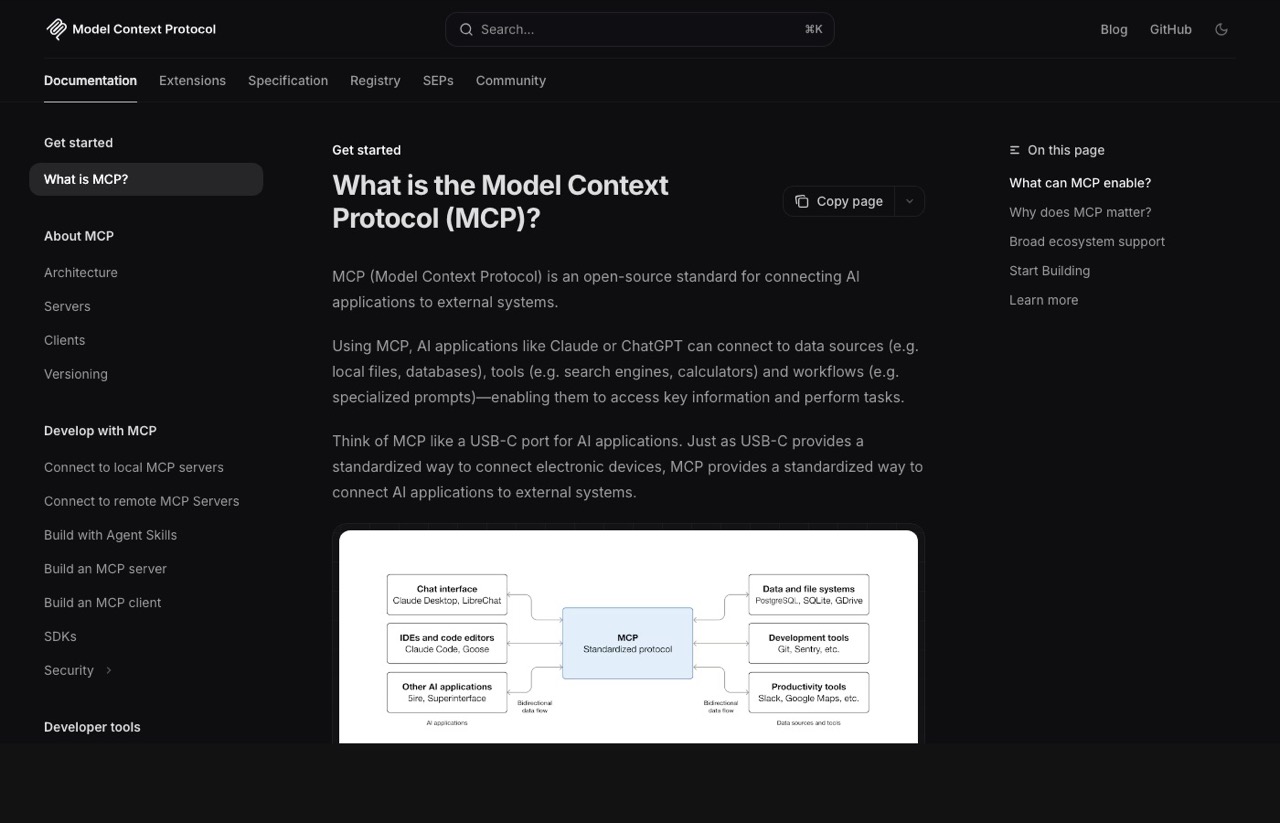
Run /mcp at the start of each session and disconnect the ones you don’t need. Better yet, if a CLI exists for the same tool (like Google Workspace CLI instead of the Google Calendar MCP), use that instead. CLIs are faster and cheaper. The MCP protocol documentation has a full list of available servers and their tool definitions.
5. Use Plan Mode Before Jumping Into Real Tasks
Plan mode lets Claude map out its approach and ask clarifying questions before writing any code. This prevents the biggest source of token waste: Claude going down the wrong path, writing hundreds of lines, and then scrapping everything.
Add something like this to your CLAUDE.md: “Do not make any changes until you have 95% confidence in what you need to build. Ask me follow-up questions until you reach that confidence level.”
6. Keep Your CLAUDE.md Lean
Claude auto-reads your CLAUDE.md at the start of every single chat as system context. If your file is 1,000 lines, every message you send triggers a full reload of all 1,000 lines. Even if you just say “hi.”
Keep it under 200 lines. Include your tech stack, coding conventions, build commands, and the most important rules. Treat it like an index that routes to where more data lives, not an encyclopedia. Point to skills and reference docs by file path so Claude grabs them only when needed.
7. Compact at 60% Capacity, Not 95%
Auto-compact triggers at around 95% context capacity. By that point, your context is already degraded and output quality has dropped. Run /context to check your capacity percentage, and at about 60%, run /compact with specific instructions on what to preserve.
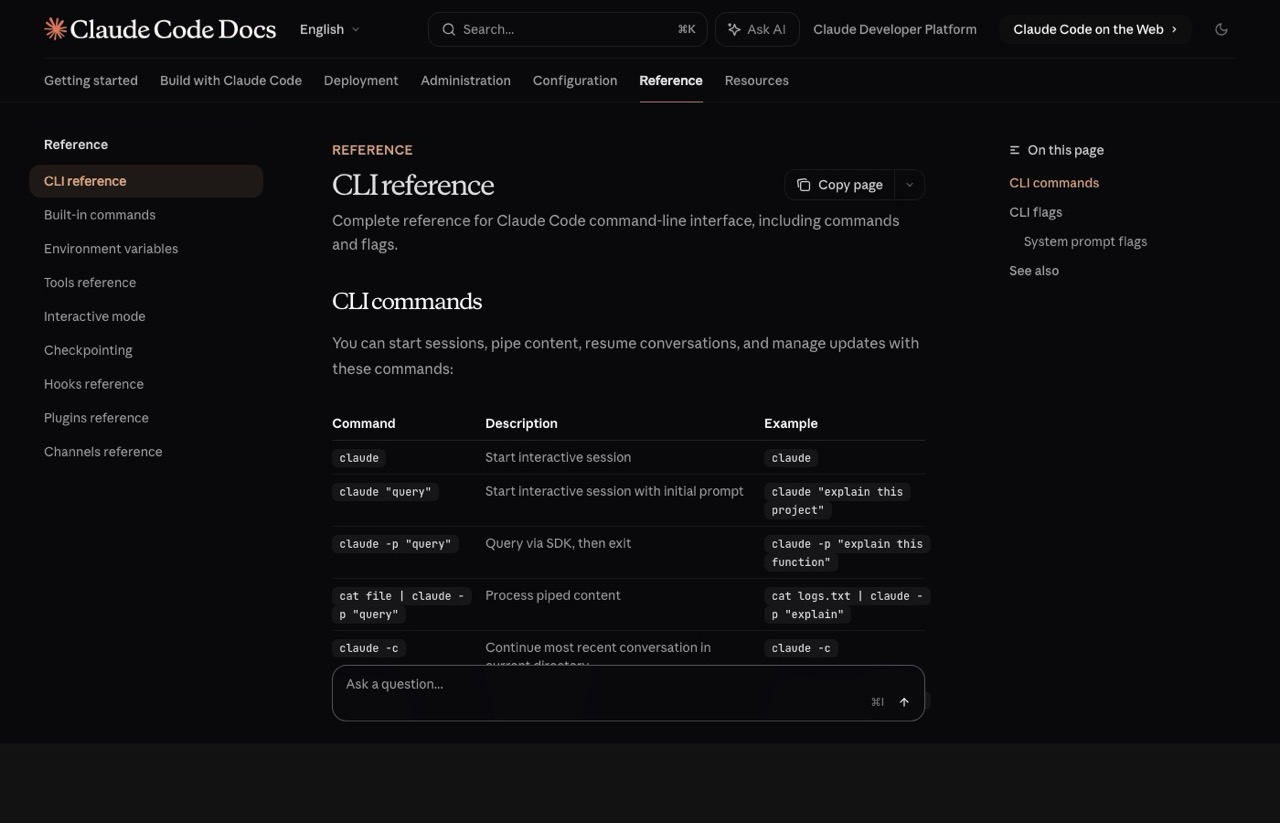
After three to four compacts in a row, quality starts to degrade further. At that point, get a session summary, run /clear, paste the summary into a new chat, and keep going. The full list of available commands is in the Claude Code CLI reference.
8. Short Breaks Cost You (Prompt Cache Timeout)
Claude Code uses prompt caching to avoid reprocessing unchanged context. But that cache has a five-minute timeout. Step away for six minutes and your next message reprocesses everything from scratch at full cost.
This is why some people feel their usage randomly spikes after coming back from a break. If you’re stepping away, do a /compact or /clear before you leave. Save yourself from paying full price on that first message back.
9. Pick the Right Model for the Task
Choosing the right model is the most impactful decision you make daily. Sonnet handles most coding work well. Haiku costs a fraction and handles formatting, brainstorming, simple tasks, and sub-agents perfectly. Opus is for deep architectural planning only, and you should keep it under 20% of your usage.
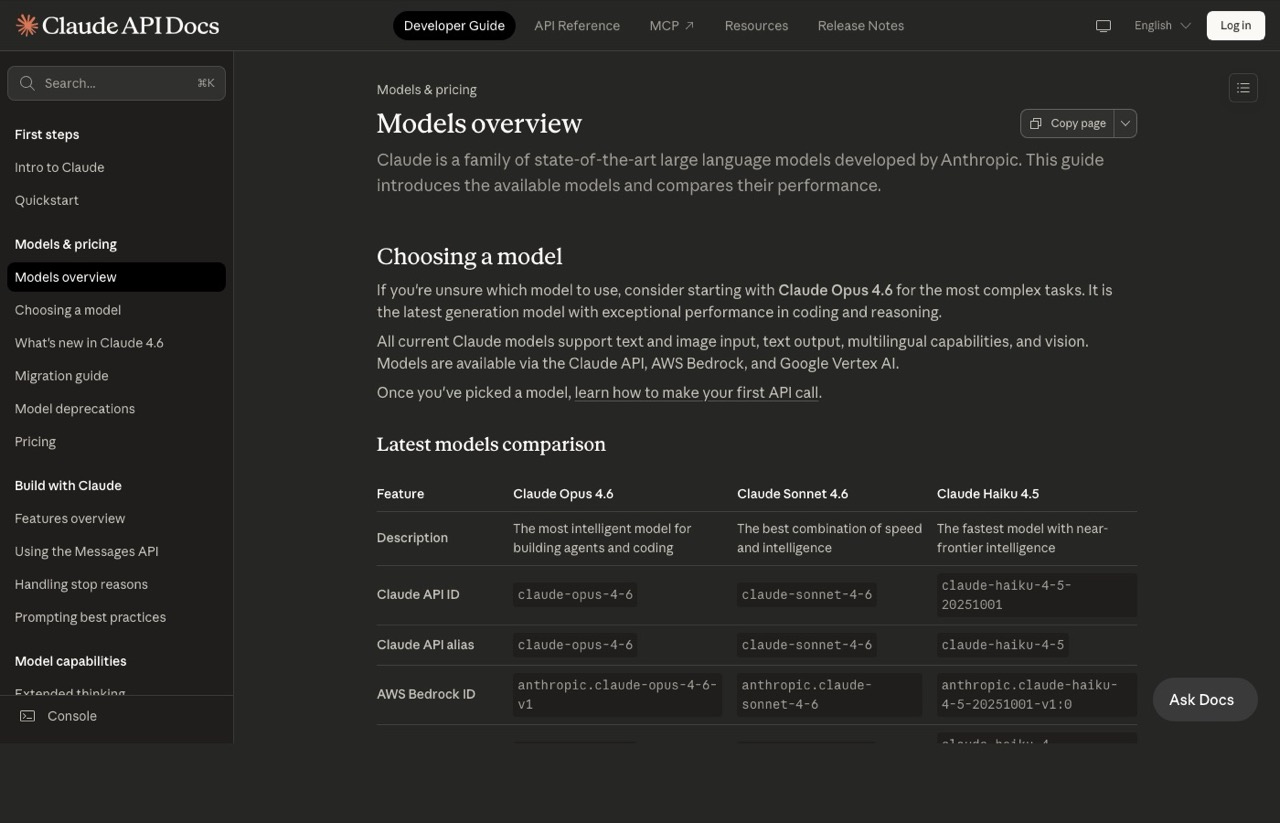
You can also bring in external tools like Codex for code reviews. Let Sonnet and Haiku do the building. Bring in the heavy models only when the lighter ones fall short. If you’re running agent teams, delegate research and one-off tasks to Haiku sub-agents whenever possible. Check the Anthropic pricing page to compare costs across tiers.
10. Understand Peak vs Off-Peak Hours
Starting March 26, 2026, Anthropic adjusts how fast your 5-hour session window drains based on demand. Peak hours are 8 AM to 2 PM Eastern Time on weekdays. During these hours, the same query impacts your limit more heavily.
Your weekly limit stays the same, but the distribution changes. Schedule big refactors, multi-agent sessions, and heavy projects for afternoons, evenings, or weekends. If you’re outside the U.S., check how peak hours map to your timezone. The difference can be significant.
What’s Coming Next for Claude Code
Anthropic’s recent source code leak (512,000 lines of code across nearly 2,000 files) revealed several unreleased features that make token management even more important going forward.
Kairos is an always-on background mode with an “auto-dream” feature. It mimics how humans consolidate memories during sleep. When you’re not using Claude Code, it reviews your chat history, summarizes what happened, and stores compressed context in memory files. This gives you continuity between sessions without carrying full conversation history.
Ultra Plan offloads complex planning to a cloud-hosted version of Opus for roughly 30 minutes. Think of it as deep research mode for planning. You could kick it off from your phone, let it run in the cloud, and continue from the results on your desktop.
Mythos is a new model tier above Opus, expected in Q3 2026. Early reports describe it as significantly more capable but extremely expensive, initially limited to researchers. Think of it like ChatGPT’s Pro model tier.
These features signal that Claude Code sessions will only get more resource-intensive. The token management habits you build now will pay dividends as these tools roll out.
Ryan’s Final Thoughts
Token management isn’t about being cheap. It’s about being intentional. The people who master these habits don’t just save money. They get better output, longer sessions, and fewer interruptions. Start with fresh chats and batched prompts. Add the advanced strategies as they become second nature. Your future self will thank you.
Claude Code Usage Tips FAQs
How many tokens does Claude Code use per session?
It depends on conversation length, MCP servers, and loaded files. A fresh session with no chats already uses around 51,000 tokens from system prompts, tools, and configuration files. A 30-message conversation can easily hit 232,000 cumulative tokens due to compounding context reloads.
Does plan mode actually save tokens in Claude Code?
Yes. Plan mode prevents Claude from writing code down the wrong path, which is the single biggest source of wasted tokens. By clarifying the approach upfront, you avoid costly redo cycles where Claude generates hundreds of lines that get scrapped entirely.
What is the prompt cache timeout in Claude Code?
The prompt cache timeout is five minutes. If you step away for longer than that, your next message reprocesses the entire conversation context from scratch. Run /compact or /clear before taking breaks to avoid this hidden cost spike.
Should I use Opus or Sonnet in Claude Code?
Use Sonnet as your default for most coding work. Reserve Opus for deep architectural planning and complex multi-file analysis, keeping it under 20% of your total usage. For simple tasks like formatting, brainstorming, and sub-agent work, use Haiku to save 50-70% of your token budget.
