
This guide shows you how to Claude Code repurpose YouTube videos into SEO-ready blog posts on autopilot, using one skill file and a paid Claude plan.
My Claude Code YouTube Repurposing Workflow (Full Video)
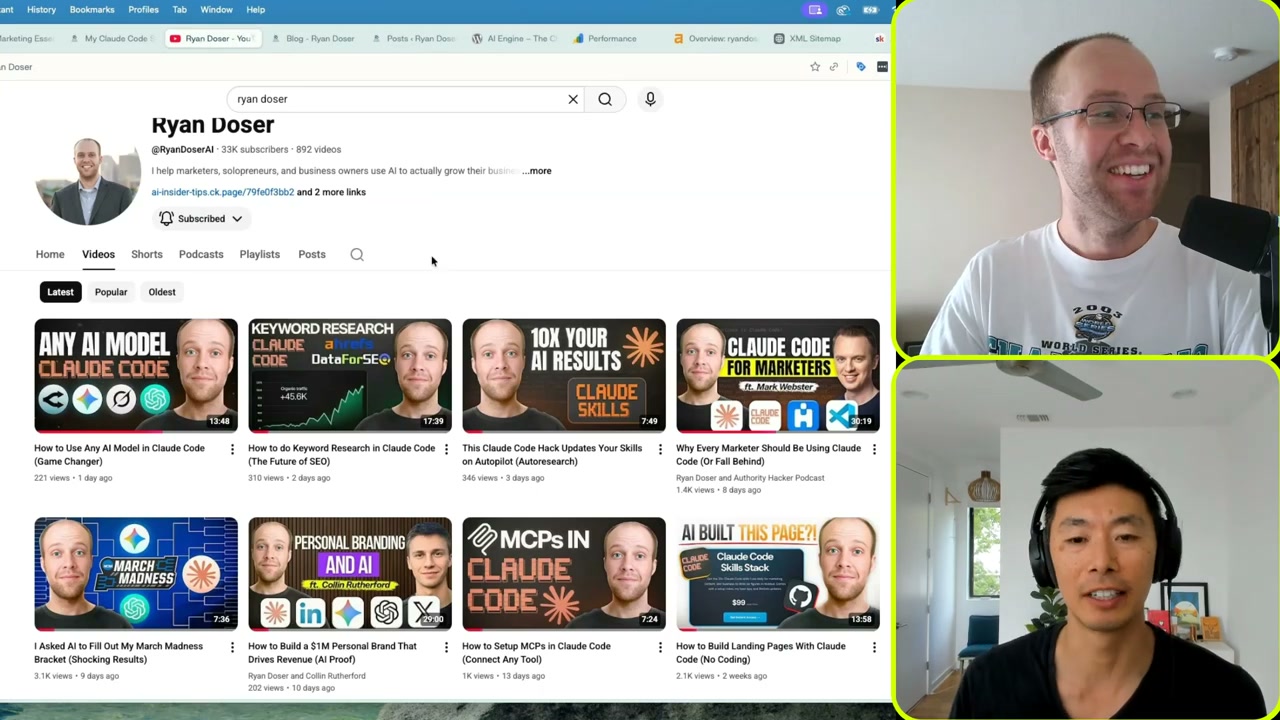
What if the slowest part of your content workflow vanished overnight? I recorded a full walkthrough on the Supermarketers podcast showing exactly how I turn a single long-form video into a complete WordPress draft in about five minutes.
You need three things before copying this setup. A paid Claude plan (Pro at $20 or Max at $100), Claude Code installed in an IDE like VS Code, and a CMS that supports MCP. WordPress is the easiest entry point. I also use Blotato to scrape the transcript, since it handles hour-long videos without choking.
If you want the wider SEO angle, I broke that down in my Claude Code SEO workflow guide. Today’s post zooms in on the repurposing half.
How Claude Code Repurposes a YouTube Video
You’ve probably tried pasting a transcript into ChatGPT, fighting the output, and copying it into WordPress yourself. That loop disappears here. Claude Code reads a skill file, scrapes the transcript, writes the article, embeds the video, and pushes a draft to WordPress in one pass.
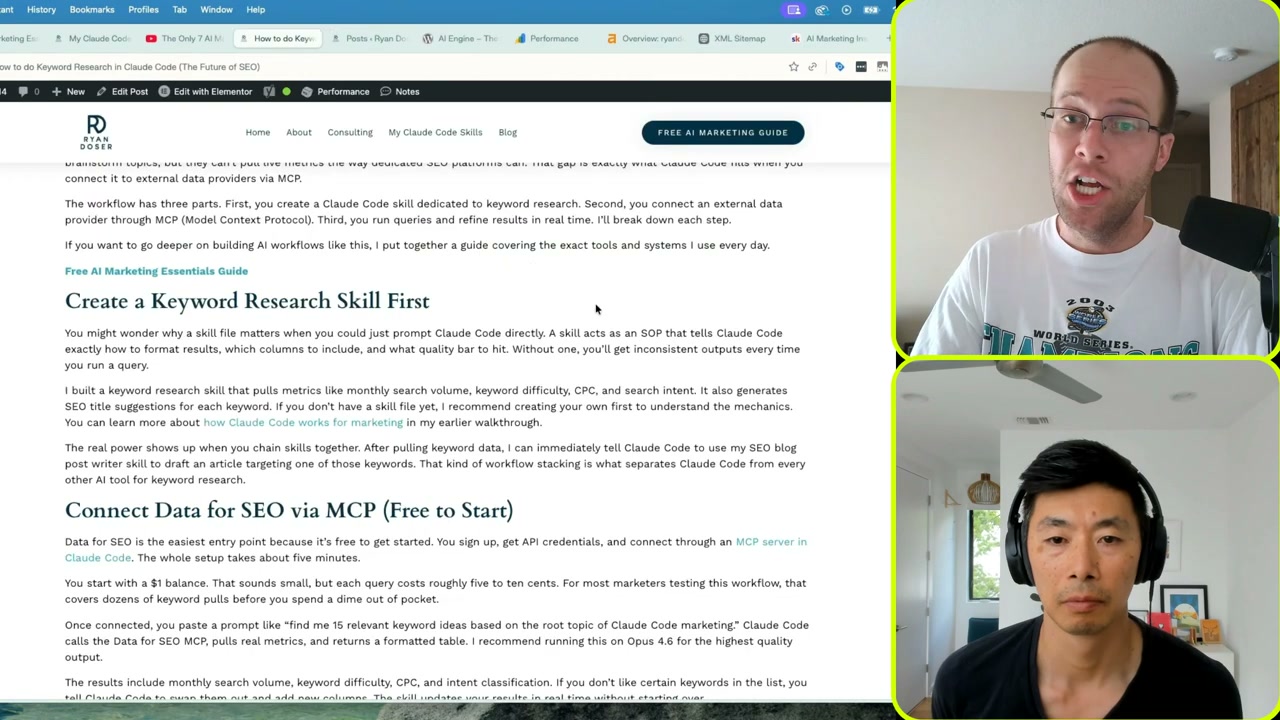
The skill file is the key. It is a Markdown SOP telling Claude Code how output should be structured. Header hierarchy, keyword placement, internal link rules, image handling, FAQ format. I trained mine over hours of edits, so each new post follows the same standards without babysitting.
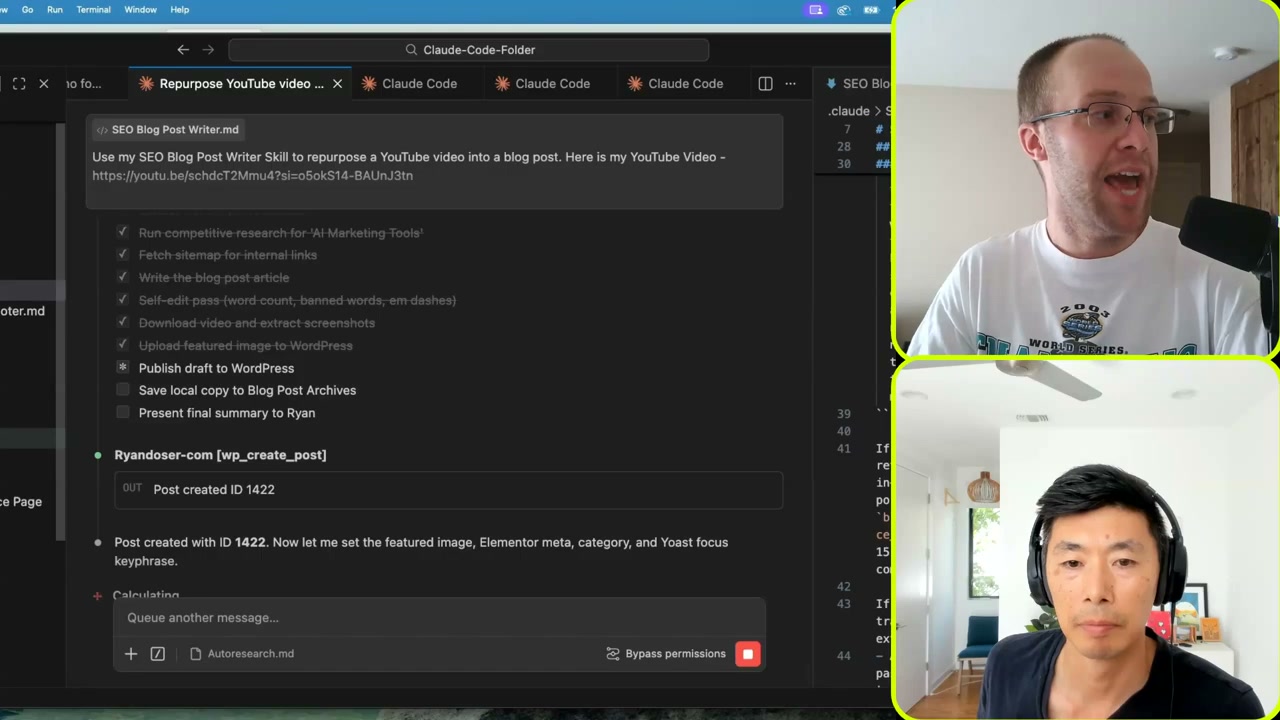
When I run a prompt, Claude Code creates its own checklist, pulls the transcript through Blotato MCP, drafts the article, grabs screenshots, and uploads everything to WordPress. The official Claude Code documentation covers the broader skill framework.
Step 1: Build Your SEO Blog Post Writer Skill
Skills replace one-shot prompts. Instead of typing the same 800-word instruction block every time, you save those rules once and call them by name.
My SEO blog post writer skill includes section structure, banned words, voice rules, internal link logic, screenshot extraction commands, and the WordPress publishing flow. It is one of several writing skills I sell as part of the Claude Code Skills Stack, though you can absolutely build your own from scratch.
A few things to watch when you write the skill. Keep one skill per task, no overlap. Use a clear description at the top so Claude Code knows when to invoke it. Reference your XML sitemap inside the skill so it can pick relevant internal links in real time.
Step 2: Run the Prompt in Claude Code
Open VS Code and start Claude Code in plan mode for your first few runs. The prompt is short. I call the skill by name, paste the YouTube URL, give it a target keyword, list five to seven secondary keywords, and add a working title.
The more context you hand it, the better the draft. Cap it with any timely angle the video missed (a new model release, a pricing change, a fresh case study). On Claude Max, I pick Opus for content writing. On Pro, Sonnet handles this fine. I turn thinking mode off for this task since it burns tokens with no quality lift.
Once the prompt is in, Claude Code generates a to-do list and starts working. You can watch each subtask check off in real time. Transcript scrape, competitive research, draft, screenshots, upload. About five minutes start to finish for a 1,200-word post on a busy connection.
Step 3: Let Claude Code Publish the Draft
This is where most YouTube-to-blog tutorials stop. Mine keeps going. The WordPress MCP connection means Claude Code creates the post inside your site directly, no manual paste required.
It assigns one category based on the article topic. It uses the YouTube thumbnail as the featured image. It sets the Yoast SEO title, meta description, focus keyphrase, and slug. It embeds the video near the top. It places three screenshots throughout the body at relevant moments. It picks two to three internal links from your sitemap with optimized anchor text.
I keep auto-publish off. Google’s recent core updates punished sites that flooded their feeds with low-effort posts, so a five-minute review pass before going live is non-negotiable. Read for tone, swap any awkward sentence, then hit publish.
What This Workflow Actually Returns
Here is what I get out of one run on a recent video.
- A 1,000 to 1,200 word draft with proper H2 and H3 hierarchy
- Embedded YouTube video near the top
- Featured image pulled from the thumbnail
- Two or three screenshots from the actual video, captioned and alt-texted
- Internal links chosen from the live sitemap
- External links to credible sources
- Yoast focus keyphrase, SEO title, meta description, slug
- Saved Markdown copy in my local archive folder
The same transcript also spins out social posts through Blotato. Since the context already lives in Claude Code, a one-line follow-up like “now create five LinkedIn posts” takes another minute. That is the core of my AI social media system: one root file feeding every channel.
Honest caveat. If your YouTube video has weak structure, the post inherits it. Claude Code polishes prose, but it cannot invent a thesis you never made on camera. Tighter videos make tighter posts.
I refined this on shows like Supermarketers, where guests pressure-test their systems on camera.
Final Thoughts from Ryan
The unlock here is not Claude Code itself. It is treating your YouTube channel as the content foundation and letting one skill file handle the repurposing tax. Every video can become a ranking blog post, a newsletter section, and a week of social content from the same transcript. Start by recording one tight video on a real keyword. Build the skill once. Then watch how fast your library compounds.
Claude Code Repurpose YouTube Videos FAQs
Do I need a paid Claude plan to repurpose YouTube videos with Claude Code?
Yes. Claude Code only runs on a paid plan. Pro at $20 a month handles this workflow on Sonnet, and Max at $100 unlocks Opus for higher-quality writing. The free Claude tier does not include Claude Code access at all.
How long does it take to turn one YouTube video into a blog post?
About five minutes from prompt to draft on a stable connection. Most of that is the transcript scrape and the screenshot extraction. A short review pass before publishing adds another five to ten minutes, so plan for fifteen total per post.
Which YouTube transcript scraper works inside Claude Code?
I use Blotato because it has an MCP server and reliable scraping on long videos. You can swap in other scrapers as long as they expose an MCP endpoint or a clean API. Without a working scraper, none of this runs.
Can Claude Code post directly to WordPress?
Yes, through the WordPress MCP. Claude Code creates the post as a draft, sets the featured image, assigns one category, fills in Yoast meta, and embeds the video. I never let it auto-publish. A human review pass protects you from low-quality drafts hitting the live site.
Does this workflow break Google’s spam policies?
Not if you review every draft. Google penalizes mass-produced AI content with no editorial layer. This workflow gives you a fast first draft, but the human checkpoint before publishing keeps quality at a level Google rewards.
