
Most marketers are using Claude like a fancy search engine. Claude Code AI marketing agents are something else entirely.
How Claude Code AI Marketing Agents Actually Work
You’ve probably opened Claude or ChatGPT, typed a prompt, and copy-pasted the result somewhere. That workflow has a ceiling.
Claude Code operates differently. It reads and writes files directly on your machine. That single capability changes everything about what’s possible.
Adam Sandler (not that one) figured this out without a technical background. He’s a veteran marketer who ran content at American Express and spent years at Nestle. No programming degree. He taught himself Claude Code and built a working AI marketing system he calls his SLC CMO agent.
I sat down with Adam on the AI Rabbit Holes series to break down how it works. Watch it here:
The core idea: instead of starting from scratch every session, you build agents that carry context forward. They know your brand, your audience, your past campaigns. The system handles the repetitive work. You do the thinking.
If you want to go deeper on building AI systems like this, I put together a guide with the exact tools and frameworks I use in production.
Free AI Marketing Essentials Guide
The AI CMO: What an Orchestrating Agent Actually Does
Most people hear “agent” and picture something futuristic. The reality is simpler.
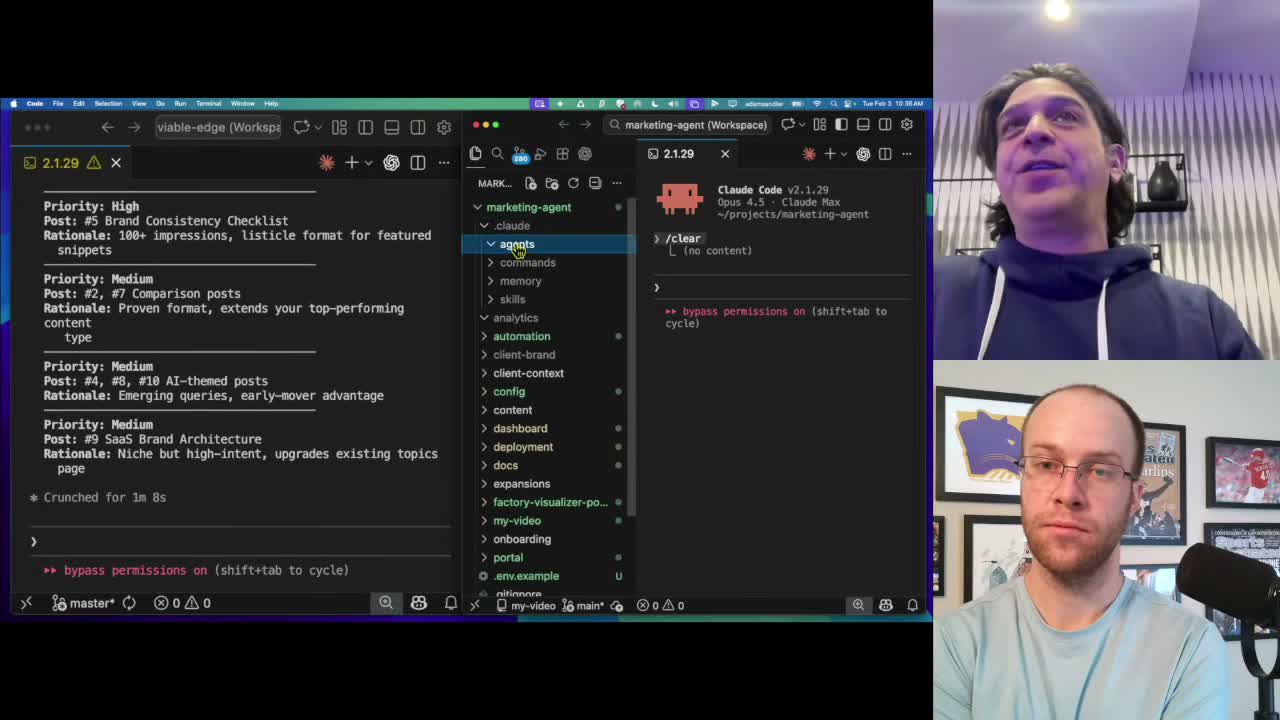
When you launch Claude Code, it reads your CLAUDE.md file. That’s just a text file with instructions. You control what it says. That’s your agent’s starting point.
Adam built his CMO agent on top of that foundation. It’s a set of instructions that starts each Claude Code session with full knowledge of his marketing context, client goals, and campaign frameworks. Instead of briefing a blank chatbot every time, the agent already knows his business.
It handles campaign development: brand campaigns, competitive analysis, social media rollouts, launch sequences. Adam bakes his own marketing instincts into the instructions. When it behaves in a way he wouldn’t, he refines it. That’s the human-in-the-loop part most AI demos skip.
Skills, Sub-Agents, and Context: The Building Blocks of Claude Code
Here’s where Claude Code AI agents get genuinely useful. Three terms matter most.
Skills are reusable instructions saved to a file. Build a process once, save it, call it with a slash command. Adam has a skill that scrubs call transcripts of small talk before saving them as context. One command, every time.
Sub-agents are separate Claude Code sessions your main agent launches automatically. Each gets a fresh context window, does one job, reports back, and disappears. Claude Code can run multiple sub-agents in parallel. Writing 10 blog posts takes the same time as writing one.
Context is the resource you’re managing. Long sessions eat tokens and degrade output quality. Adam’s CMO agent has tight instructions for what to read and when. Irrelevant files stay out. Relevant ones load on demand.
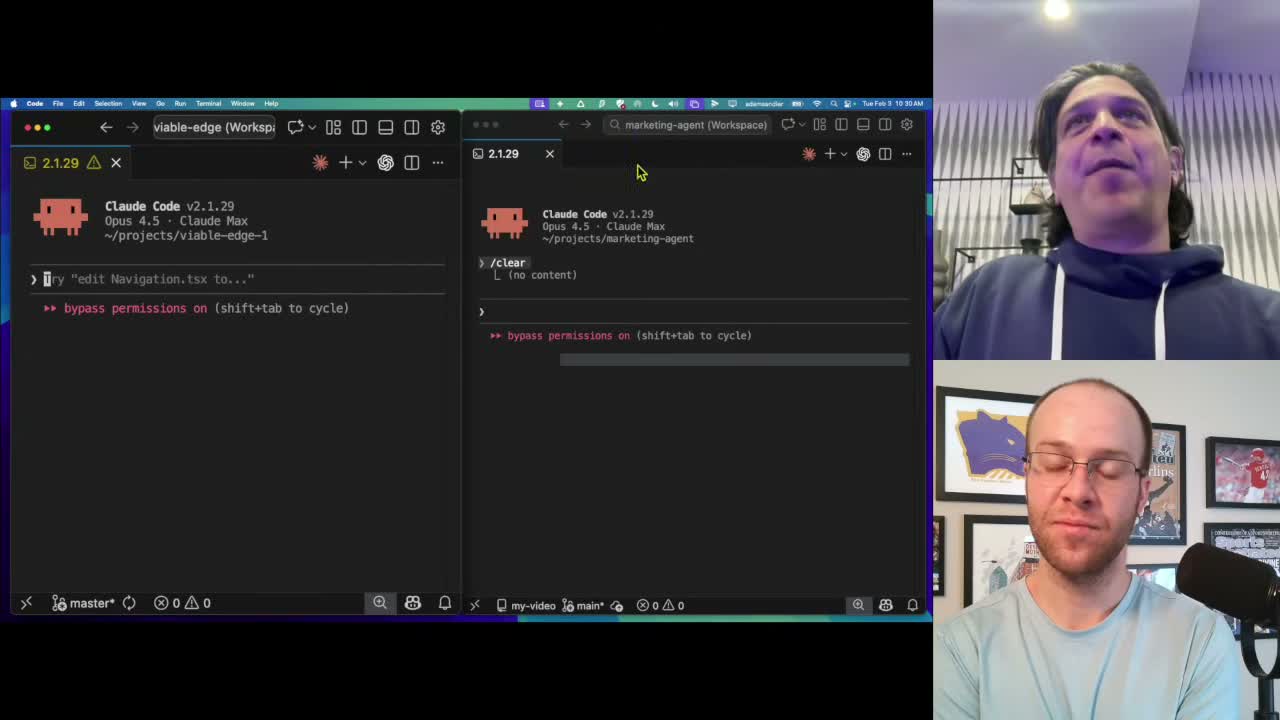
Real-World Example: Google Analytics MCP Integration
The screen share in the video is where things get concrete.
Adam built a custom MCP tool connecting Claude Code to his Google Analytics and Search Console data. From inside VS Code, he dictates one prompt:
“Look at my recent Analytics and Search Console performance and recommend 10 blog posts based on what’s trending.”
Claude Code pulls live data and returns 10 recommendations grounded in actual traffic patterns. Not generic brainstorming. Real data.
Old workflow: export from Analytics, screenshot charts, upload to a chat window, prompt it, copy the output somewhere. New workflow: one sentence. The loop closes in the same session.
From there, he asks Claude Code to write the articles. It already has his brand voice, style guidelines, and site structure loaded. The output reflects his actual brand.
Getting Started Without a Technical Background
Adam’s advice for anyone overwhelmed by the terminal: start with a small research prompt.
Pick a competitor. Ask Claude Code to research them and store the output in a structured CSV. That’s session one. Next session, analyze trends across the competitors. Session after that, turn those trends into a draft email drip. Each session adds one layer.
Adam’s comparison stuck with me. Early SEO felt like a technical wall for non-developer marketers. At some point you had to learn what a meta description was. Claude Code is that same moment. The baseline you need is shallower than it looks.
One practical tip: use voice dictation. Adam uses Super Whisper. Typing constrains how you think. Talking to Claude Code changes the output quality. It’s free at the entry level.
One Watch-Out Before You Start
Do not chase the bots.
Claude Bots, Open Claw, every new agentic wrapper that dropped this week. Without a solid Claude Code foundation and a working skill setup, those tools will eat months of your attention.
Start with Claude Code’s overview documentation. Twenty minutes of reading. Build the foundation first, then the wrappers actually make sense.
Final Thoughts from Ryan
Start small. You don’t need to architect the whole system first. Run one research prompt. Save the output. Build on it next session.
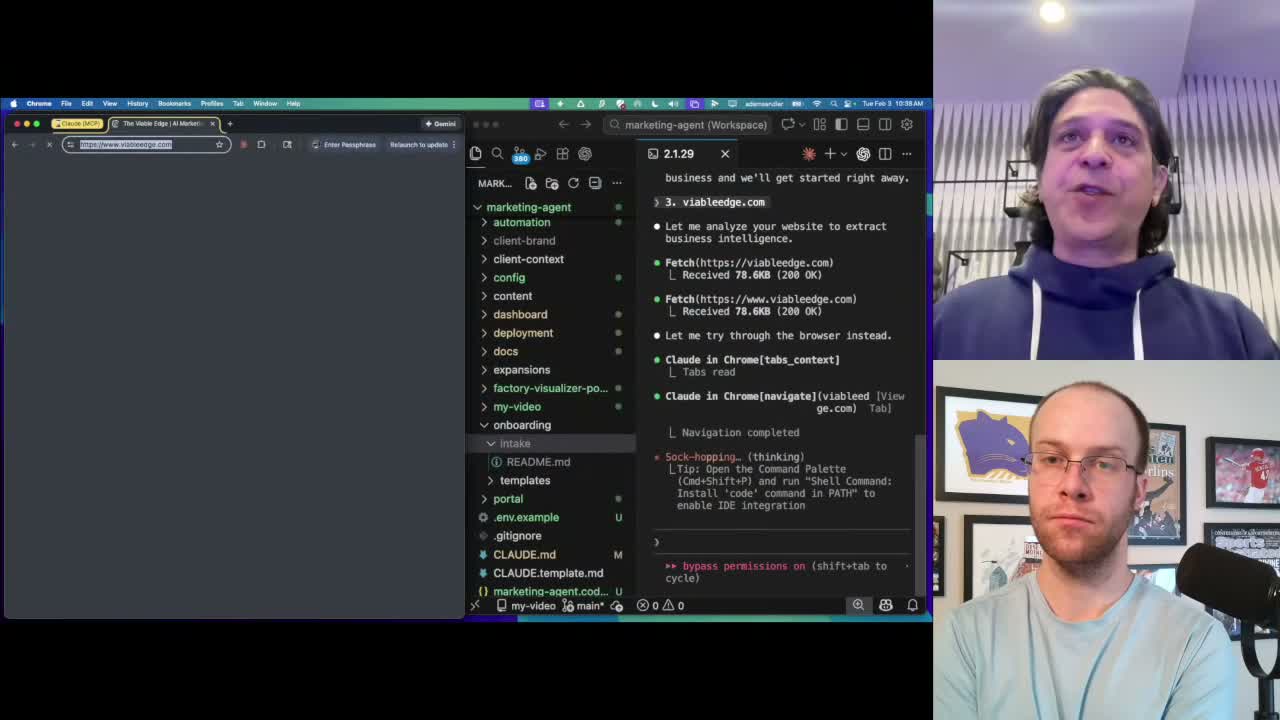
Adam is the proof. Corporate marketing background. No code. He built a working AI CMO from scratch by iterating. Find him at The Viable Edge on YouTube, on X, at viableedge.com, or on LinkedIn.
The gap between marketers using AI as a chat window and marketers running real AI workflows is growing. This is what the second group looks like.
Claude Code AI Marketing Agents FAQs
What is a Claude Code AI marketing agent?
A Claude Code AI marketing agent is a customized set of instructions that starts each Claude Code session with pre-loaded brand context, marketing frameworks, and workflow rules. It behaves like a briefed team member, not a blank chatbot. You build it once and refine it as your needs change.
Do you need to know how to code to use Claude Code for marketing?
No. Adam built a full AI marketing agent system without a programming background. The learning curve is in understanding context, files, and sessions, not in writing code. Simple research prompts are enough to start.
What is an MCP tool in Claude Code?
MCP (Model Context Protocol) is how Claude Code connects to external data sources. Adam’s custom MCP integration pulls live data from Google Analytics and Search Console directly into his Claude Code session, no manual export needed.
What’s the difference between Claude Code agents and sub-agents?
Your main session is the agent. Sub-agents are separate sessions it spins up to handle specific tasks. Each sub-agent gets a fresh context window. Multiple sub-agents run in parallel, which is what makes batch content production fast.
How is Claude Code different from Claude or ChatGPT on the web?
Claude Code reads and writes files on your machine and builds on previous work across sessions. Web chat starts fresh every time and lives in the copy-paste loop. That’s the core difference.
